
Logs and checks: who changed what, and what needs fixingLogs and checks: مَن غيّر ماذا، وما الذي يحتاج إلى إصلاح
The Administration group holds a set of screens for looking back at what happened in the company and for checking its accounting entries. Most of them open on a row of filters above a grid. See also Report setup and mail: ad hoc reports, report order, the designer and email.
1. Audit trail
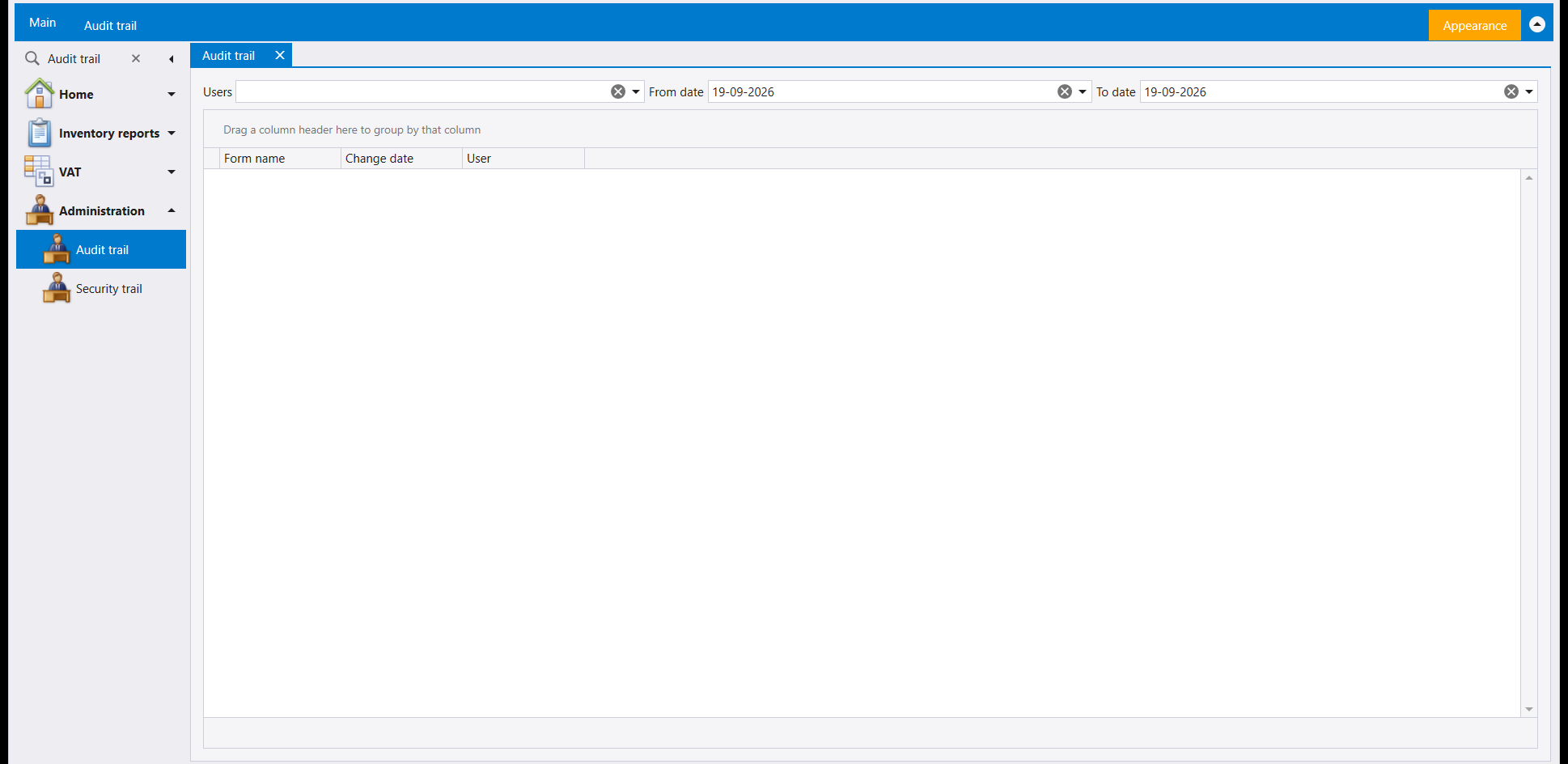
Audit trail has a Users filter and a From date / To date range. Its grid reads Form name, Change date and User: which screen, when, and who.
2. Security trail
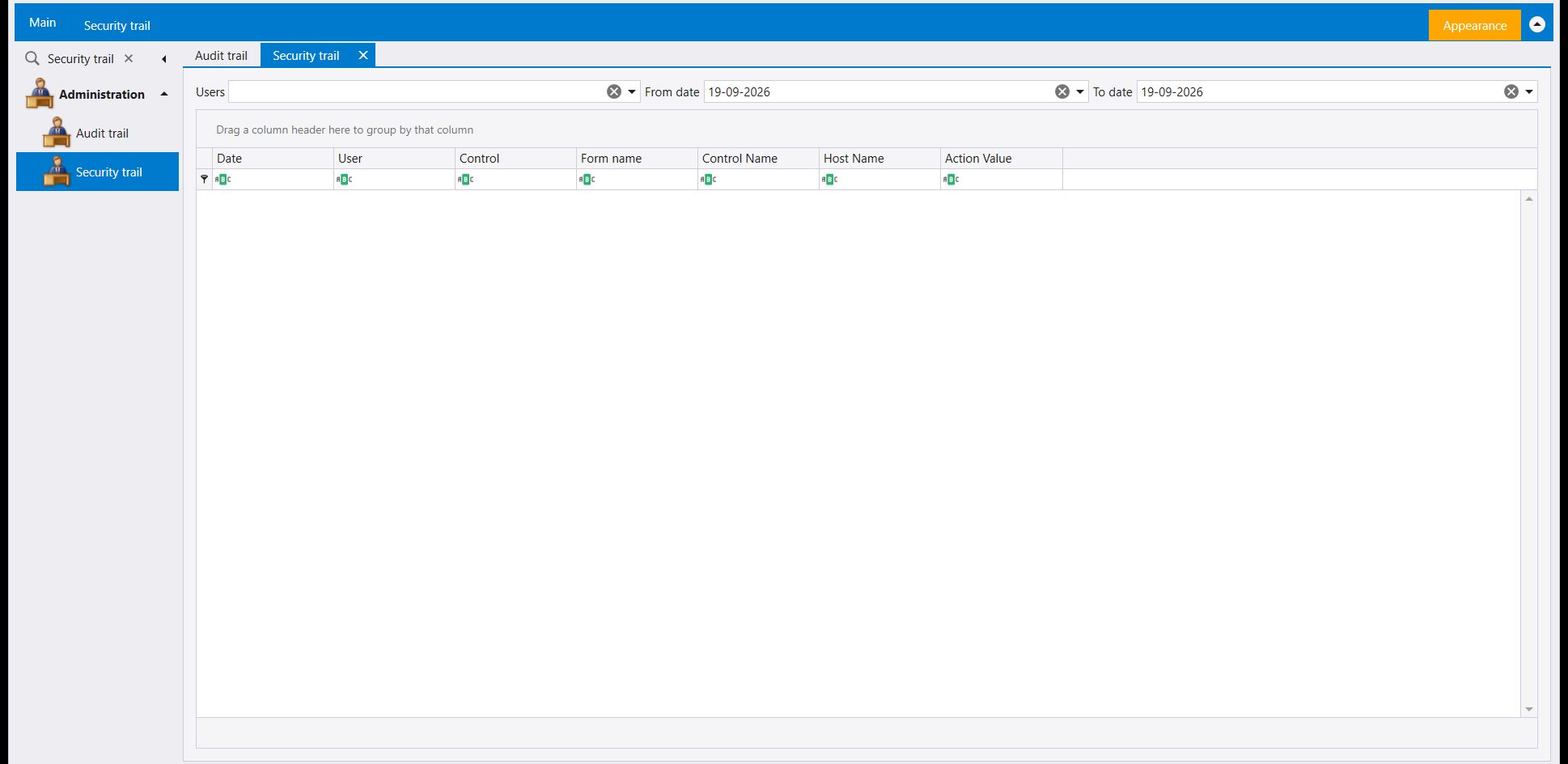
Security trail has the same three filters. Next to Date, User and Form name, its grid carries Control, Control Name, Host Name and Action Value. Every column has its own filter box under its header, so a long trail can be narrowed one column at a time.
3. Transactions log
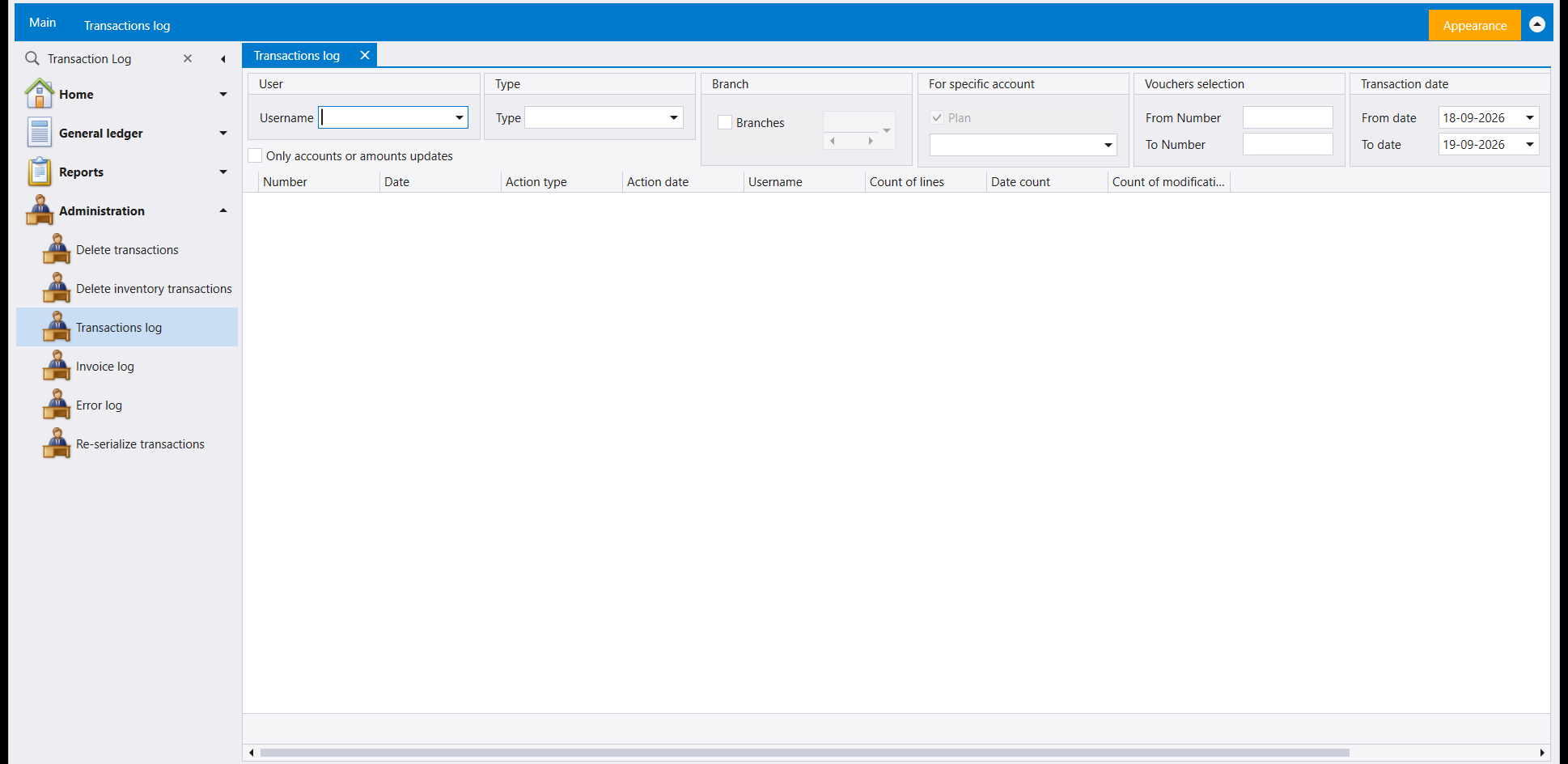
Transactions log filters by Username, Type, Branch, one account (For specific account), a voucher number range (Vouchers selection, From Number / To Number) and a Transaction date range, with a box labelled Only accounts or amounts updates. Its grid reads Number, Date, Action type, Action date, Username, Count of lines, Date count and Count of modifications.
4. Invoice log
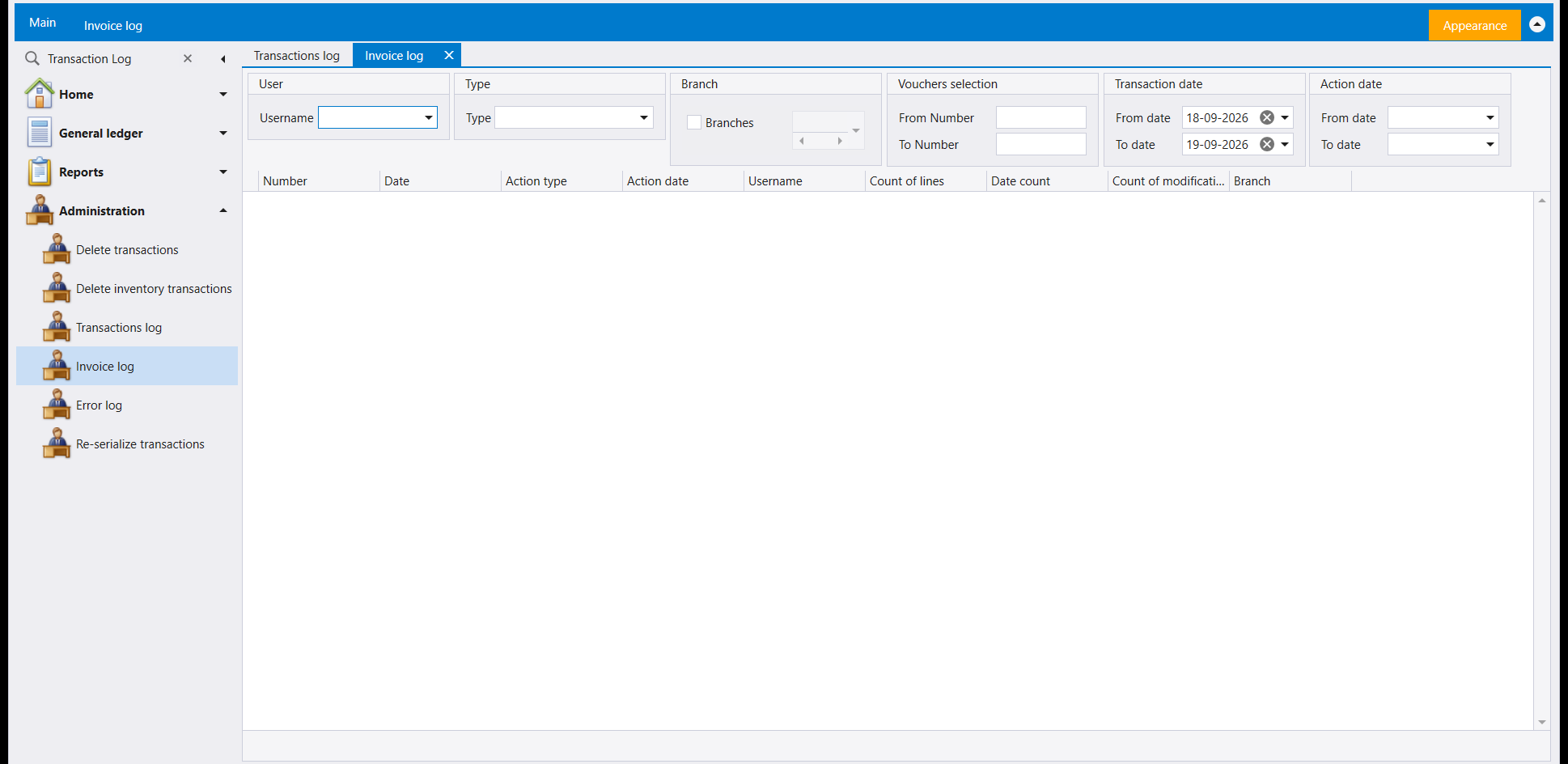
Invoice log is the invoice counterpart. It filters by Username, Type, Branch, a Vouchers selection number range, a Transaction date range and a second Action date range. Its grid has the same columns as Transactions log plus Branch.
5. Error log
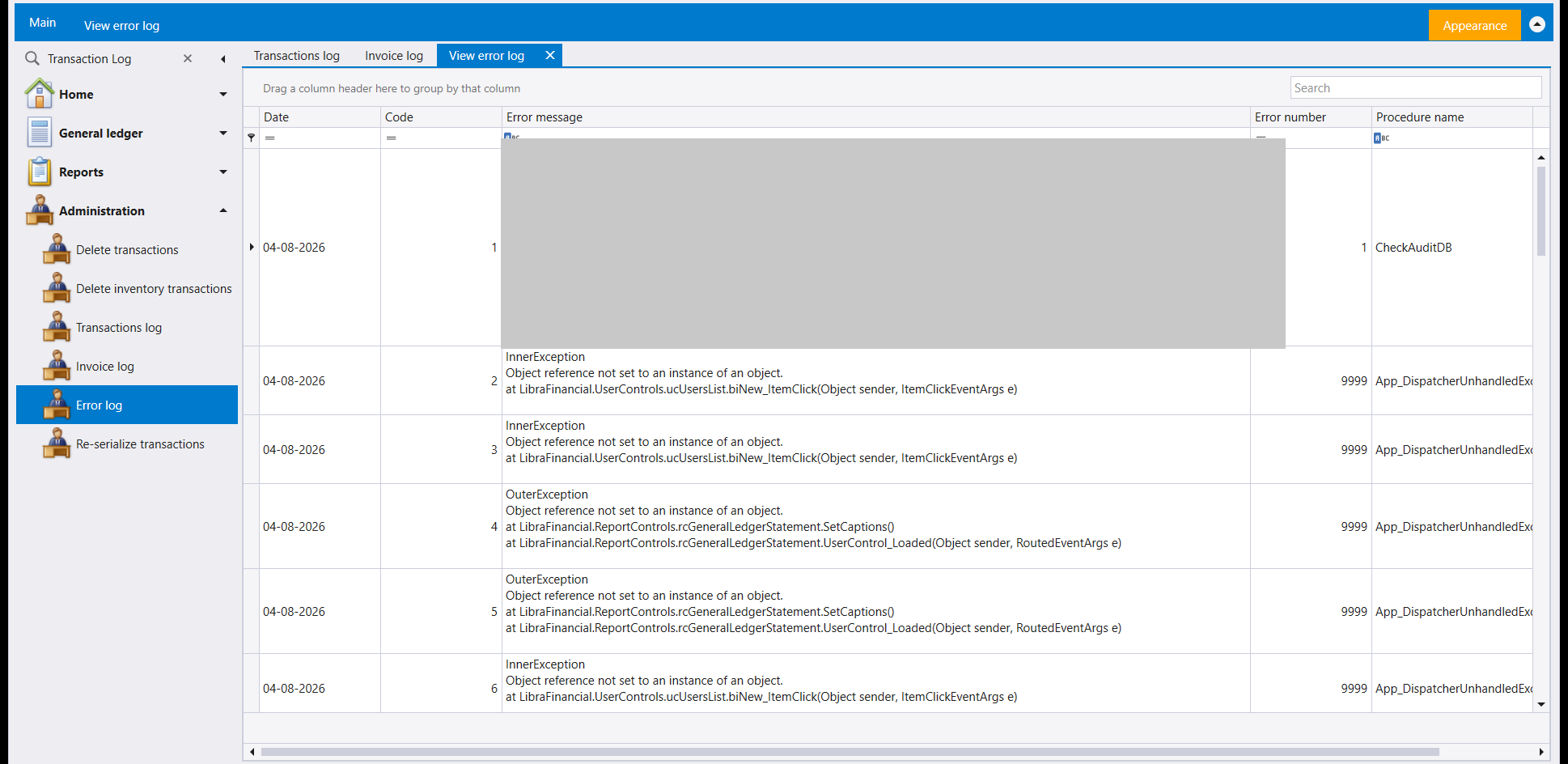
Error log lists the errors the program has recorded, one per row, with a Search box over a grid of Date, Code, Error message, Error number and Procedure name. The Error message column holds the full text of each one.
6. Accounting problems
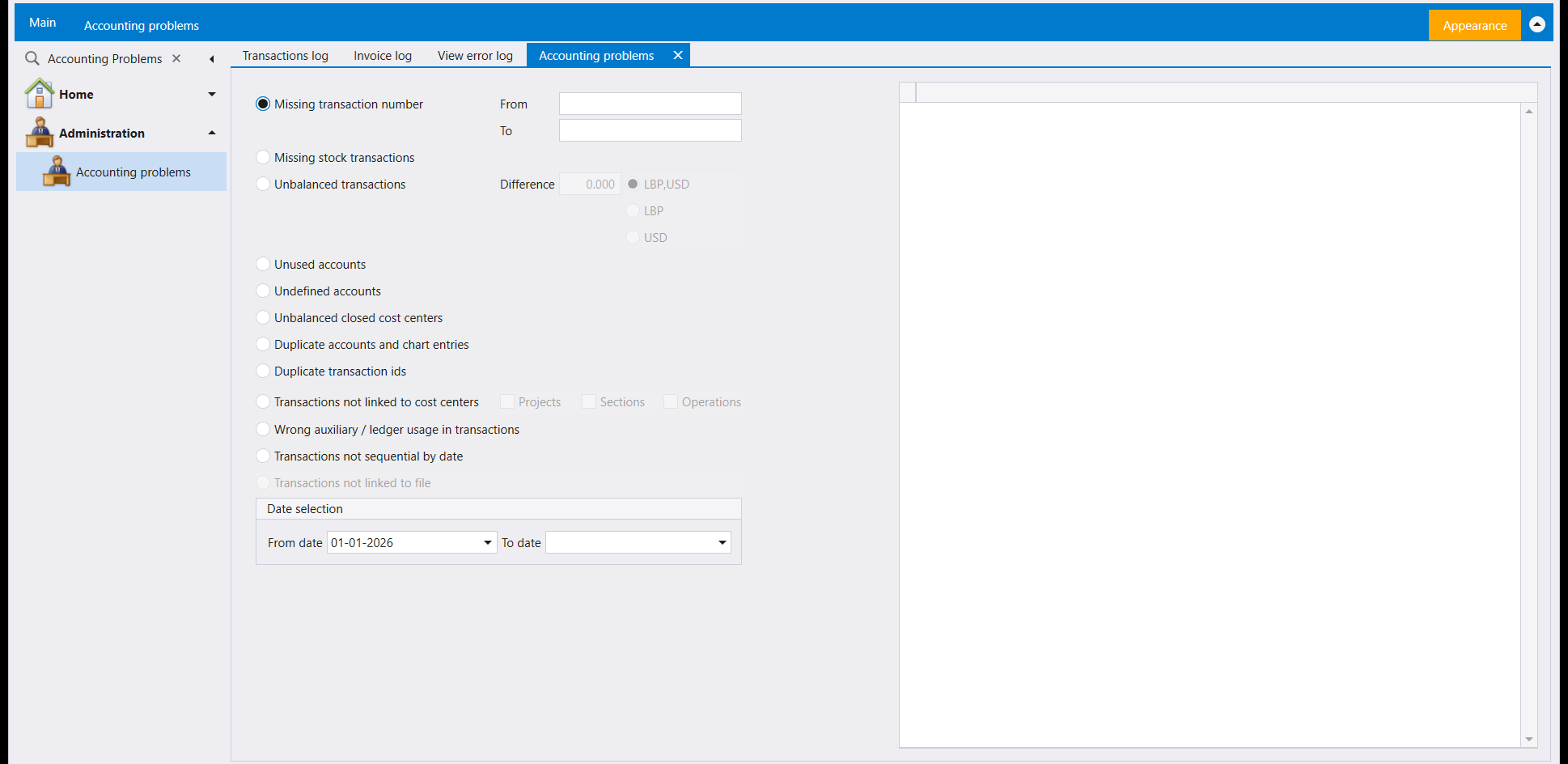
Accounting problems offers one check at a time, each an option button:
- Missing transaction number, with a From / To range;
- Missing stock transactions;
- Unbalanced transactions, with a Difference and a choice of LBP,USD, LBP or USD;
- Unused accounts and Undefined accounts;
- Unbalanced closed cost centers;
- Duplicate accounts and chart entries and Duplicate transaction ids;
- Transactions not linked to cost centers, by Projects, Sections or Operations;
- Wrong auxiliary / ledger usage in transactions;
- Transactions not sequential by date.
Set the Date selection range under the list. The screen's ribbon carries Execute, Preview and Reports, and the grid on the right holds what a check returns.
7. In this release
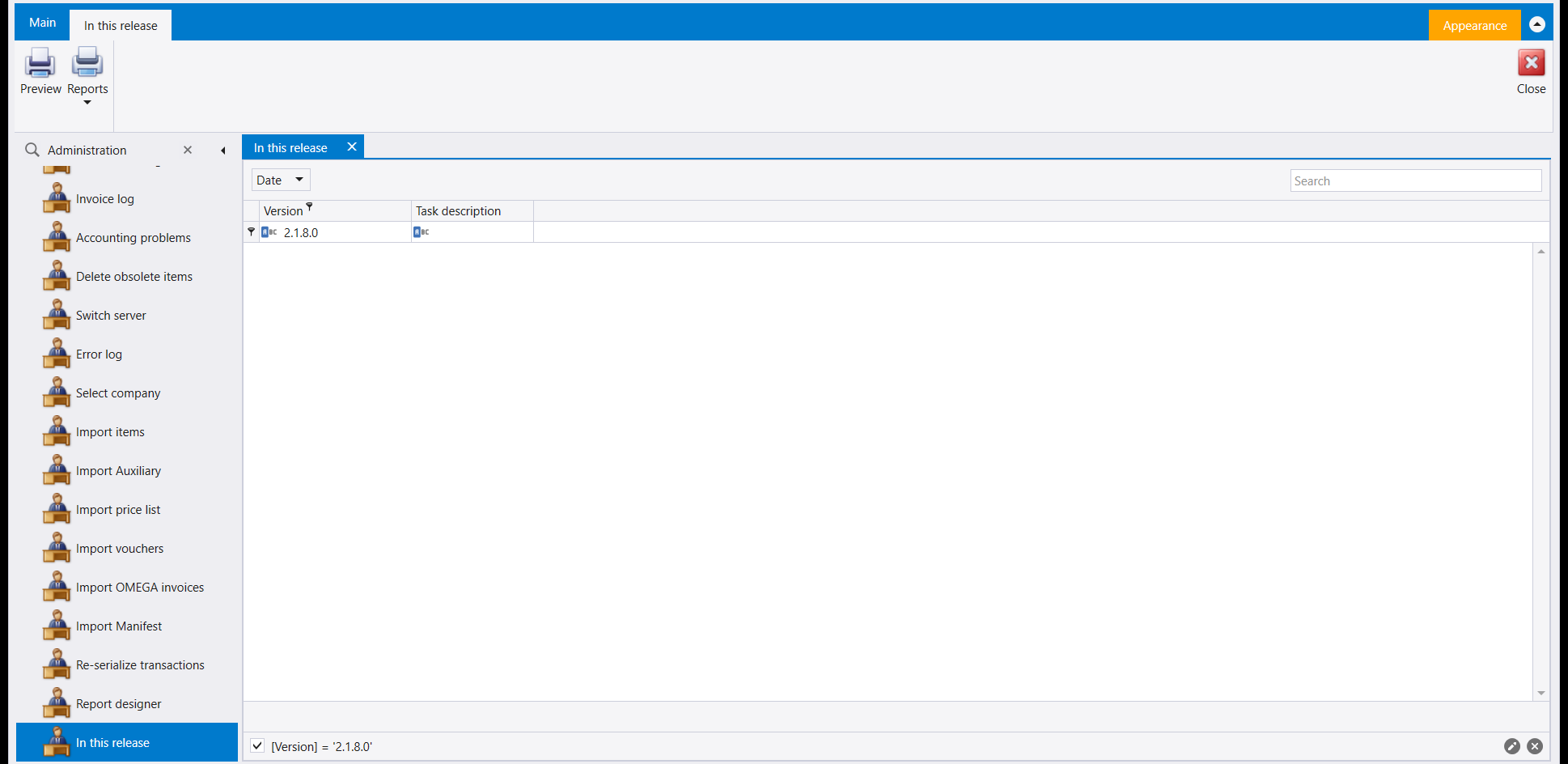
In this release is a row in the Administration group. It shows a Date list and a grid of Version and Task description, filtered to the version installed (the filter bar reads [Version] = '2.1.8.0'), with Preview and Reports on its ribbon.
8. Reserved sales items
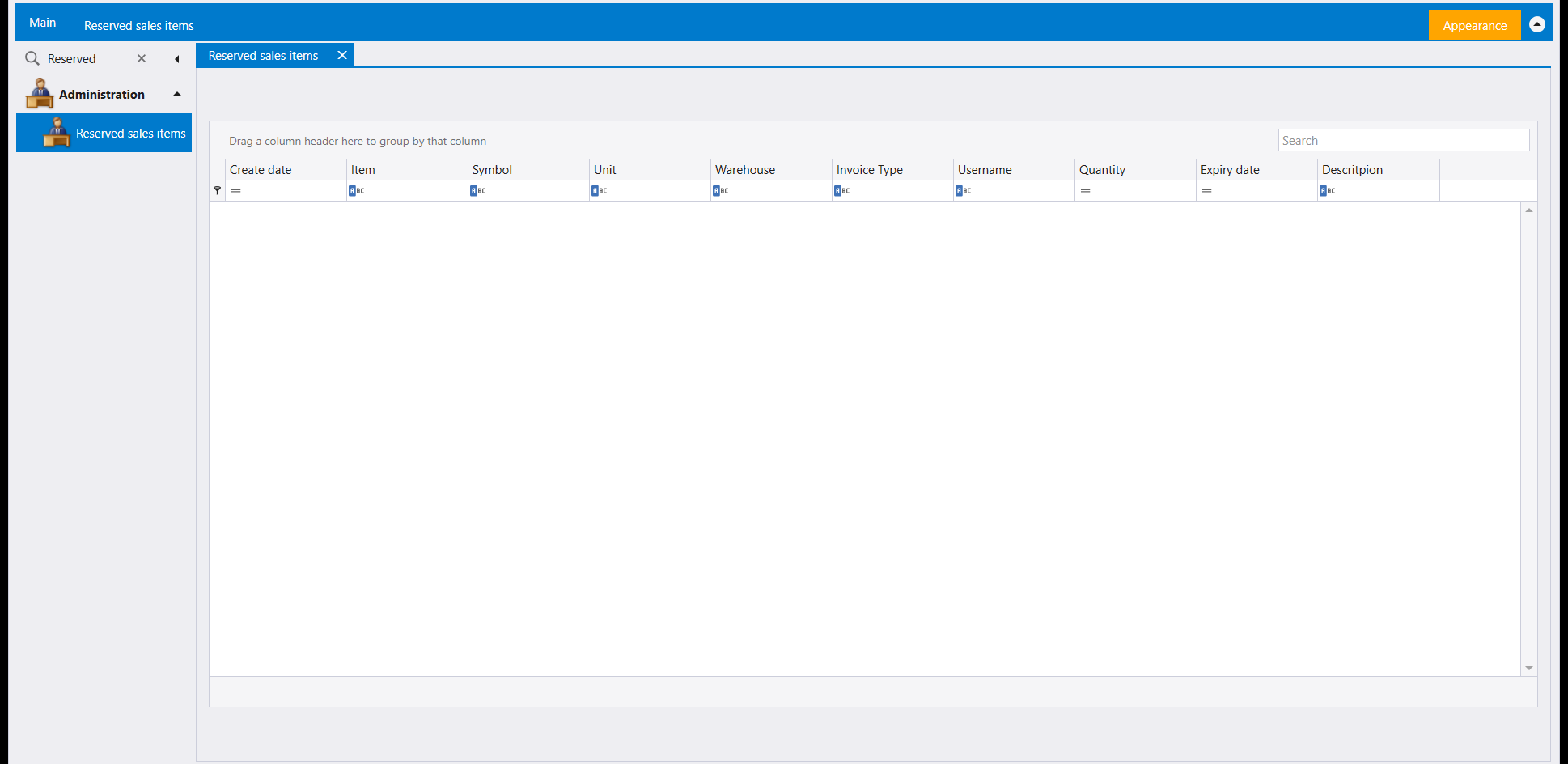
Reserved sales items, also in Administration, is a list with a Search box and the columns Create date, Item, Symbol, Unit, Warehouse, Invoice Type, Username, Quantity, Expiry date and Descritpion (spelled that way on screen).
تضم مجموعة Administration شاشات لمراجعة ما جرى في الشركة ولفحص قيودها المحاسبية. يفتح معظمها على صفّ من المحددات فوق جدول. راجع أيضًا إعداد التقارير والبريد: التقارير حسب الطلب وترتيب التقارير والمصمّم والبريد.
١. Audit trail
في Audit trail محدد Users ومدى From date / To date. ويقرأ جدولها Form name وChange date وUser: أيّ شاشة، ومتى، ومَن.
٢. Security trail
في Security trail المحددات الثلاثة نفسها. وإلى جانب Date وUser وForm name يحمل جدولها Control وControl Name وHost Name وAction Value. ولكل عمود صندوق تصفية خاص تحت عنوانه، فيمكن تضييق سجل طويل عمودًا بعد عمود.
٣. Transactions log
تصفّي Transactions log حسب Username وType وBranch وحساب واحد (For specific account) ومدى أرقام سندات (Vouchers selection، From Number / To Number) ومدى Transaction date، ومعها صندوق بعنوان Only accounts or amounts updates. ويقرأ جدولها Number وDate وAction type وAction date وUsername وCount of lines وDate count وCount of modifications.
٤. Invoice log
Invoice log هي المقابل الخاص بالفواتير. تصفّي حسب Username وType وBranch ومدى أرقام Vouchers selection ومدى Transaction date ومدى ثانٍ Action date. ولجدولها أعمدة Transactions log نفسها مع Branch.
٥. Error log
تسرد Error log الأخطاء التي سجّلها البرنامج، خطأً في كل صف، مع صندوق Search فوق جدول من Date وCode وError message وError number وProcedure name. ويحمل عمود Error message النص الكامل لكل خطأ.
٦. Accounting problems
تعرض Accounting problems فحصًا واحدًا في كل مرة، ولكلٍّ منها زرّ اختيار:
- Missing transaction number مع مدى From / To؛
- Missing stock transactions؛
- Unbalanced transactions مع Difference واختيار بين LBP,USD وLBP وUSD؛
- Unused accounts وUndefined accounts؛
- Unbalanced closed cost centers؛
- Duplicate accounts and chart entries وDuplicate transaction ids؛
- Transactions not linked to cost centers حسب Projects أو Sections أو Operations؛
- Wrong auxiliary / ledger usage in transactions؛
- Transactions not sequential by date.
حدّد مدى Date selection تحت اللائحة. ويحمل شريط الشاشة Execute وPreview وReports، ويضم الجدول على اليمين ما يعيده الفحص.
٧. In this release
In this release صفّ في مجموعة Administration. تعرض قائمة Date وجدولًا من Version وTask description، مصفّى على الإصدار المثبّت (يقرأ شريط التصفية [Version] = '2.1.8.0')، وعلى شريطها Preview وReports.
٨. Reserved sales items
Reserved sales items، في Administration أيضًا، لائحة مع صندوق Search وأعمدة Create date وItem وSymbol وUnit وWarehouse وInvoice Type وUsername وQuantity وExpiry date وDescritpion (هكذا تُكتب على الشاشة).