
Bringing in data from outside Libraإدخال البيانات من خارج ليبرا
Six import wizards sit under Administration: Import items, Import Auxiliary, Import price list, Import vouchers, Import OMEGA invoices and Import Manifest. Each opens on step 1 of a numbered wizard, and five of them start with the same choice: a New Template or an Existing Template. This guide shows that first step of each.
1. Items
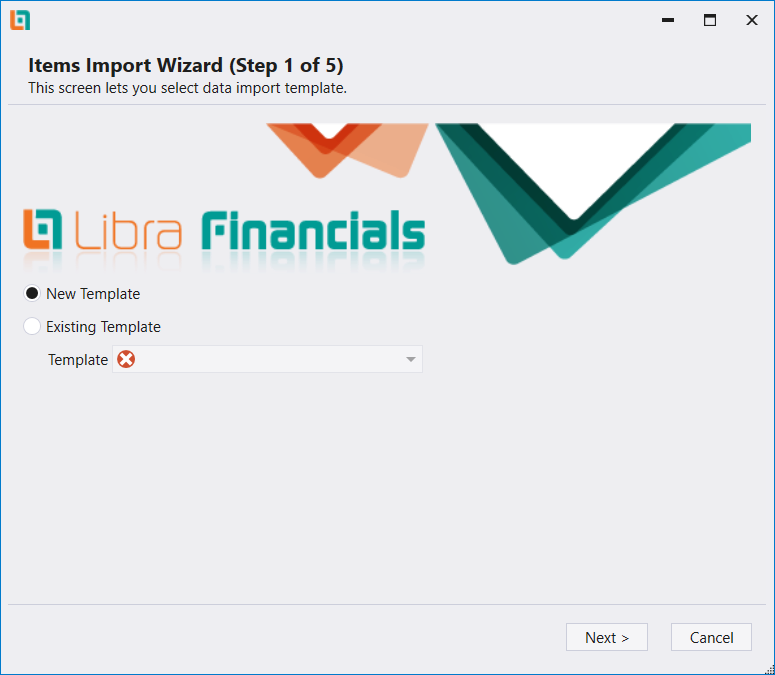
Import items opens the Items Import Wizard on step 1 of 5. Choose New Template or Existing Template, which has a Template box under it. The screen's own caption reads «This screen lets you select data import template.» Next > and Cancel sit at the bottom.
2. Auxiliary accounts
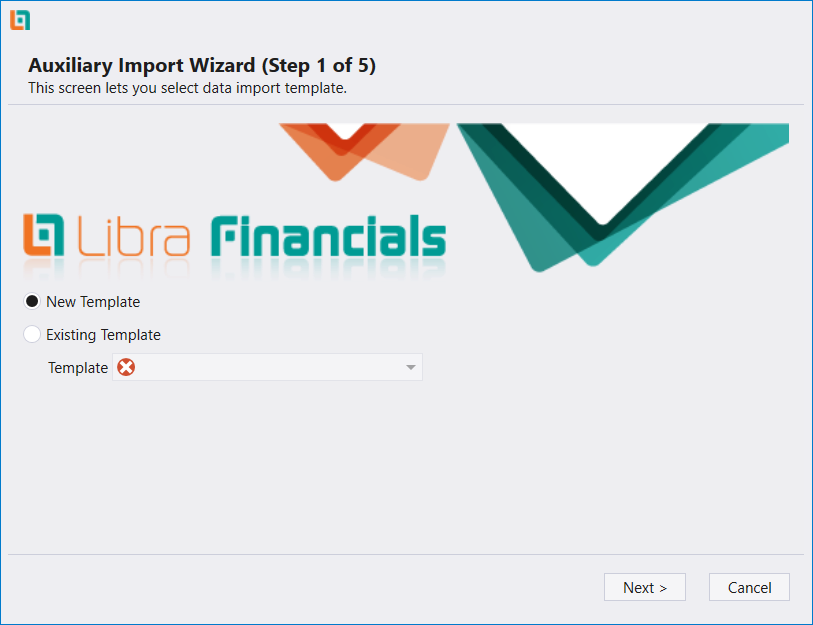
Import Auxiliary opens the Auxiliary Import Wizard on the same first step, also 5 steps long: New Template or Existing Template, then Next.
3. Price list
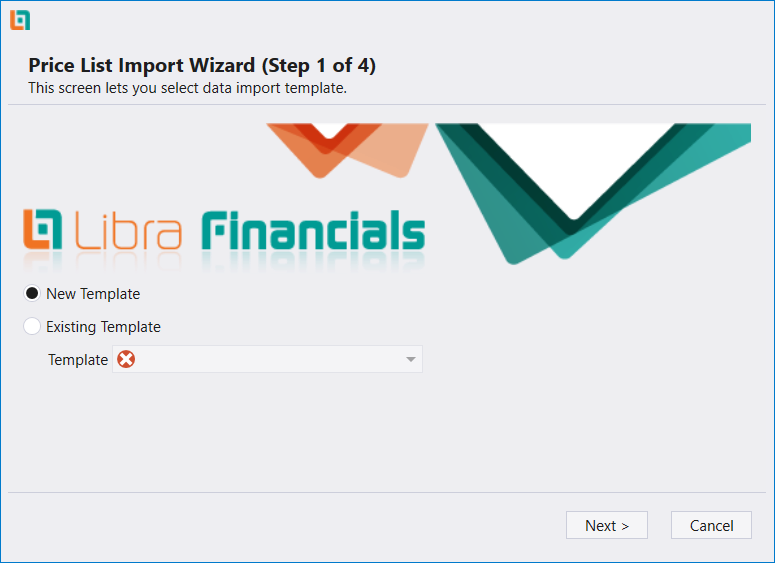
Import price list opens a shorter wizard, 4 steps long, on the same opening choice.
4. Vouchers
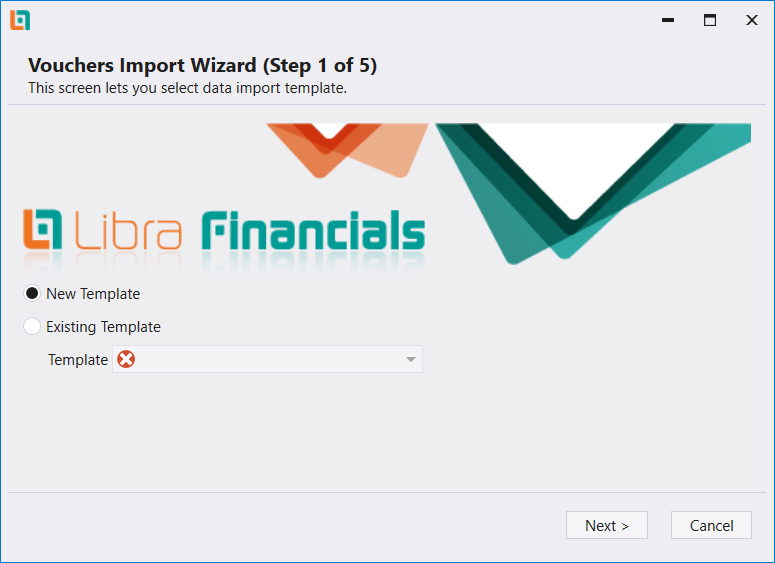
Import vouchers opens the Vouchers Import Wizard, 5 steps long, on the same choice.
5. OMEGA invoices
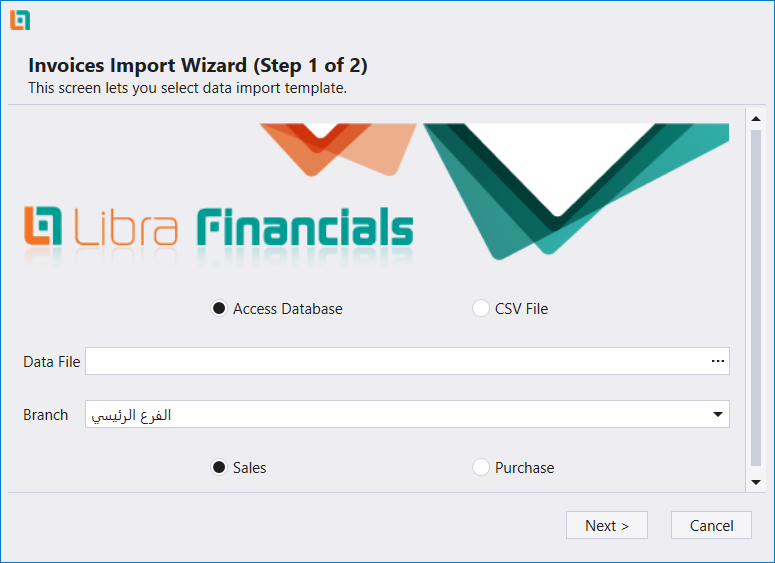
Import OMEGA invoices opens a shorter, two-step wizard that asks something different on its first screen: whether the source is an Access Database or a CSV File, which file to read, which branch the invoices belong to, and whether they are Sales or Purchase.
6. Manifests
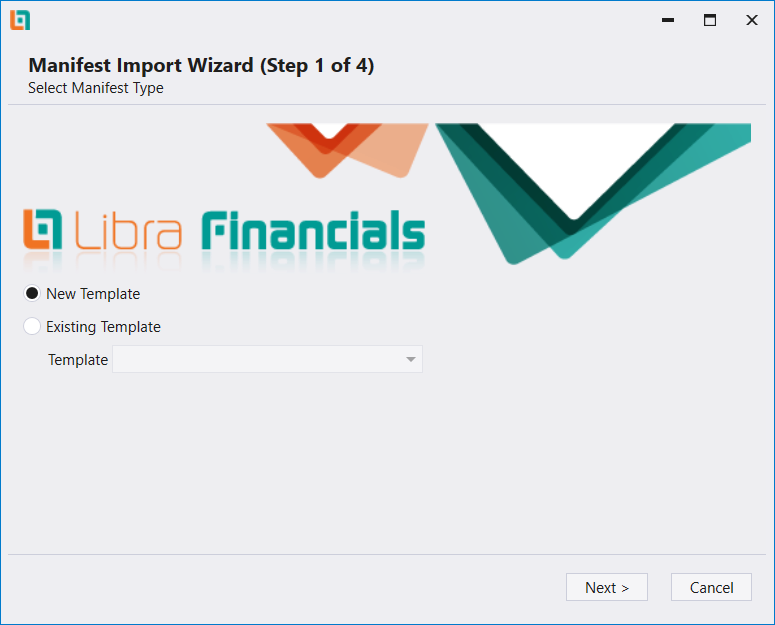
Import Manifest opens the Manifest Import Wizard, 4 steps long. Its step 1 is headed Select Manifest Type and shows the same New Template / Existing Template choice as the others.
تقع ستة معالجات استيراد ضمن Administration: Import items، وImport Auxiliary، وImport price list، وImport vouchers، وImport OMEGA invoices، وImport Manifest. يفتح كلٌّ منها على الخطوة 1 من معالج مرقّم الخطوات، ويبدأ خمسة منها بالاختيار نفسه: New Template أو Existing Template. يعرض هذا الدليل الخطوة الأولى من كلٍّ منها.
١. البضائع
يفتح Import items معالج Items Import Wizard على الخطوة الأولى من خمس. اختر New Template أو Existing Template، وتحته خانة Template. ويقرأ شرح الشاشة نفسها «This screen lets you select data import template.» وفي الأسفل Next > وCancel.
٢. الحسابات المساعدة
يفتح Import Auxiliary معالج Auxiliary Import Wizard على الخطوة نفسها، وهو أيضاً خمس خطوات: New Template أو Existing Template، ثم Next.
٣. لائحة الأسعار
يفتح Import price list معالجاً أقصر، أربع خطوات، على الخيار الافتتاحي نفسه.
٤. القيود
يفتح Import vouchers معالج Vouchers Import Wizard، خمس خطوات، على الخيار نفسه.
٥. فواتير OMEGA
يفتح Import OMEGA invoices معالجاً أقصر من خطوتين يطرح سؤالاً مختلفاً في شاشته الأولى: هل المصدر Access Database أم CSV File، وأي ملف يُقرأ، وأي فرع تعود إليه الفواتير، وهل هي Sales أم Purchase.
٦. البيانات (Manifest)
يفتح Import Manifest معالج Manifest Import Wizard، أربع خطوات. وعنوان خطوته الأولى Select Manifest Type، وتعرض الخيار نفسه New Template أو Existing Template كالمعالجات الأخرى.