
The maintenance tools: repost, delete and re-serializeأدوات الصيانة: إعادة الترحيل والحذف وإعادة التسلسل
Eight maintenance tools sit under Administration: Repost, Inventory repost, Delete transactions, Delete inventory transactions, Delete obsolete items, Re-serialize transactions, Period Inventory Closing and Automatic tax distribution. Each is shown below as it first opens, with its own fields and buttons. Run any of them only after a Backup, which sits on the Main ribbon.
1. Repost
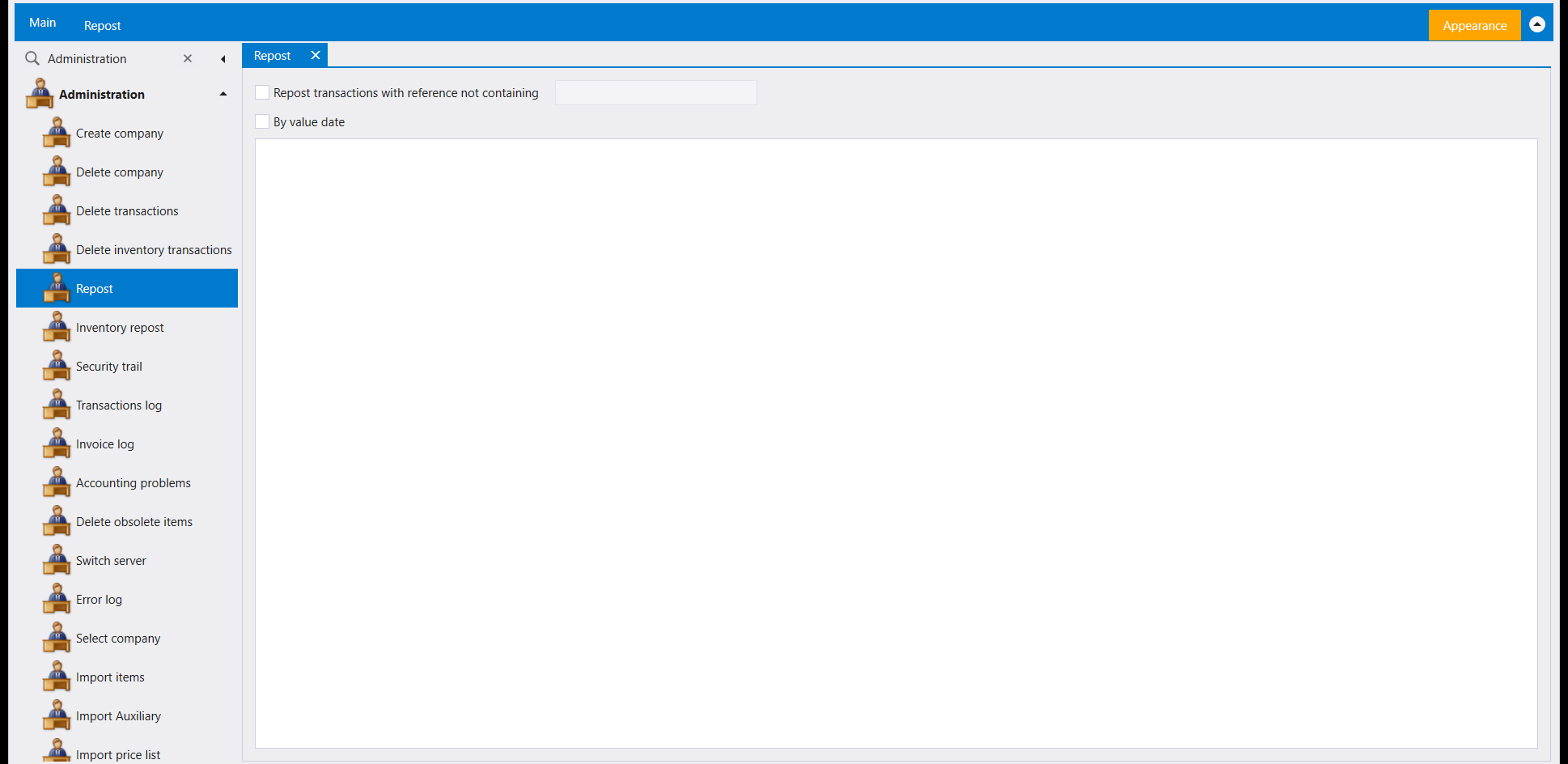
Administration opens Repost in its own tab. It offers a Repost transactions with reference not containing filter with a box beside it, and a By value date checkbox, above an empty grid.
2. Inventory repost
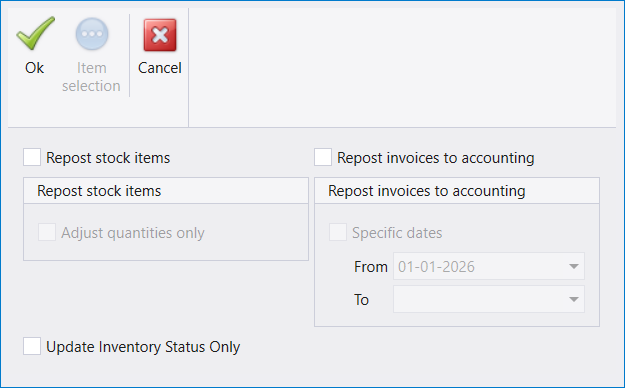
Administration opens Inventory repost as its own window, with Ok, Item selection and Cancel across the top; Item selection is greyed when the window opens. Below sit two tick boxes, Repost stock items (with Adjust quantities only under it) and Repost invoices to accounting (with Specific dates and a From / To pair under it), and a third, Update Inventory Status Only, on its own. The options under the first two are greyed while their box is unticked.
3. Delete transactions
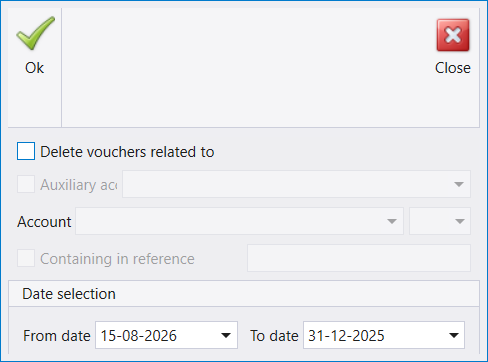
Administration opens Delete transactions as its own window, with Ok and Close across the top. Below them are a Delete vouchers related to tick box, an Auxiliary account tick box and picker, an Account picker, a Containing in reference tick box and text box, and a Date selection with From date and To date. Auxiliary account and Containing in reference are greyed when the window opens.
4. Delete inventory transactions
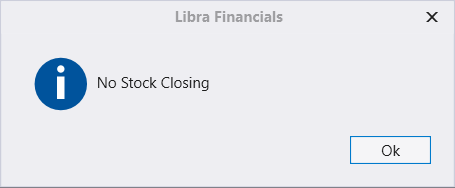
Administration opens Delete inventory transactions on a message reading «No Stock Closing», with a single Ok button.
5. Delete obsolete items
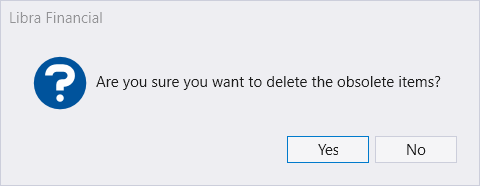
Administration opens Delete obsolete items straight onto a question: «Are you sure you want to delete the obsolete items?», with Yes and No.
6. Re-serialize transactions
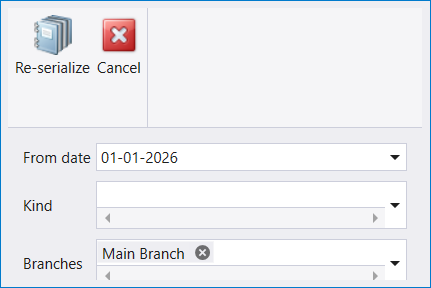
Administration opens Re-serialize transactions as its own window, with Re-serialize and Cancel across the top, a From date, a Kind picker and a Branches box, which already holds Main Branch when the window opens.
7. Period Inventory Closing
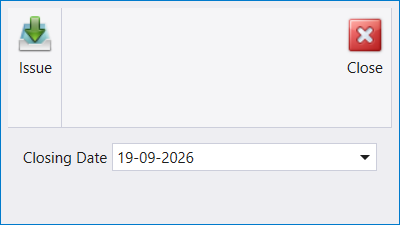
Administration opens Period Inventory Closing as its own window, with Issue and Close across the top and a single Closing Date field, which shows the day's date when it opens.
8. Automatic tax distribution
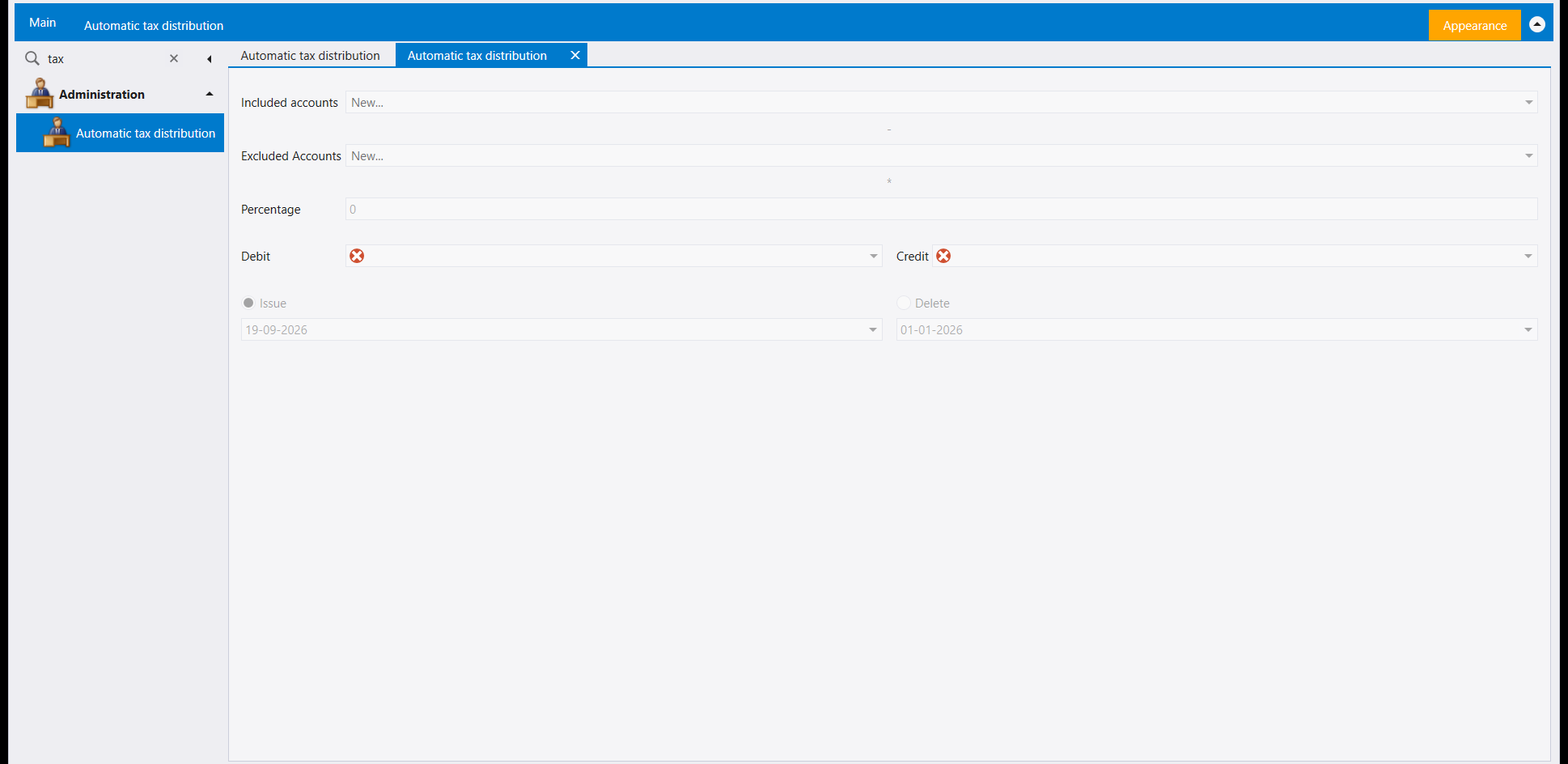
Administration opens Automatic tax distribution in its own tab. It holds Included accounts and Excluded Accounts pickers, a Percentage box, Debit and Credit account pickers, and an Issue or Delete choice, each with its own date.
ثماني أدوات صيانة ضمن Administration: Repost، وInventory repost، وDelete transactions، وDelete inventory transactions، وDelete obsolete items، وRe-serialize transactions، وPeriod Inventory Closing، وAutomatic tax distribution. تُعرض كل واحدة أدناه كما تبدو لحظة فتحها، بحقولها وأزرارها. شغّل أياً منها بعد نسخ احتياطي فقط، وهو موجود على شريط Main.
١. إعادة الترحيل (Repost)
يفتح Administration شاشة Repost في علامة تبويب خاصة بها. تعرض خيار Repost transactions with reference not containing مع حقل نصي بجانبه، وخانة By value date، فوق جدول فارغ.
٢. إعادة ترحيل المخزون (Inventory repost)
يفتح Administration نافذة Inventory repost الخاصة بها، وفي أعلاها Ok، وItem selection، وCancel؛ ويكون Item selection معطّلًا عند فتح النافذة. وتحتها خانتا تأشير، Repost stock items (وتحتها Adjust quantities only) وRepost invoices to accounting (وتحتها Specific dates وزوج From / To)، وخانة ثالثة قائمة بذاتها هي Update Inventory Status Only. والخيارات تحت الخانتين الأوليين معطّلة ما دامت خانتها غير مؤشّرة.
٣. إلغاء قيود حساب معين (Delete transactions)
يفتح Administration نافذة Delete transactions الخاصة بها، وفي أعلاها Ok وClose. وتحتهما خانة تأشير Delete vouchers related to، وخانة Auxiliary account مع لائحتها، ولائحة Account، وخانة Containing in reference مع حقلها النصي، ثم Date selection بحقلَي From date وTo date. وتكون Auxiliary account وContaining in reference معطّلتين عند فتح النافذة.
٤. إلغاء القيود السابقة (Delete inventory transactions)
يفتح Administration نافذة Delete inventory transactions مباشرة على رسالة «No Stock Closing» مع زر Ok واحد.
٥. إلغاء البضائع الموقوفة (Delete obsolete items)
يفتح Administration شاشة Delete obsolete items مباشرة على سؤال: «Are you sure you want to delete the obsolete items?»، بزرَي Yes وNo.
٦. إعادة تسلسل القيود (Re-serialize transactions)
يفتح Administration نافذة Re-serialize transactions الخاصة بها، وفي أعلاها Re-serialize وCancel، مع From date، ولائحة Kind، وحقل Branches الذي يحمل Main Branch عند فتح النافذة.
٧. إقفال مخزون المدة (Period Inventory Closing)
يفتح Administration نافذة Period Inventory Closing الخاصة بها، وفي أعلاها Issue وClose، وحقل Closing Date واحد، يُظهر تاريخ اليوم عند فتحها.
٨. إثبات الضريبة أوتوماتيكياً (Automatic tax distribution)
يفتح Administration شاشة Automatic tax distribution في علامة تبويب خاصة بها. تضم لائحتَي Included accounts وExcluded Accounts، وحقل Percentage، ولائحتَي حساب Debit و Credit، وخيار Issue أو Delete، ولكل منهما تاريخه الخاص.