
Deliveries, returns and notes on the sales sideأذونات التسليم والمرتجعات والإشعارات في جهة المبيعات
Sales documents already covers what each of the six sales screens does. This page walks through five screens that guide only summarised - Deliveries, Return sales, Sales return orders, Invoice Credit Note and Invoice Debit Note - plus the two point-of-sale lists sitting beside them, each shown from a saved example. The purchase-side mirror of these screens is in Purchase orders, receipts and returns.
1. Deliveries
A delivery uses the same header, Details grid and Footer as every other sales screen. The example below moved one unit of an item out of the warehouse without billing anyone for it.
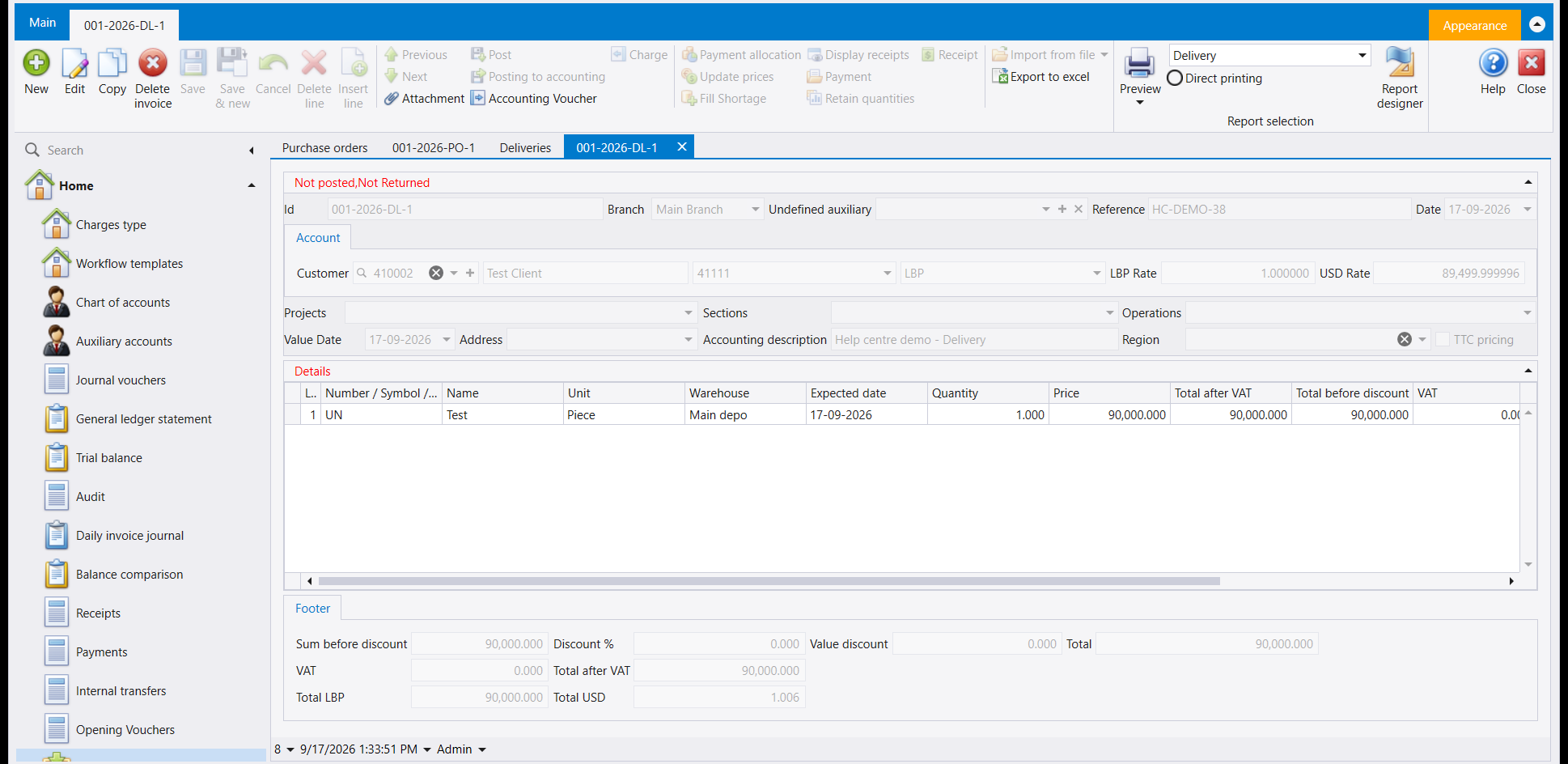
The red line above the header shows the document's status - here Not posted and Not Returned.
2. Return sales
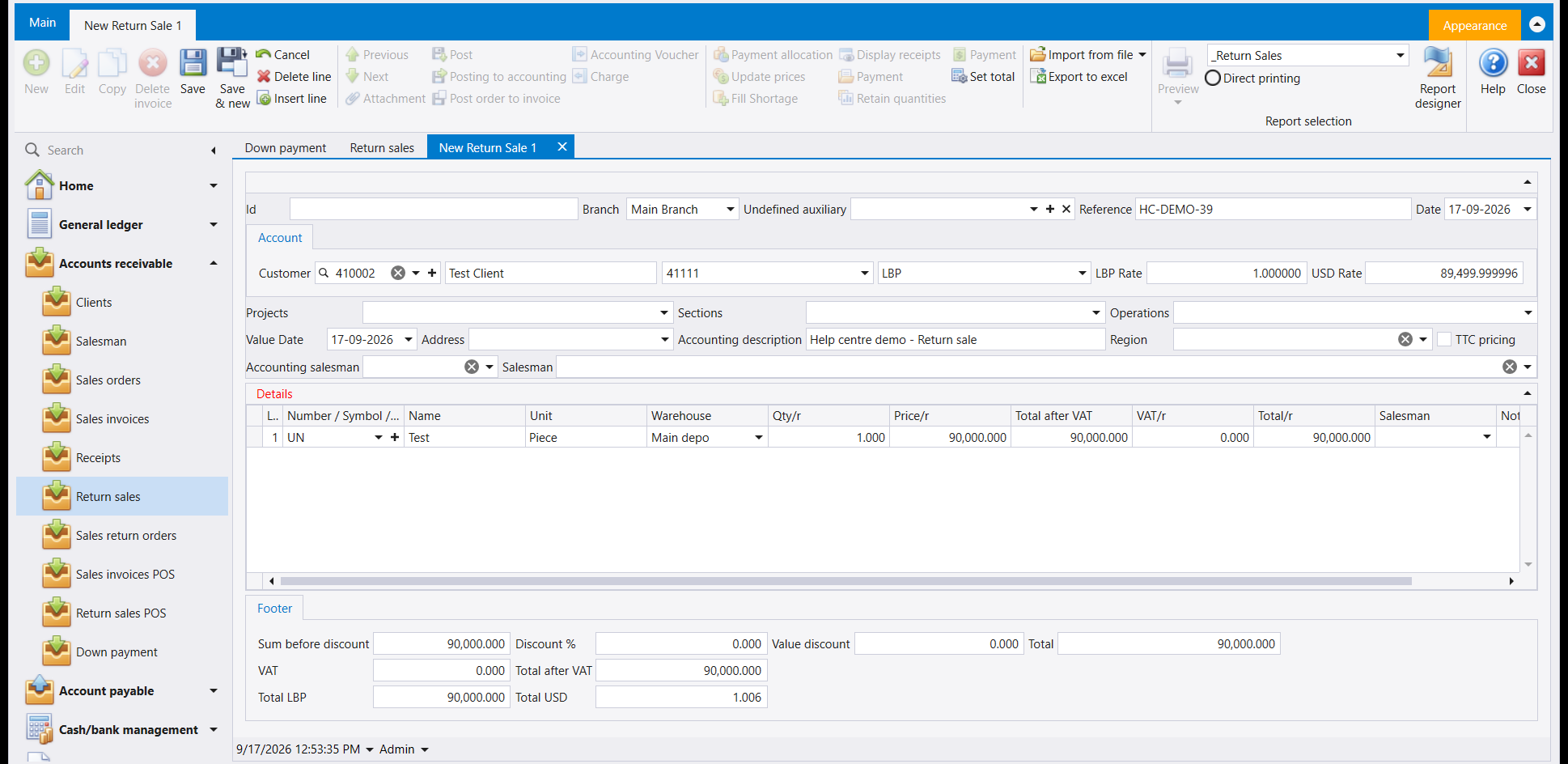
A return sales document is the mirror of a sales invoice: it takes the goods back in and reverses what the customer owed. The example below, filled in and ready to save, carries the same three-part layout, with the item, quantity and price you would type on any sales screen.
3. Sales return orders
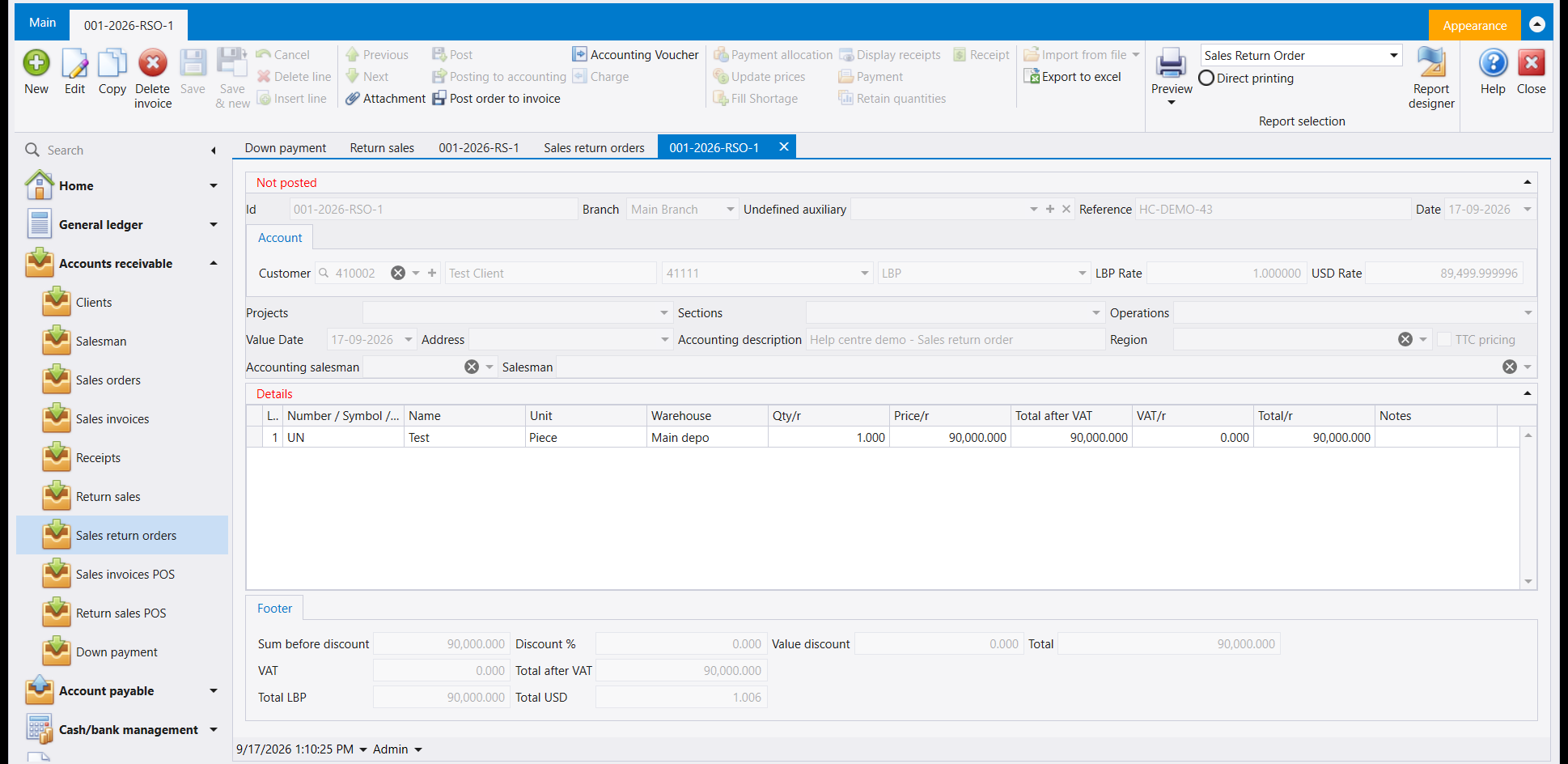
A sales return order is saved with its own number and a red status line, like the example below, but it moves no goods and writes no accounting entry.
4. Invoice Credit Note and Invoice Debit Note
Both notes adjust what a customer owes without moving any goods, and both still use the familiar item-line Details grid rather than a single amount box - pick the item, and the quantity and price columns behave exactly as they do on an invoice.
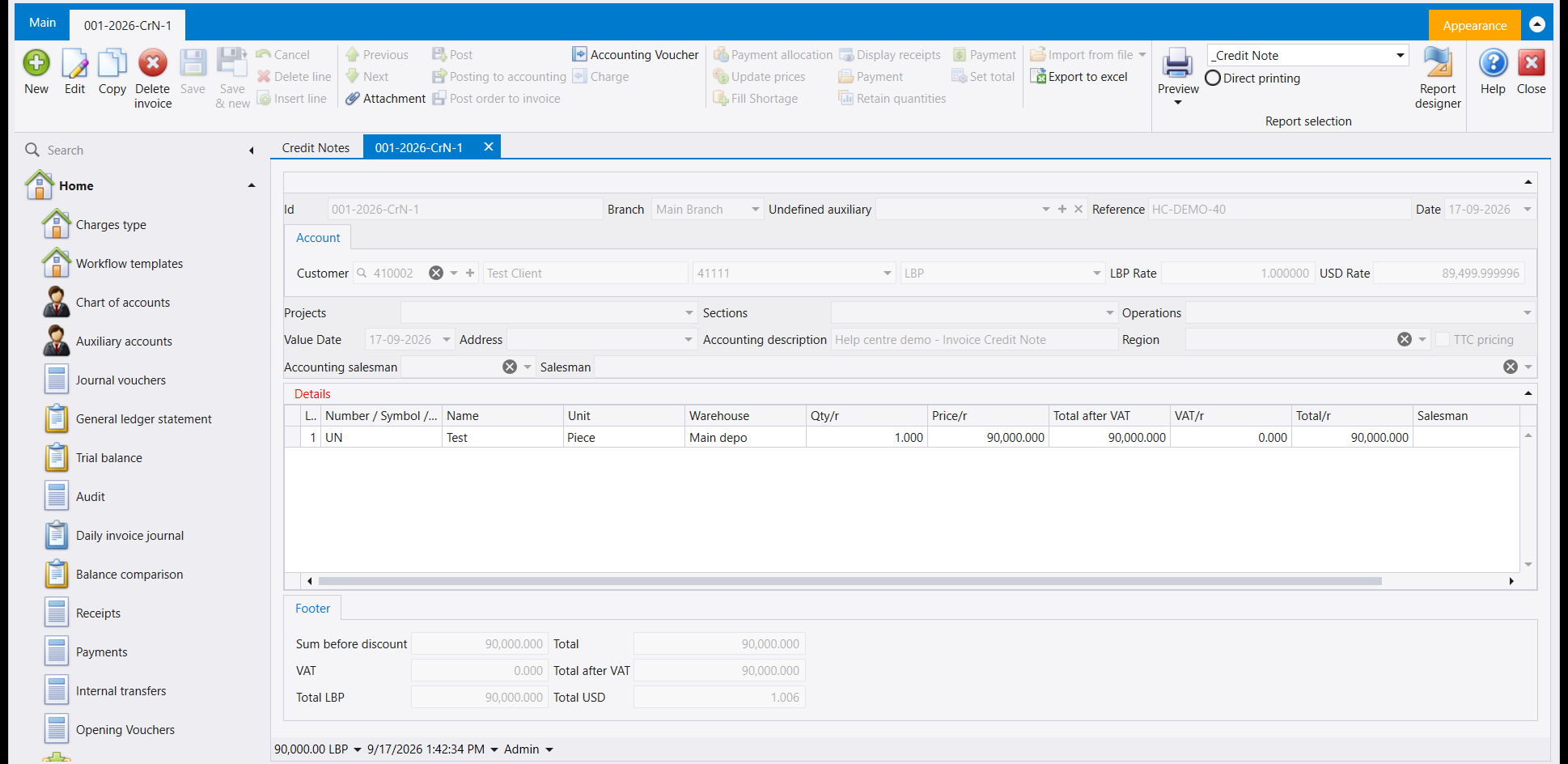
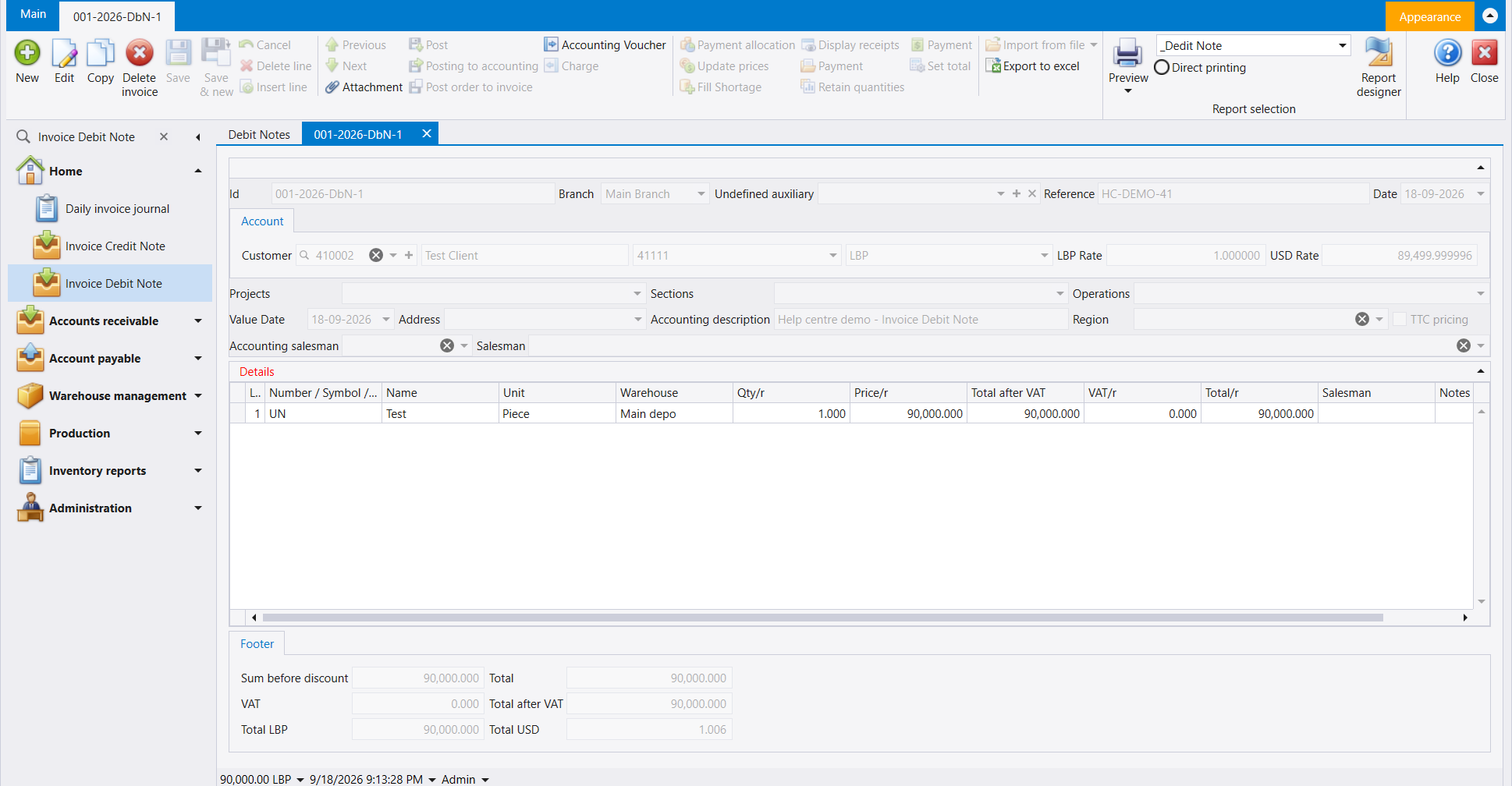
Go by the English name on these two. Sales documents already notes that the Arabic captions for these two are swapped in this company's setup - the English name and what the screen shows are the reliable guide.
5. Sales invoices POS and Return sales POS
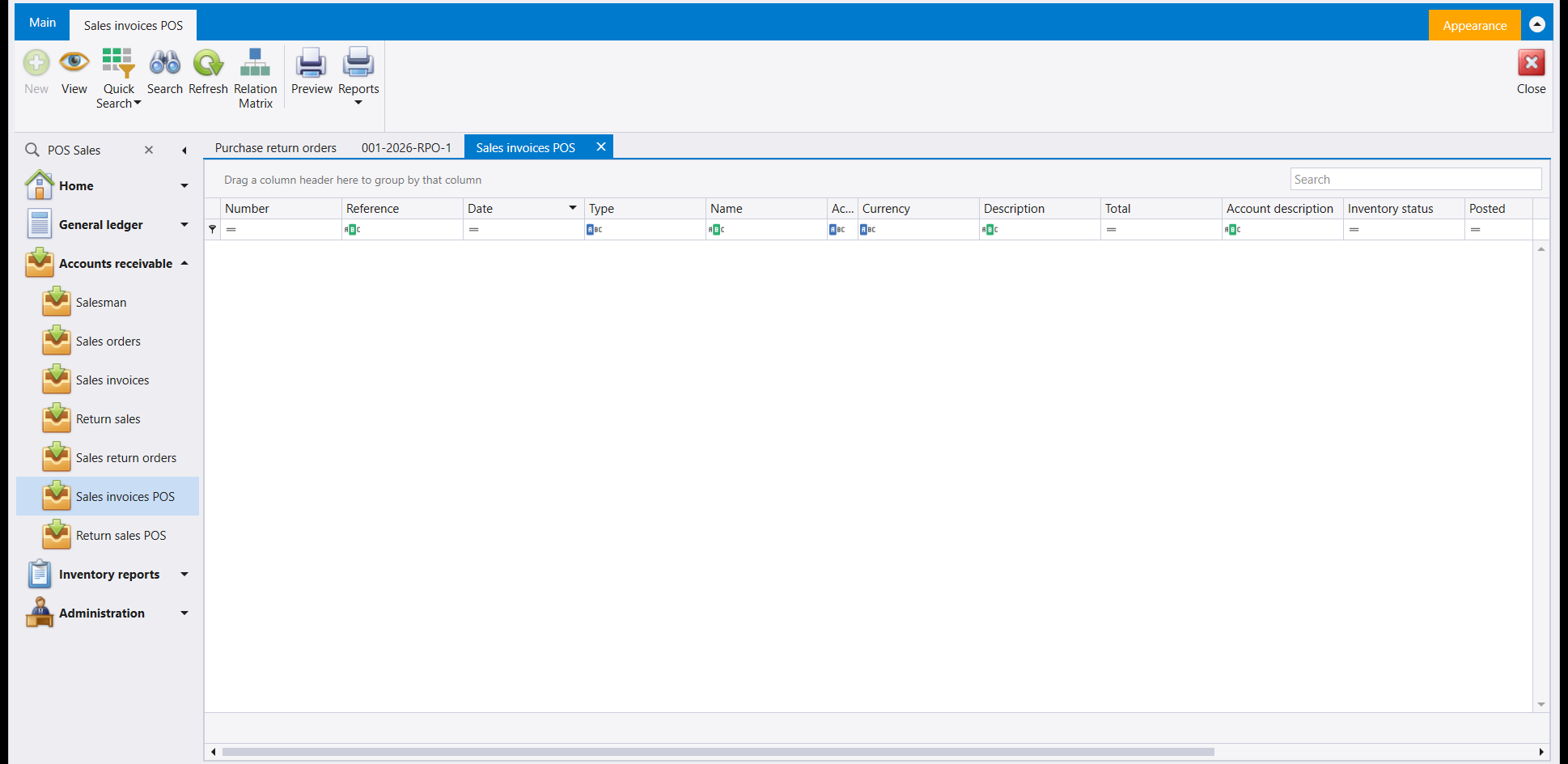
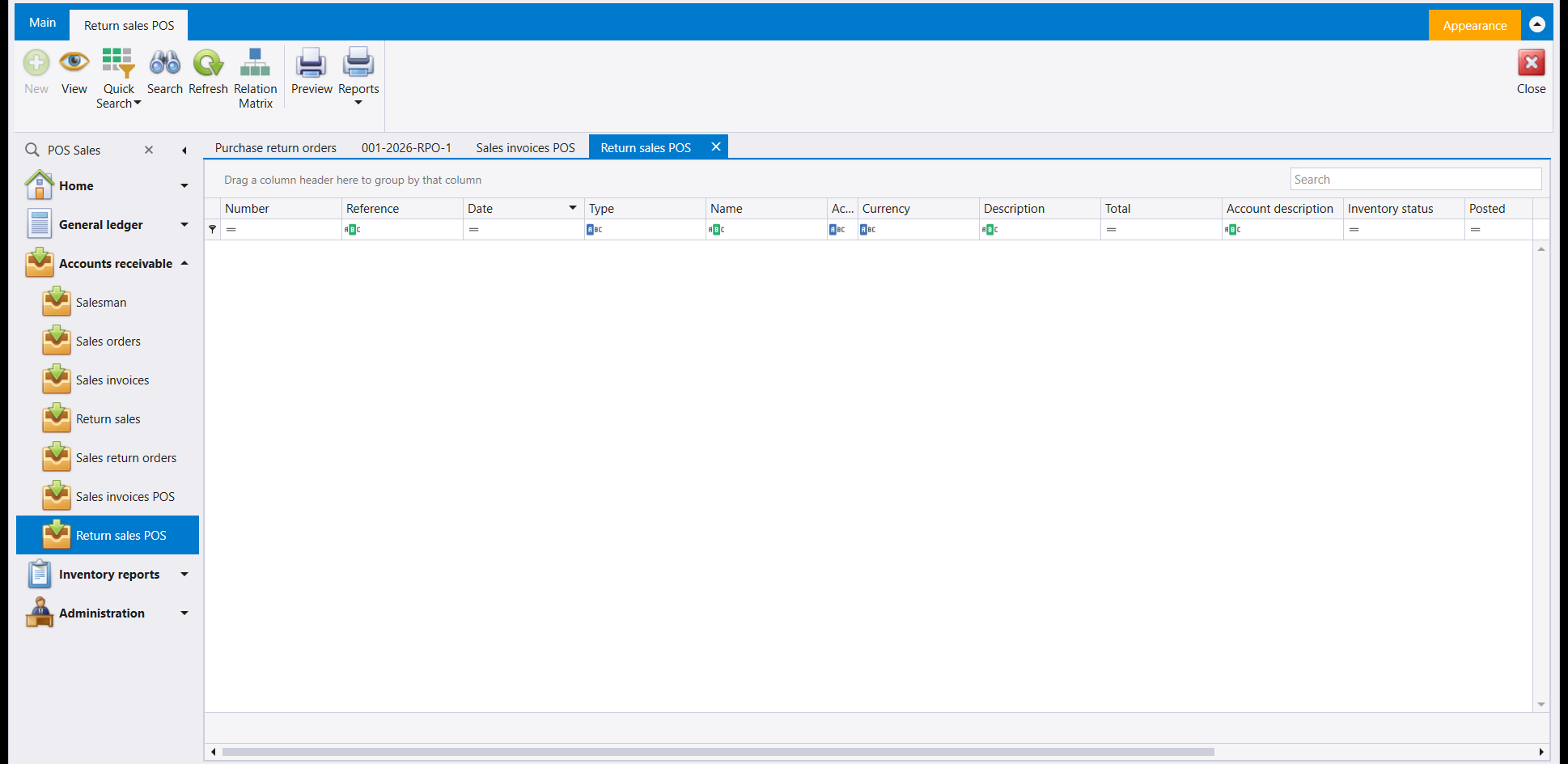
Both point-of-sale lists sit beside the ordinary sales screens and open the same way - a plain list with View, Quick Search, Search, Refresh, Relation Matrix, Preview and Reports. New is greyed out on both, so these two lists are for looking up documents.
مستندات المبيعات يشرح فعلًا ماذا تفعل كل واحدة من شاشات المبيعات الست. هذه الصفحة تعرض خمس شاشات لخّصها ذلك الدليل فقط - Deliveries (أذونات التسليم) وReturn sales (مرتجع المبيعات) وSales return orders (طلبات مرتجع المبيعات) وInvoice Credit Note (إشعار دائن للفاتورة) وInvoice Debit Note (إشعار مدين للفاتورة) - إضافة إلى قائمتَي نقطة البيع المجاورتين لها، وكل واحدة موضّحة من مثال محفوظ. مرآة هذه الشاشات في جهة الشراء موجودة في طلبات الشراء وأذونات الاستلام والمرتجعات.
١. أذونات التسليم
يستخدم إذن التسليم الرأس نفسه وشبكة Details وFooter كأي شاشة مبيعات أخرى. المثال أدناه أخرج وحدة واحدة من صنف من المستودع دون أن يطالب أحدًا بثمنها.
السطر الأحمر فوق الرأس يُظهر حالة المستند - هنا Not posted وNot Returned.
٢. مرتجع المبيعات
مستند مرتجع المبيعات هو فاتورة المبيعات معكوسة: يُدخل البضاعة إلى المستودع ويعكس ما كان على الزبون. المثال أدناه، معبّأً وجاهزًا للحفظ، يحمل التخطيط الثلاثي نفسه، بالصنف والكمية والسعر التي تكتبها في أي شاشة مبيعات.
٣. طلبات مرتجع المبيعات
يُحفظ طلب مرتجع المبيعات برقم خاص وسطر حالة أحمر، كالمثال أدناه، لكنه لا يحرّك بضاعة ولا يكتب قيدًا محاسبيًا.
٤. الإشعار الدائن والإشعار المدين للفاتورة
كلا الإشعارين يعدّلان ما على الزبون دون تحريك أي بضاعة، وكلاهما لا يزال يستخدم شبكة Details المعتادة القائمة على سطر الصنف لا صندوق مبلغ واحد - اختر الصنف، وتتصرّف أعمدة الكمية والسعر تمامًا كما تتصرّف في الفاتورة.
اعتمد على الاسم الإنكليزي في هذين الإشعارين. مستندات المبيعات ينبّه فعلًا إلى أن التسميتين العربيتين لهذين الإشعارين معكوستان في إعدادات هذه الشركة - الاسم الإنكليزي وما تُظهره الشاشة هما الدليل الموثوق.
٥. فواتير المبيعات POS ومرتجع المبيعات POS
تقع قائمتا نقطة البيع بجانب شاشات المبيعات العادية وتُفتحان بالطريقة نفسها - قائمة عادية بأزرار View وQuick Search وSearch وRefresh وRelation Matrix وPreview وReports. وزر New مطفأ في كلتيهما، فهاتان القائمتان للاطّلاع على المستندات.