
Purchase orders, receipts and returnsطلبات الشراء وأذونات الاستلام والمرتجعات
Purchase documents already walks through a purchase invoice in full. This page shows the other four screens under Account payable that share the same form - Purchase orders, Goods Receipts, Return purchases and Purchase return orders - each from a saved example. The sales-side mirror of these screens is in Deliveries, returns and notes on the sales side.
1. Purchase orders
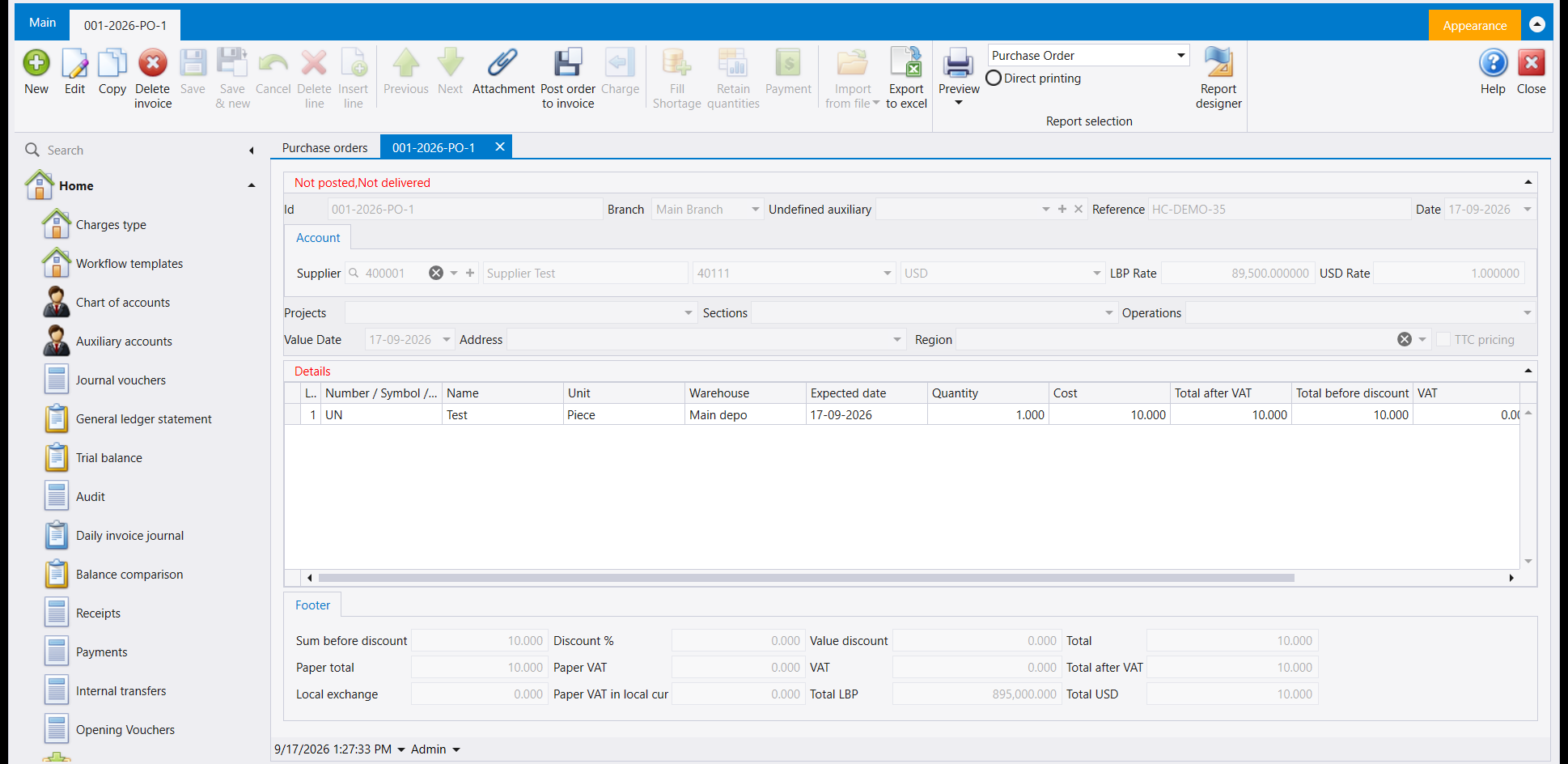
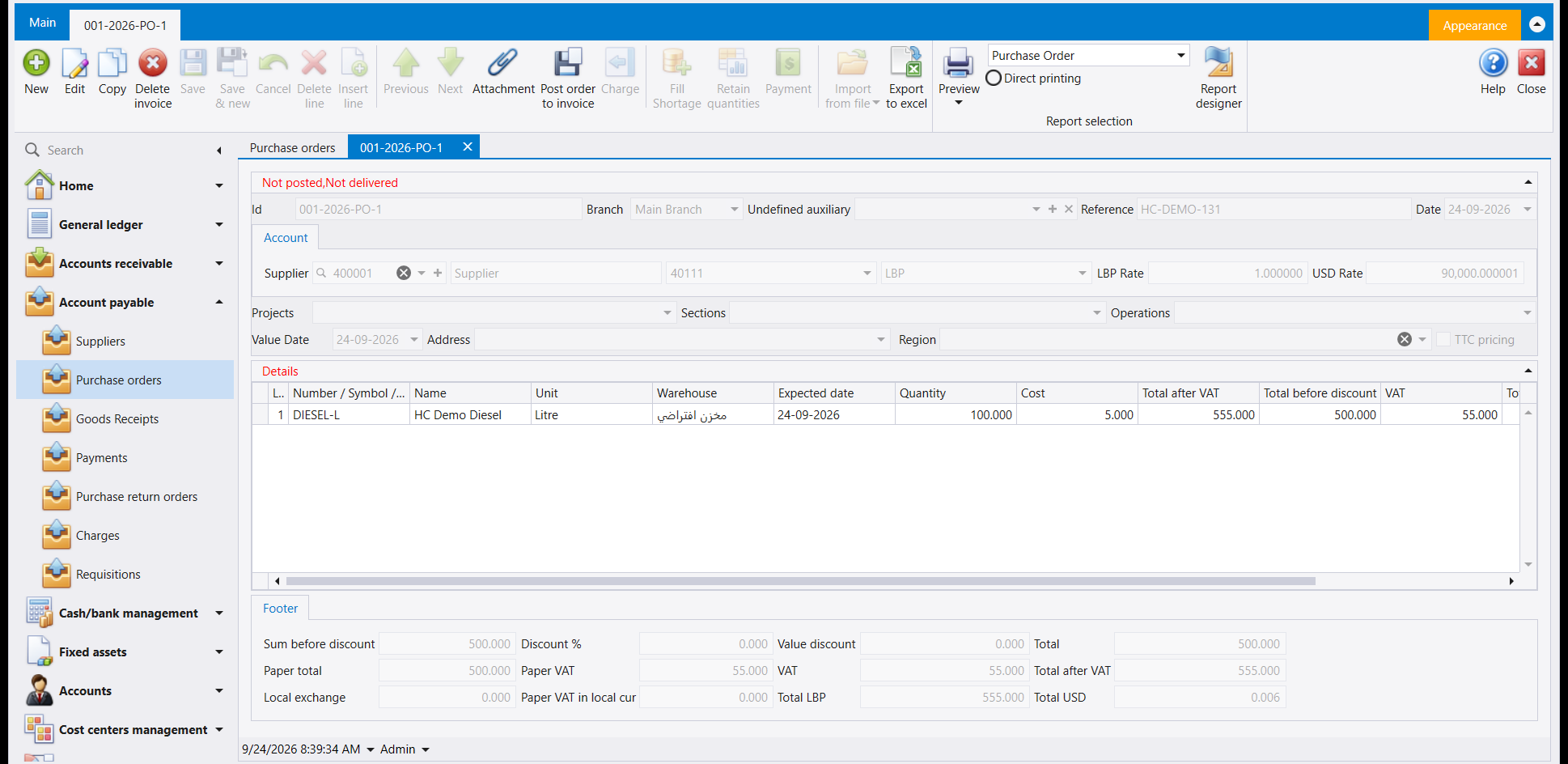
A purchase order carries the same header, Details grid and Footer as a purchase invoice. A saved order gets its own number and a red status line - Not posted, Not delivered - and it moves no goods and writes no accounting entry.
2. Goods Receipts
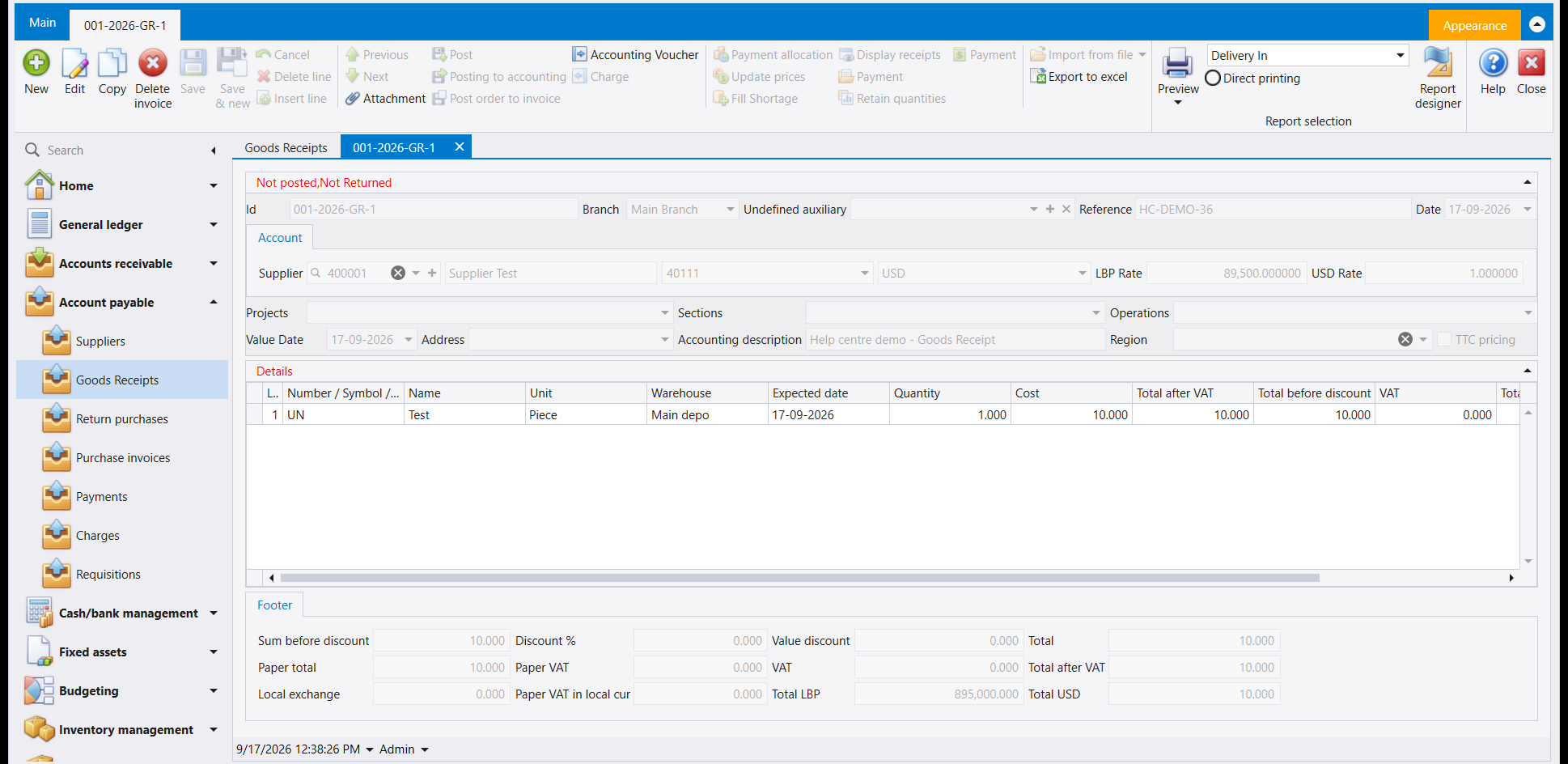
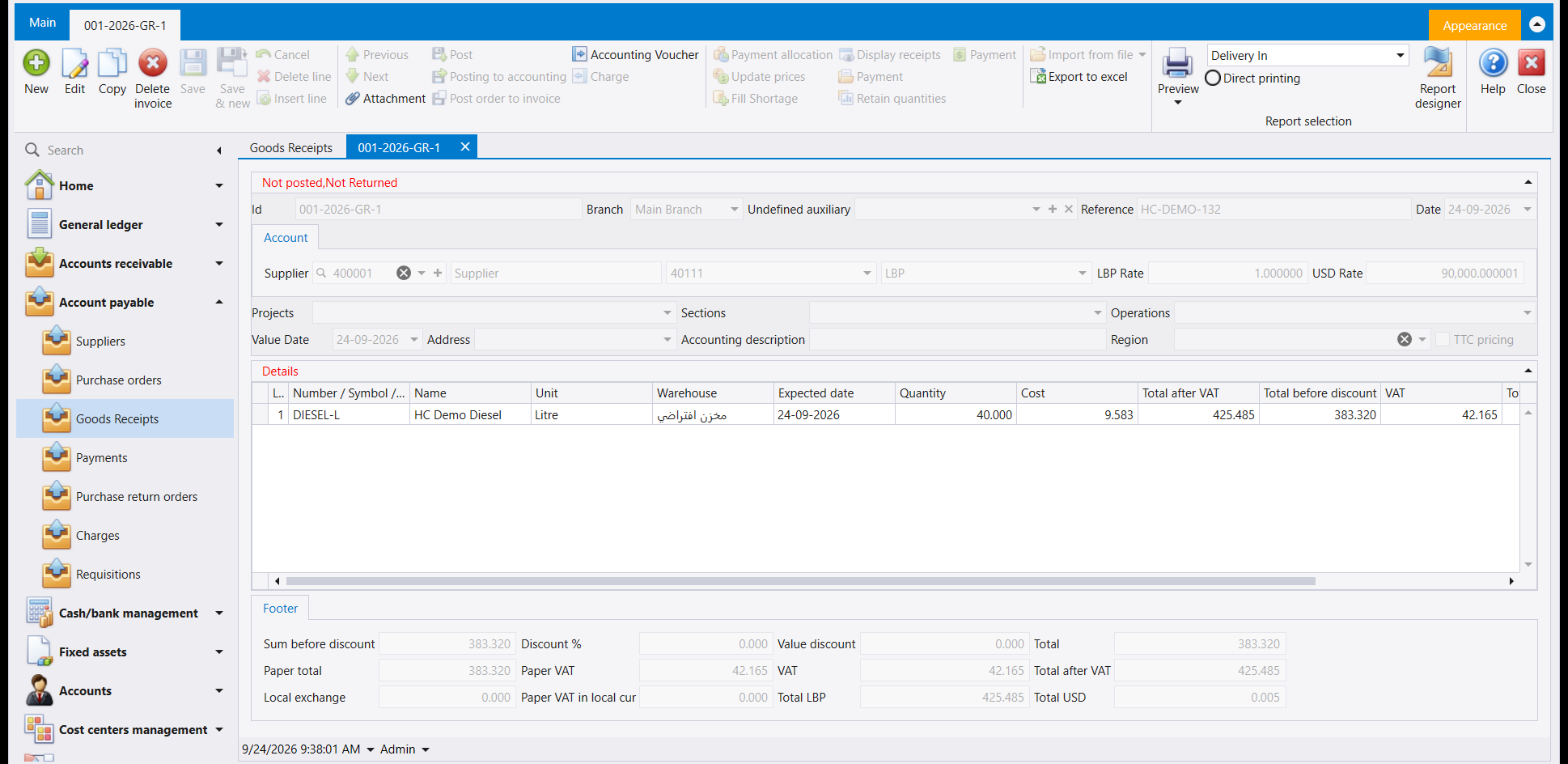
A goods receipt brings the goods into the warehouse without writing an accounting entry. Saving one prompted a message about the paper VAT figure not being filled in, answered the same way How to record a purchase invoice already describes for a purchase invoice.
3. Return purchases
A return purchases document sends goods back out of the warehouse and writes an accounting entry. Its Details grid carries the same columns as the other screens on this page, but under different headings - here they read Qty/r and Cost/r rather than Quantity and Cost.
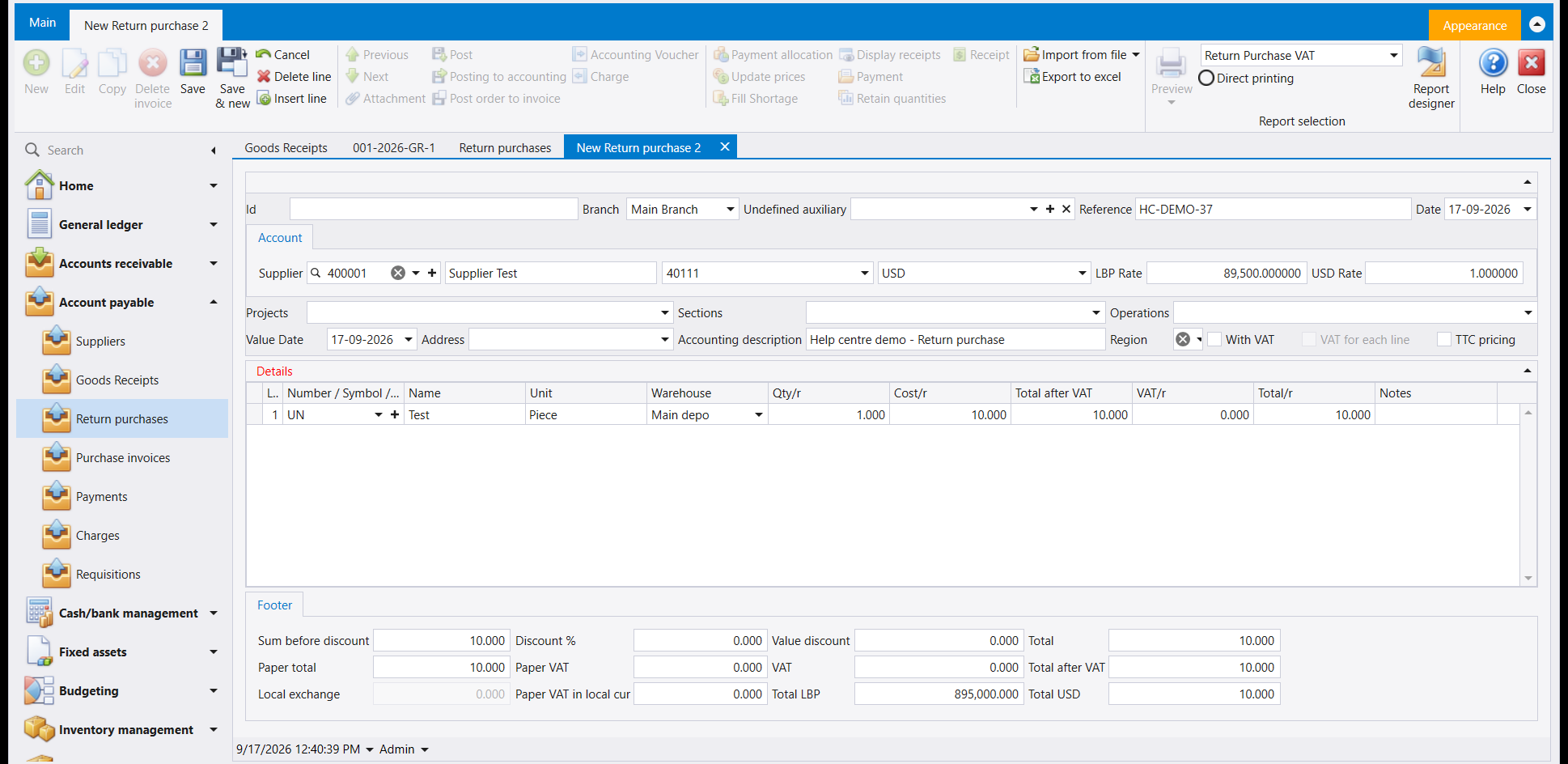
That return was typed in line by line. When the goods came on a purchase invoice, build the return from that invoice instead: choose the supplier on the new return and press Alt+X. How to return goods to a supplier walks through it, with the three messages that stop people part way.
4. Purchase return orders
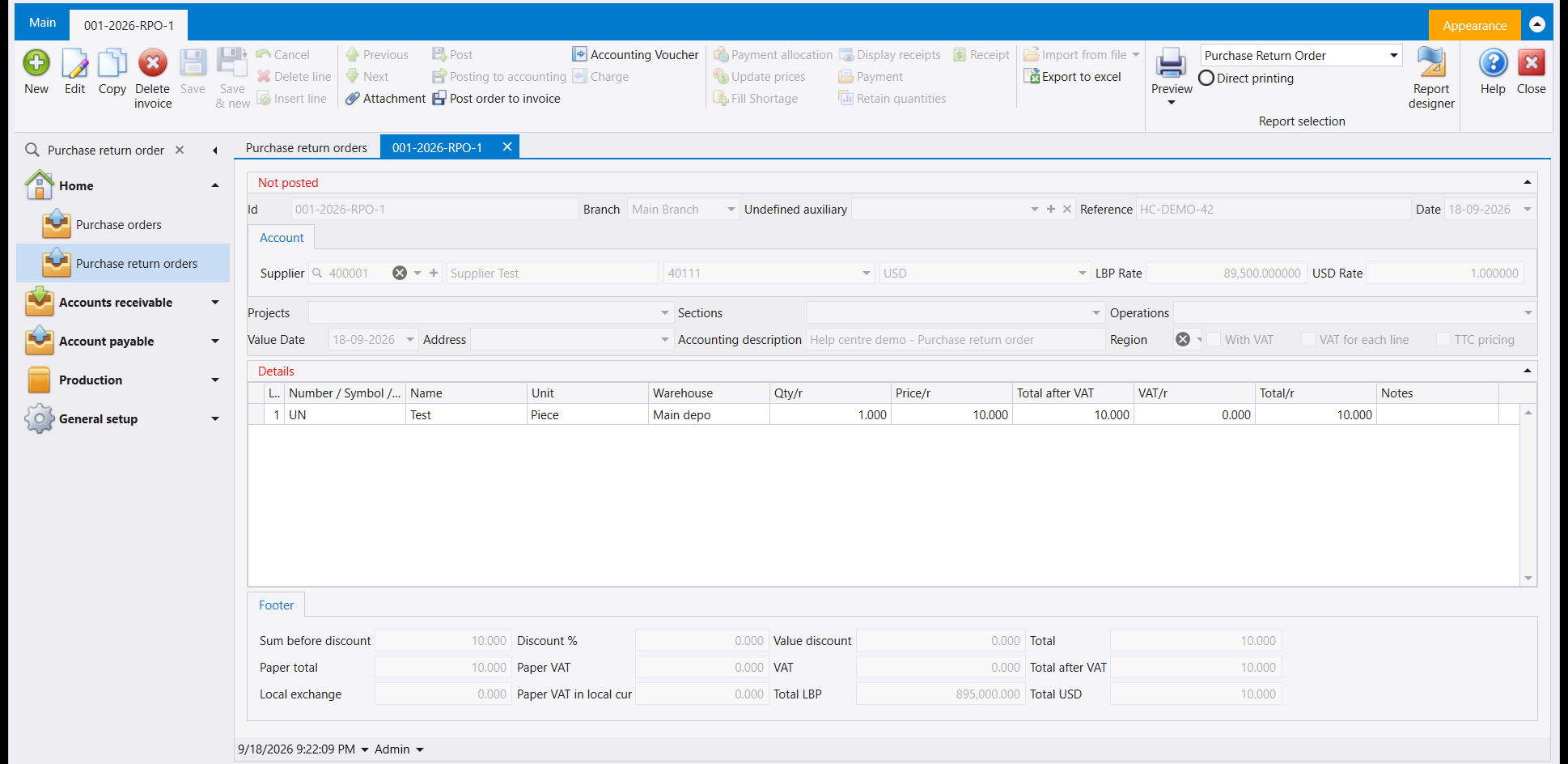
A purchase return order is saved with its own number but moves no goods and writes no accounting entry - the purchase-side equivalent of the sales return order in Deliveries, returns and notes on the sales side.
5. Building one document out of the one before it
A goods receipt does not have to be typed out again from the order it follows. On the new goods receipt, choose the supplier and press Alt+X: a Client orders window lists the documents already saved for that supplier - the open purchase order among them - and picking one fills the lines in for you. (Its Select from invoices button sits at the top of that window, beside Send to invoice.) The quantity it brings across is what is still outstanding on that document, and you are free to take less: receive part of the order today and come back for the rest when it arrives. A purchase invoice is built the same way, from the goods receipt or straight from the order.
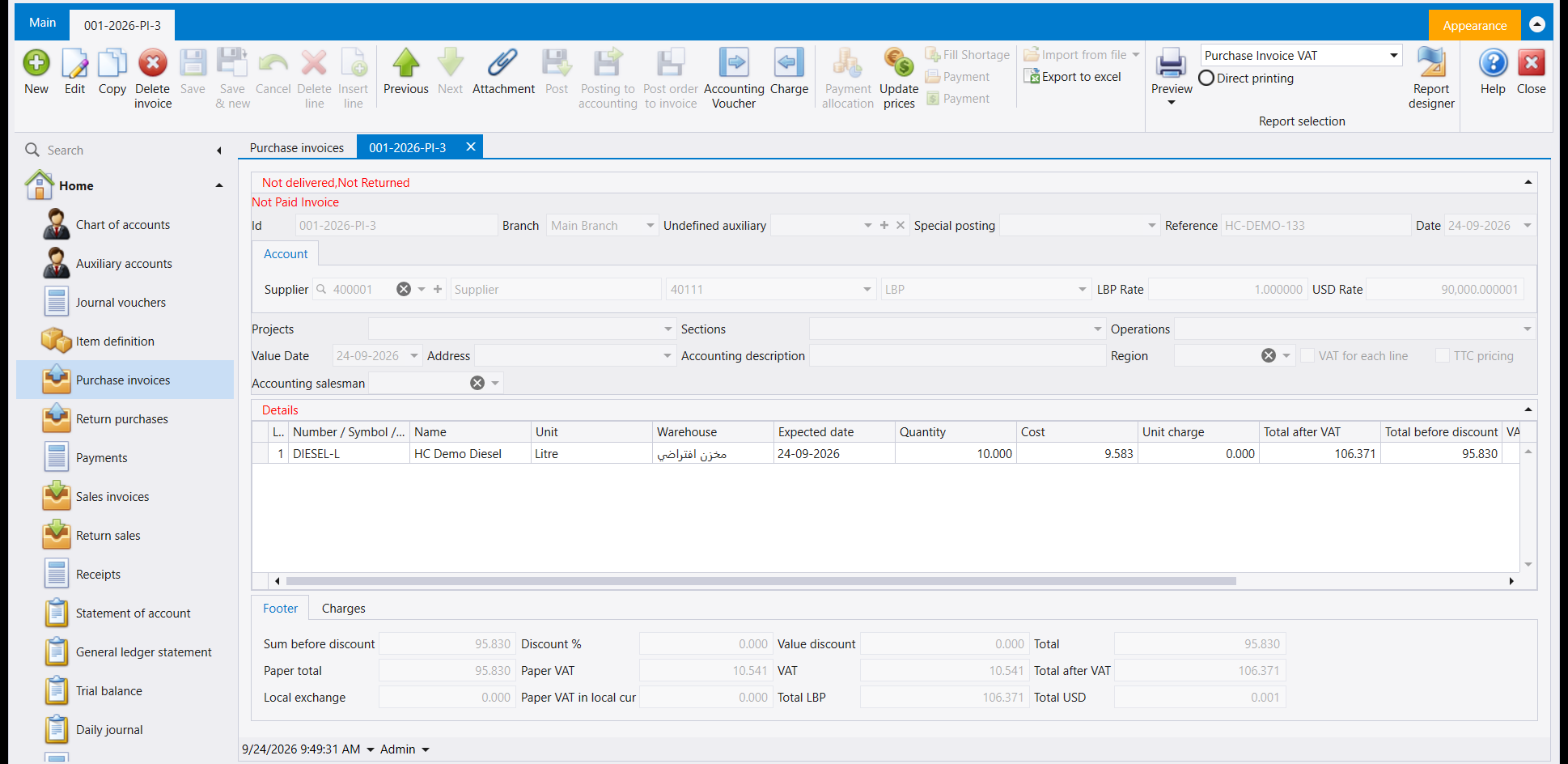
So one order can end its life as several goods receipts and several invoices, each for the part it covered. To see how far a chain has got, open any document in it and read the Relation Matrix - Purchase documents explains what it draws.
مستندات الشراء يعرض فعلًا فاتورة شراء كاملة. هذه الصفحة تعرض الشاشات الأربع الأخرى تحت Account payable التي تشارك الشاشة نفسها - Purchase orders (طلبات الشراء) وGoods Receipts (أذونات الاستلام) وReturn purchases (مرتجع المشتريات) وPurchase return orders (طلبات مرتجع الشراء) - كل واحدة من مثال محفوظ. مرآة هذه الشاشات في جهة المبيعات موجودة في أذونات التسليم والمرتجعات والإشعارات في جهة المبيعات.
١. طلبات الشراء
يحمل طلب الشراء الرأس نفسه وشبكة Details وFooter كفاتورة الشراء. ويحصل الطلب المحفوظ على رقمه الخاص وسطر حالة أحمر - Not posted, Not delivered - ولا يحرّك بضاعة ولا يكتب قيدًا محاسبيًا.
٢. أذونات الاستلام
إذن الاستلام يُدخل البضاعة إلى المستودع دون أن يكتب قيدًا محاسبيًا. حفظه أظهر رسالة عن رقم الضريبة الورقية غير المكتمل، وأُجيب عنها بالطريقة نفسها التي يصفها كيفية تسجيل فاتورة شراء فعلًا لفاتورة الشراء.
٣. مرتجع المشتريات
مستند مرتجع المشتريات يُخرج البضاعة من المستودع مجددًا ويكتب قيدًا محاسبيًا. تحمل شبكة Details فيه الأعمدة نفسها الموجودة في الشاشات الأخرى بهذه الصفحة، ولكن بتسميات مختلفة - هنا تُقرأ Qty/r وCost/r بدل Quantity وCost.
هذا المرتجع كُتب سطرًا سطرًا. وحين تكون البضاعة قد جاءت على فاتورة شراء، ابنِ المرتجع من تلك الفاتورة: اختر المورّد في المرتجع الجديد واضغط Alt+X. ويشرح كيفية إرجاع بضاعة إلى المورّد ذلك خطوة خطوة، مع الرسائل الثلاث التي توقف الناس في منتصف الطريق.
٤. طلبات مرتجع الشراء
يُحفظ طلب مرتجع الشراء برقم خاص لكنه لا يحرّك بضاعة ولا يكتب قيدًا محاسبيًا - نظير طلب مرتجع المبيعات في جهة الشراء، الموصوف في أذونات التسليم والمرتجعات والإشعارات في جهة المبيعات.
٥. بناء مستند من المستند الذي قبله
ليس عليك أن تكتب إذن الاستلام من جديد نقلًا عن الطلب الذي يتبعه. في إذن الاستلام الجديد، اختر المورّد واضغط Alt+X: تسرد نافذة Client orders المستندات المحفوظة سلفًا لذلك المورّد - ومنها طلب الشراء المفتوح - واختيار أحدها يملأ السطور نيابةً عنك. (وزرّ Select from invoices موجود في أعلى تلك النافذة، بجانب Send to invoice.) والكمية التي ينقلها هي الكمية المتبقّية على ذلك المستند، ولك أن تأخذ أقلّ منها: استلم جزءًا من الطلب اليوم وعُد إلى الباقي حين يصل. وتُبنى فاتورة الشراء بالطريقة نفسها، من إذن الاستلام أو من الطلب مباشرةً.
وهكذا قد ينتهي طلب واحد إلى عدّة أذونات استلام وعدّة فواتير، كل منها عن الجزء الذي غطّاه. ولترى إلى أين وصلت السلسلة، افتح أي مستند فيها واقرأ Relation Matrix - ويشرح مستندات الشراء ما الذي يرسمه.