
Lookups and custom fieldsاللوائح والحقول الحرة
A handful of small lists feed the dropdowns you pick from elsewhere - a region, a category, a free field label. General setup keeps them together on one page.
1. Where it lives
Open General setup → Lookups. Five tiles.
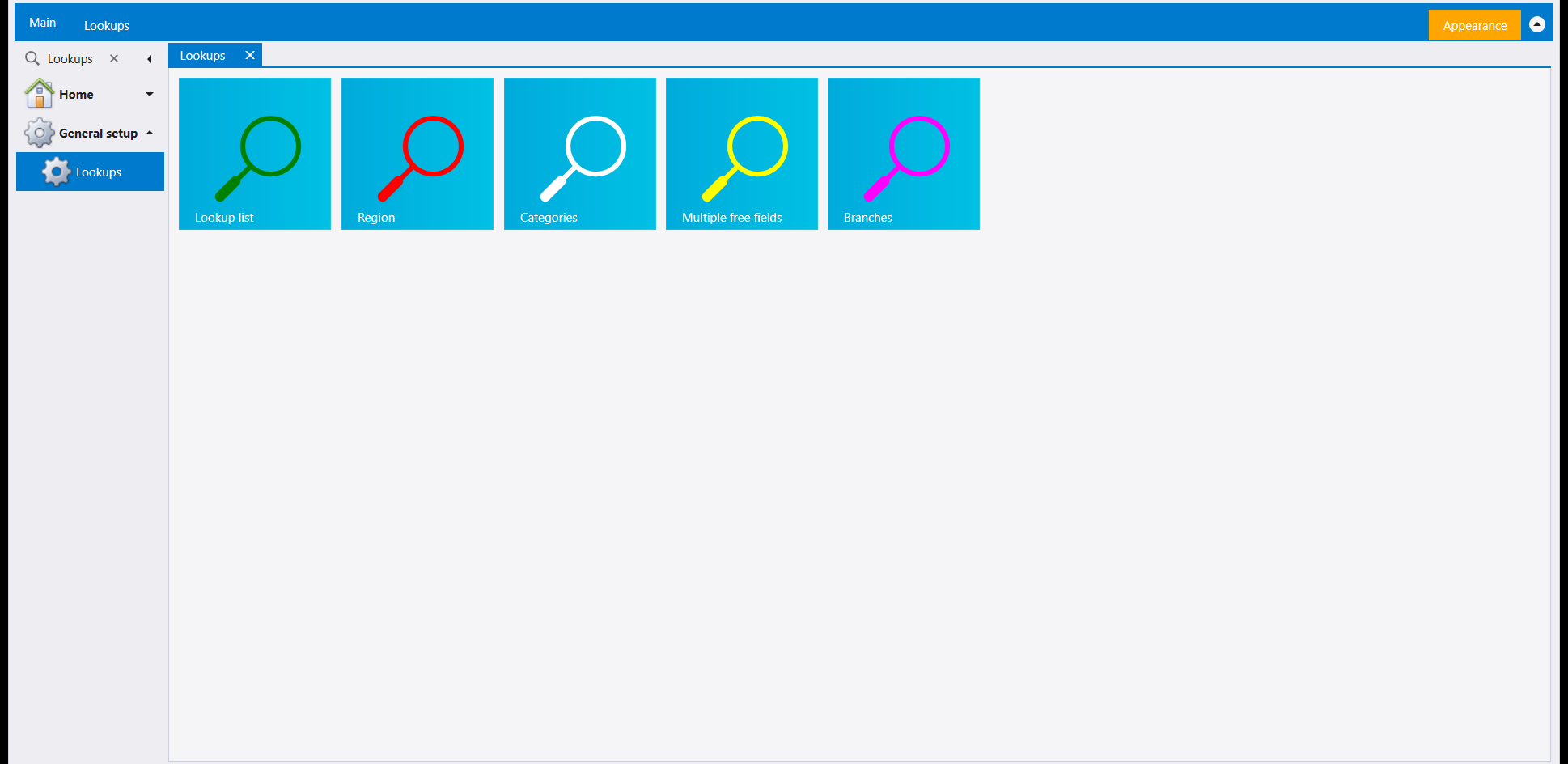
Branches is covered with users and rights, in Users, roles and rights. The other four follow.
2. Lookup list: one screen, many lists
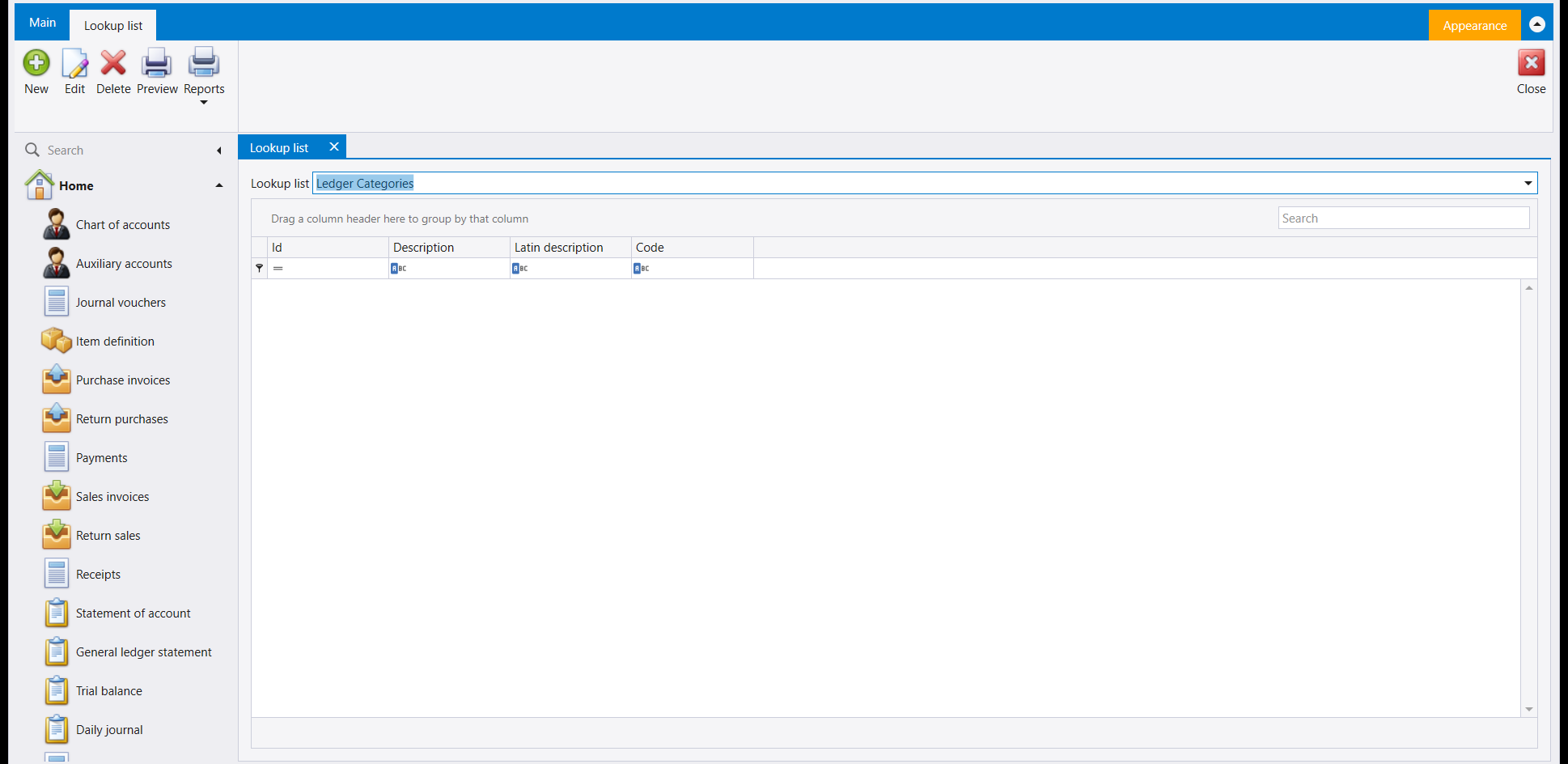
Rather than a tile per list, Libra gives this one screen a picker at the top. Choose which list you are editing, then add rows underneath it. Ledger Categories is shown here; the picker's own dropdown holds the rest.
3. Region
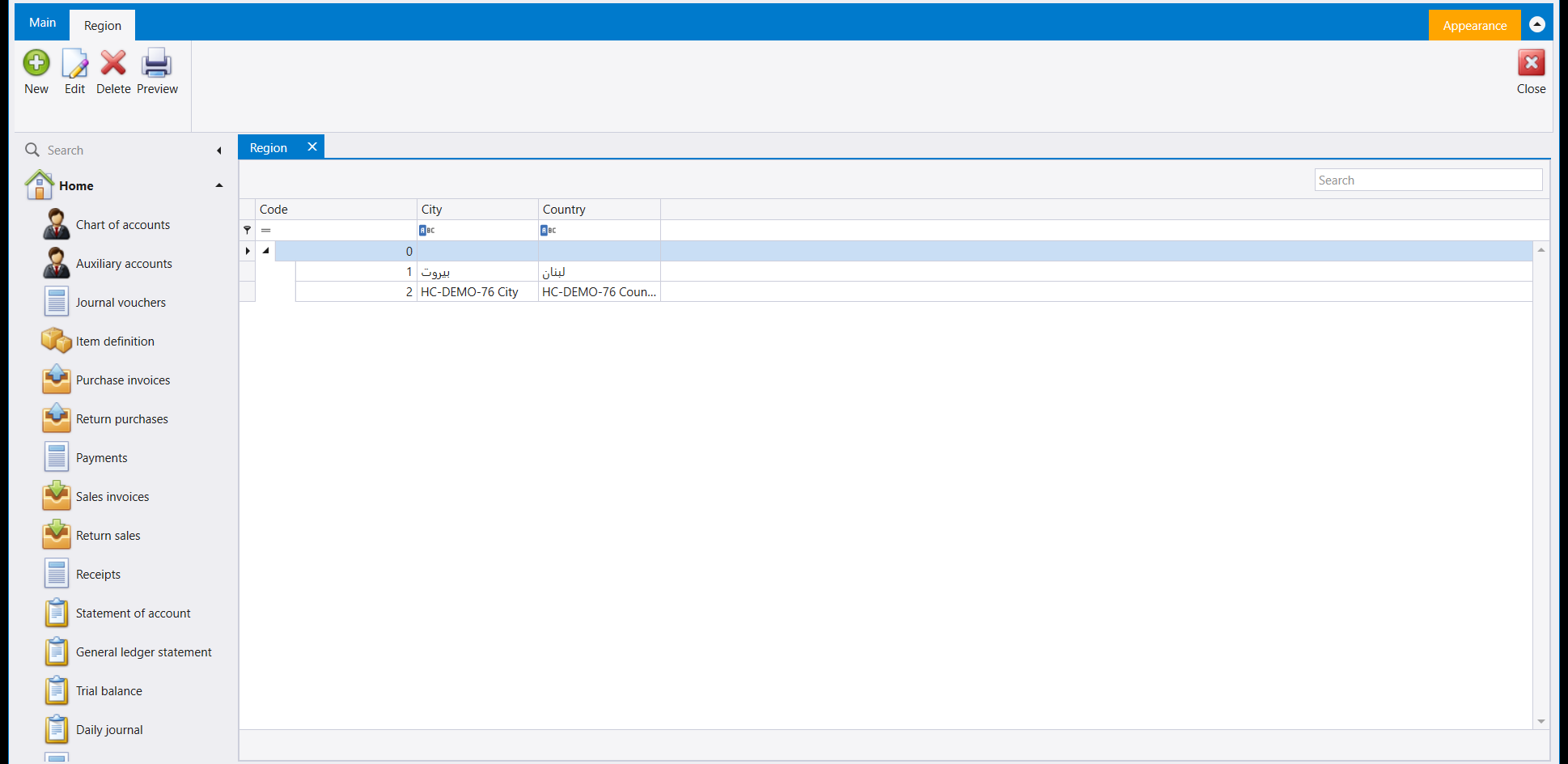
A region ties a City to a Country, and screens that ask for a customer or supplier's region draw on this list. Saving one is a New, filling in City and Country, and a Save
- the Code is assigned for you. This company already had بيروت (Beirut) / لبنان
(Lebanon) on file; a second row proves the save:
4. Categories
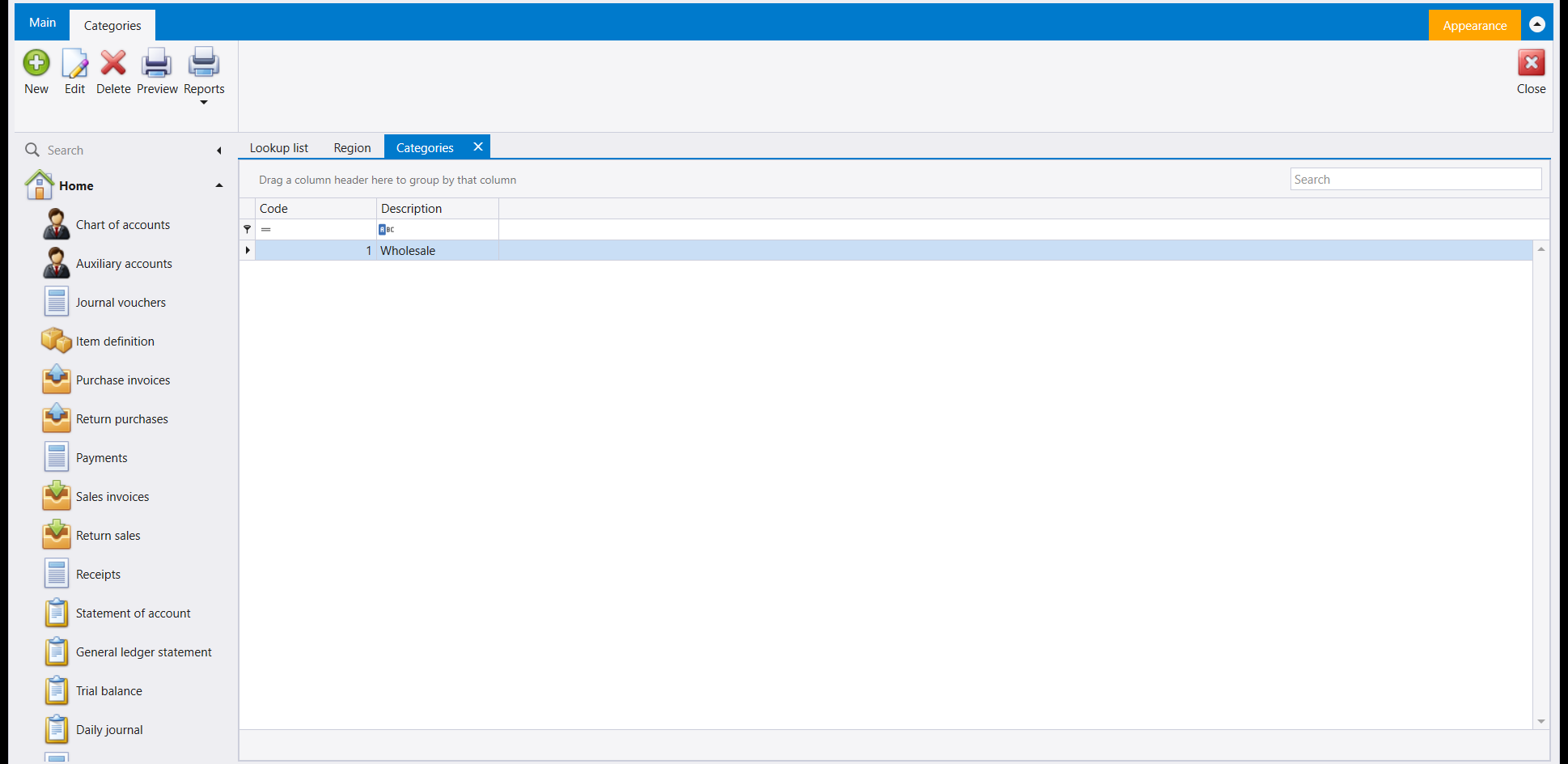
A short, flat list - no Code/Country split, just a Description per category. This company uses it for one buyer category so far, Wholesale.
5. Multiple free fields
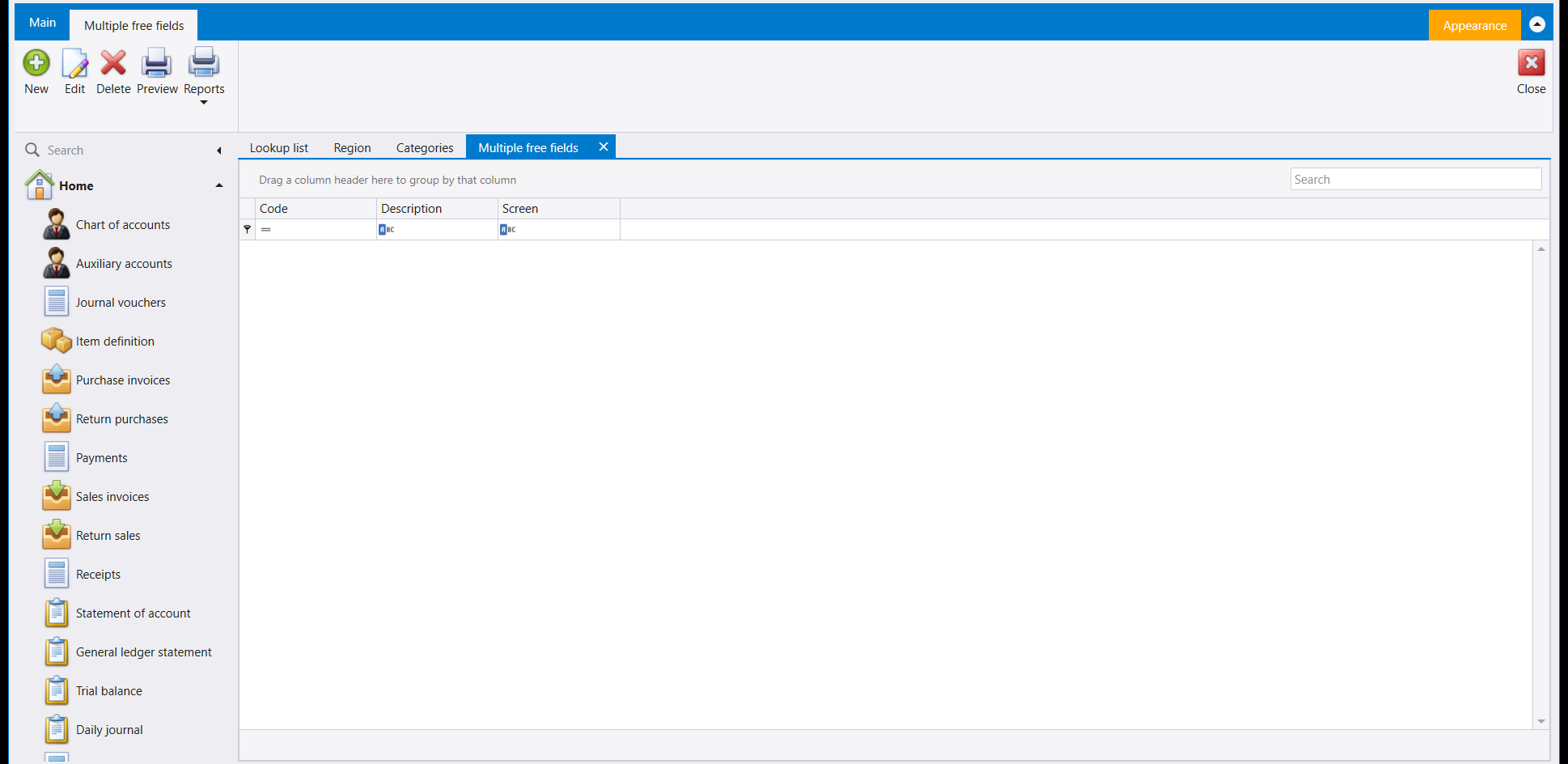
A grid of Code, Description and Screen. It opens empty, with New on its ribbon.
6. Transportation
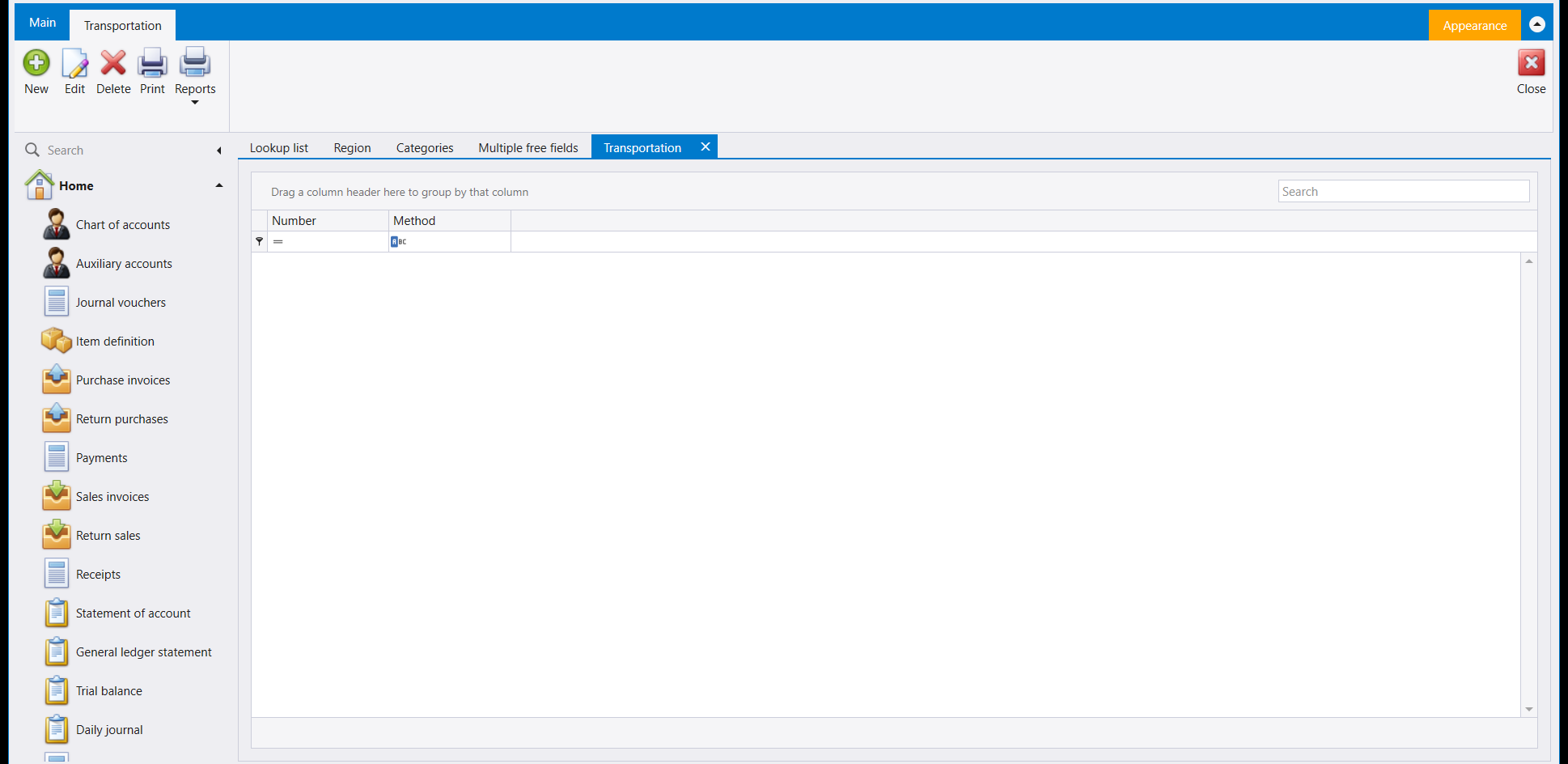
The methods a shipment can travel by - a Number and a Method, nothing more. Also opens empty.
7. Setup freefields
A close cousin of Multiple free fields, but for the single-field slots several documents carry. Libra ships exactly four numbered slots (1-4), fixed in number; name the ones you want and tick Mandatory where a value must be entered.
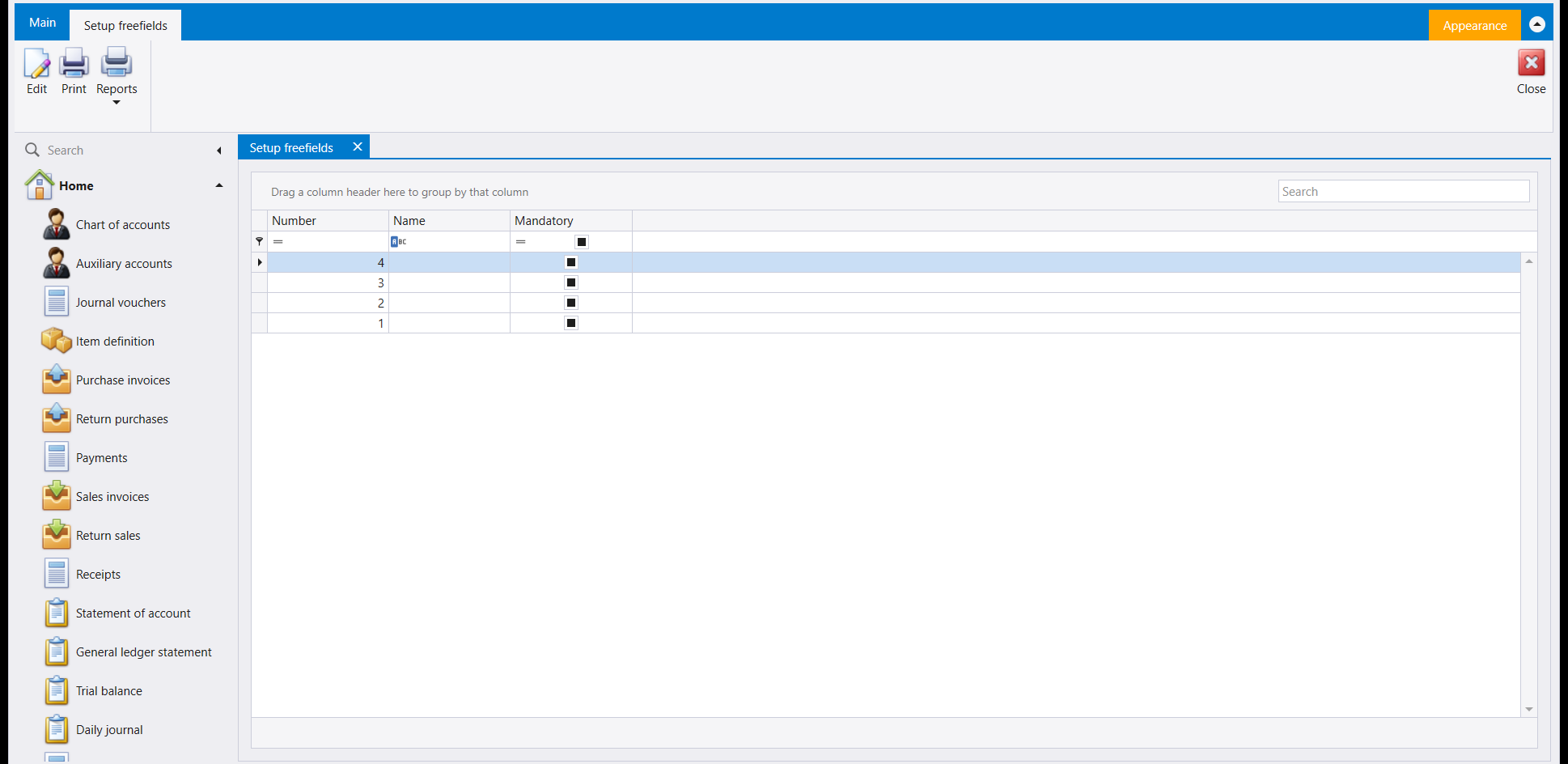
This screen is reached from the same place as the four above (Home → search, or the quick list once added), but it is not one of the five Lookups tiles.
8. Countries
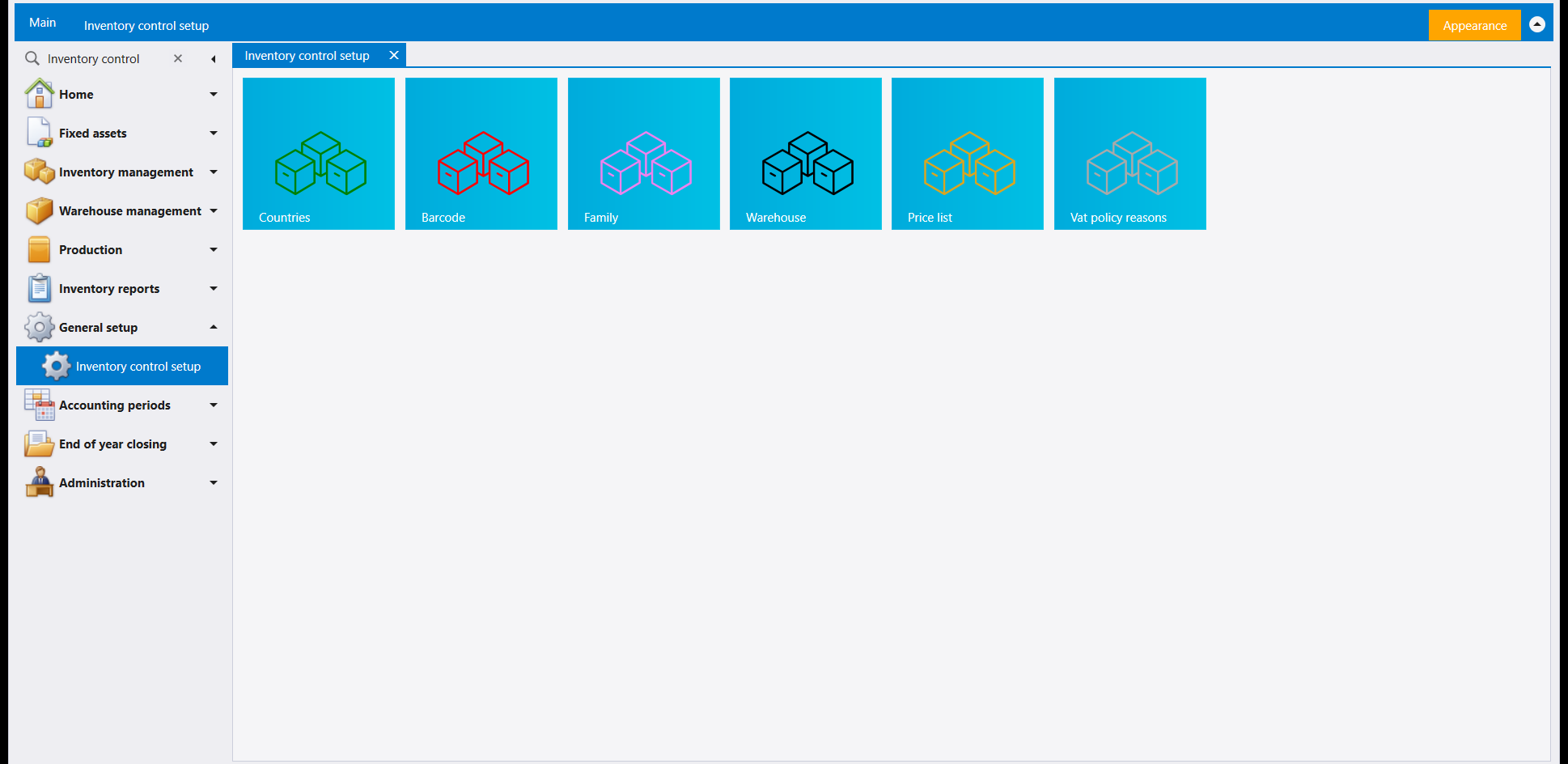
Countries looks like it belongs on this page - and in an older release it did - but in this version it is a tile on Inventory control setup, not Lookups:
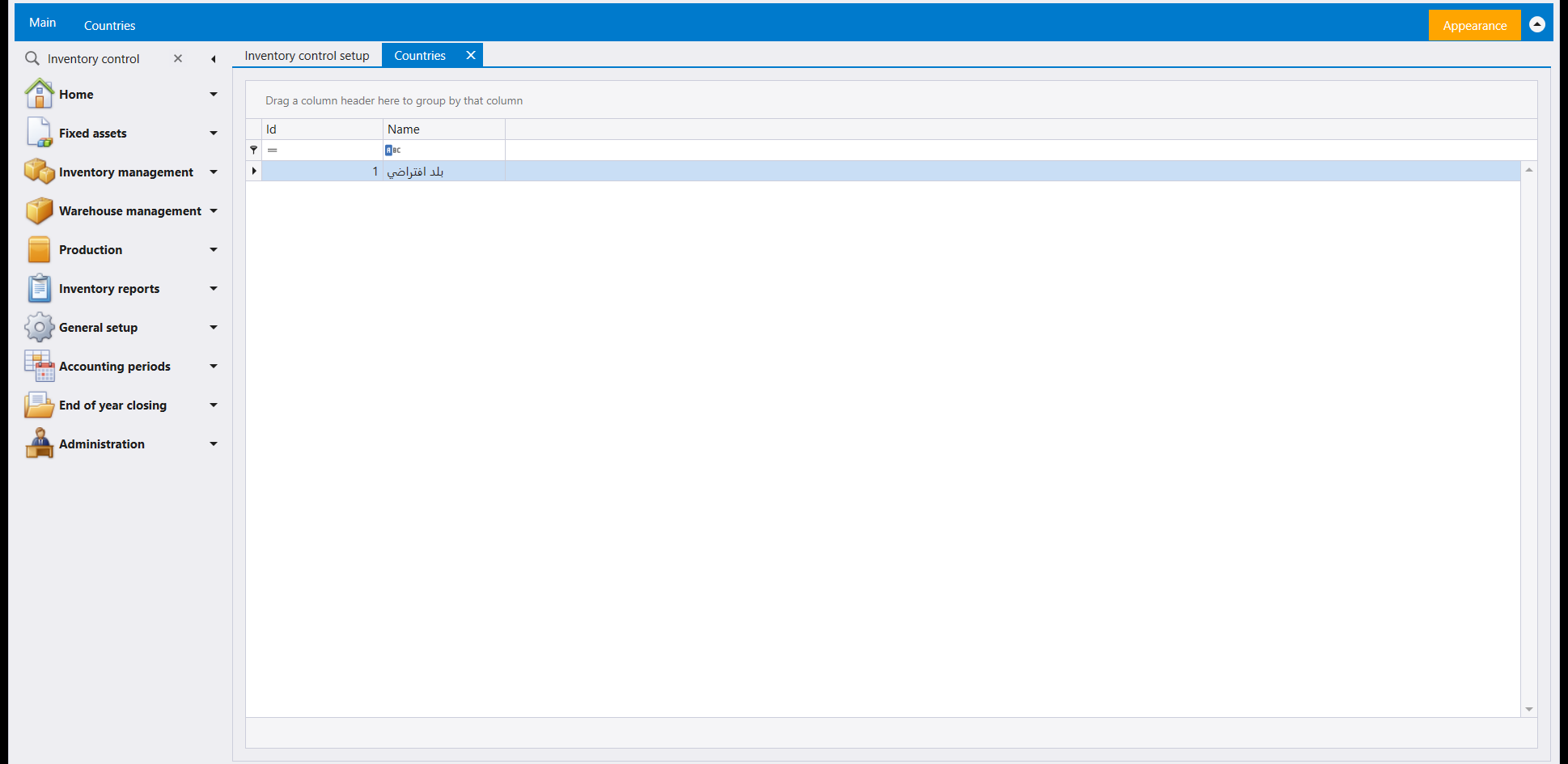
Opening it shows the one country Libra ships with, بلد افتراضي (a placeholder default country), ready to be renamed or added to:
مجموعة صغيرة من اللوائح تغذّي القوائم المنسدلة التي تختار منها في أماكن أخرى - منطقة، فئة، اسم حقل حر. ويجمعها General setup في صفحة واحدة.
١. أين تجدها
افتح General setup ← Lookups. خمسة مربّعات.
Branches مشروح مع المستخدمين والصلاحيات في المستخدمون والأدوار والصلاحيات. وتلي الأربعة الباقية.
٢. لائحة الاختيار (Lookup list): شاشة واحدة، لوائح كثيرة
بدل مربّع لكل لائحة، تمنح ليبرا هذه الشاشة الواحدة منتقيًا في الأعلى. اختر اللائحة التي تحرّرها، ثم أضف أسطرًا تحتها. Ledger Categories معروضة هنا؛ وقائمة المنتقي المنسدلة تحمل الباقي.
٣. المنطقة (Region)
تربط المنطقة City بـCountry، والشاشات التي تسأل عن منطقة زبون أو مورد تسحب من هذه اللائحة. حفظ واحدة هو New وتعبئة City وCountry ثم Save - وCode يُخصَّص لك تلقائيًا. كانت هذه الشركة تحمل سلفًا بيروت / لبنان؛ وسطر ثانٍ يثبت الحفظ:
٤. الفئات (Categories)
لائحة قصيرة ومسطّحة - لا انقسام Code/Country، فقط Description لكل فئة. تستعملها هذه الشركة لفئة مشترين واحدة حتى الآن، Wholesale.
٥. الحقول الحرة المتعددة (Multiple free fields)
جدول بأعمدة Code وDescription وScreen. يُفتح فارغًا، وعلى شريطه New.
٦. وسائل النقل (Transportation)
الطرق التي تنتقل بها شحنة - Number وMethod، لا أكثر. تُفتح فارغة أيضًا.
٧. تجهيز الحقول الحرة (Setup freefields)
قريبة من Multiple free fields، لكنها لخانات الحقل الواحد التي تحملها عدة مستندات. تشحن ليبرا بأربع خانات مرقّمة بالضبط (1 إلى 4)، عددها ثابت؛ سمِّ ما تريده منها وأشّر Mandatory حيث يجب إدخال قيمة.
تُبلَغ هذه الشاشة من المكان نفسه الذي تُبلَغ منه الأربع أعلاه (Home ← البحث، أو القائمة السريعة إن أُضيفت)، لكنها ليست أحد مربّعات Lookups الخمسة.
٨. البلدان (Countries)
تبدو Countries وكأنها تنتمي إلى هذه الصفحة - وفي إصدار أقدم كانت كذلك - لكنها في هذا الإصدار مربّع في Inventory control setup، لا في Lookups:
فتحها يُظهر البلد الوحيد الذي تشحن به ليبرا، بلد افتراضي، جاهزًا لإعادة تسميته أو الإضافة إليه: