
How to add a currencyكيفية إضافة عملة
A company set up for Lebanon starts with LBP Lebanese Lira and USD U.S Dollars already in the list. Add a currency when you start dealing in a third one, a euro supplier, a dirham bank account.
- From the left menu open General setup → Currencies.
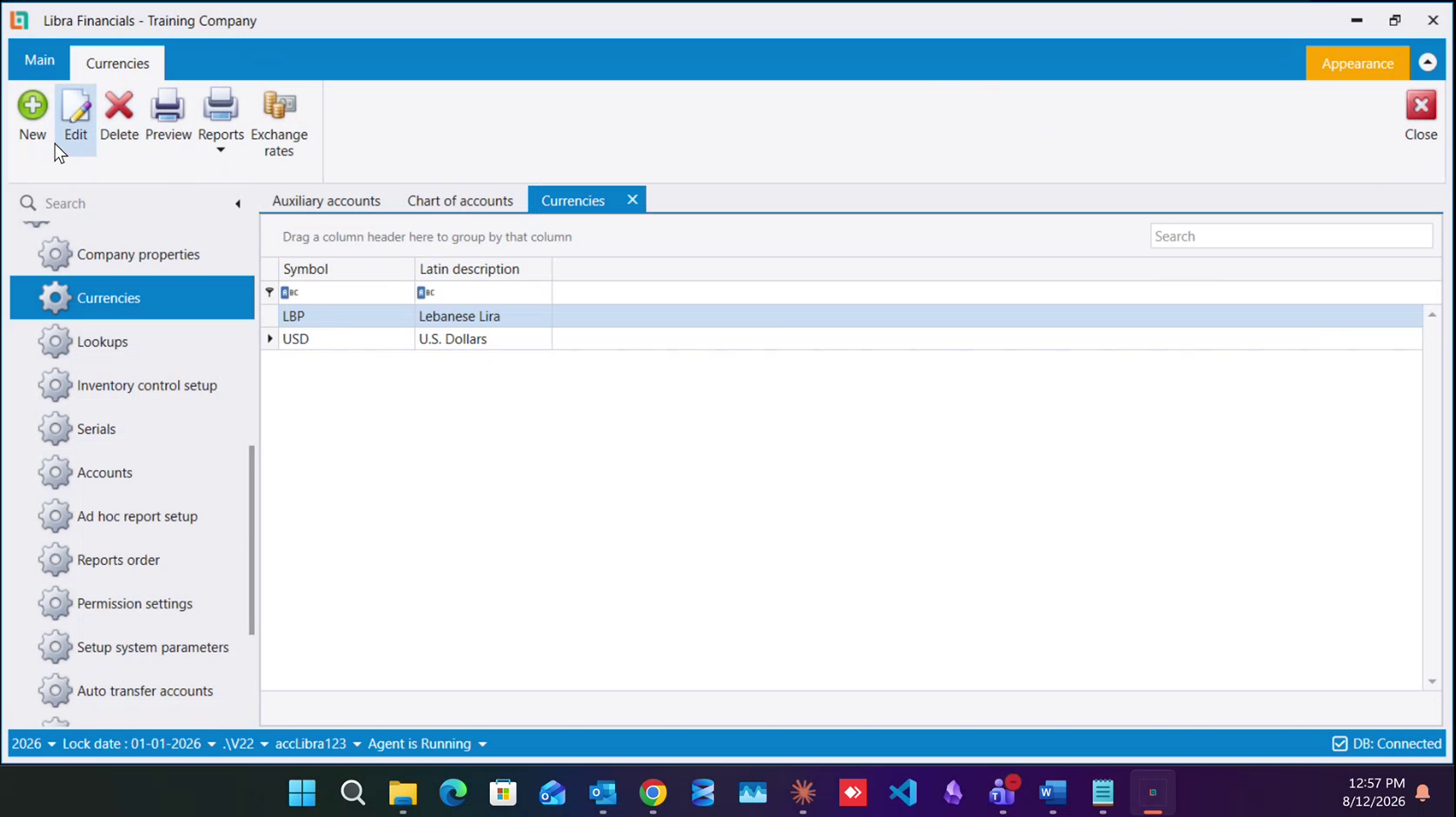
- Press New. The upper field is the currency's symbol
EUR,AEDand the field below it is the Latin description you will recognise it by in lists. The symbol is the part that matters; the description is a convenience. - Save. The currency now appears in the list beside
LBPandUSD.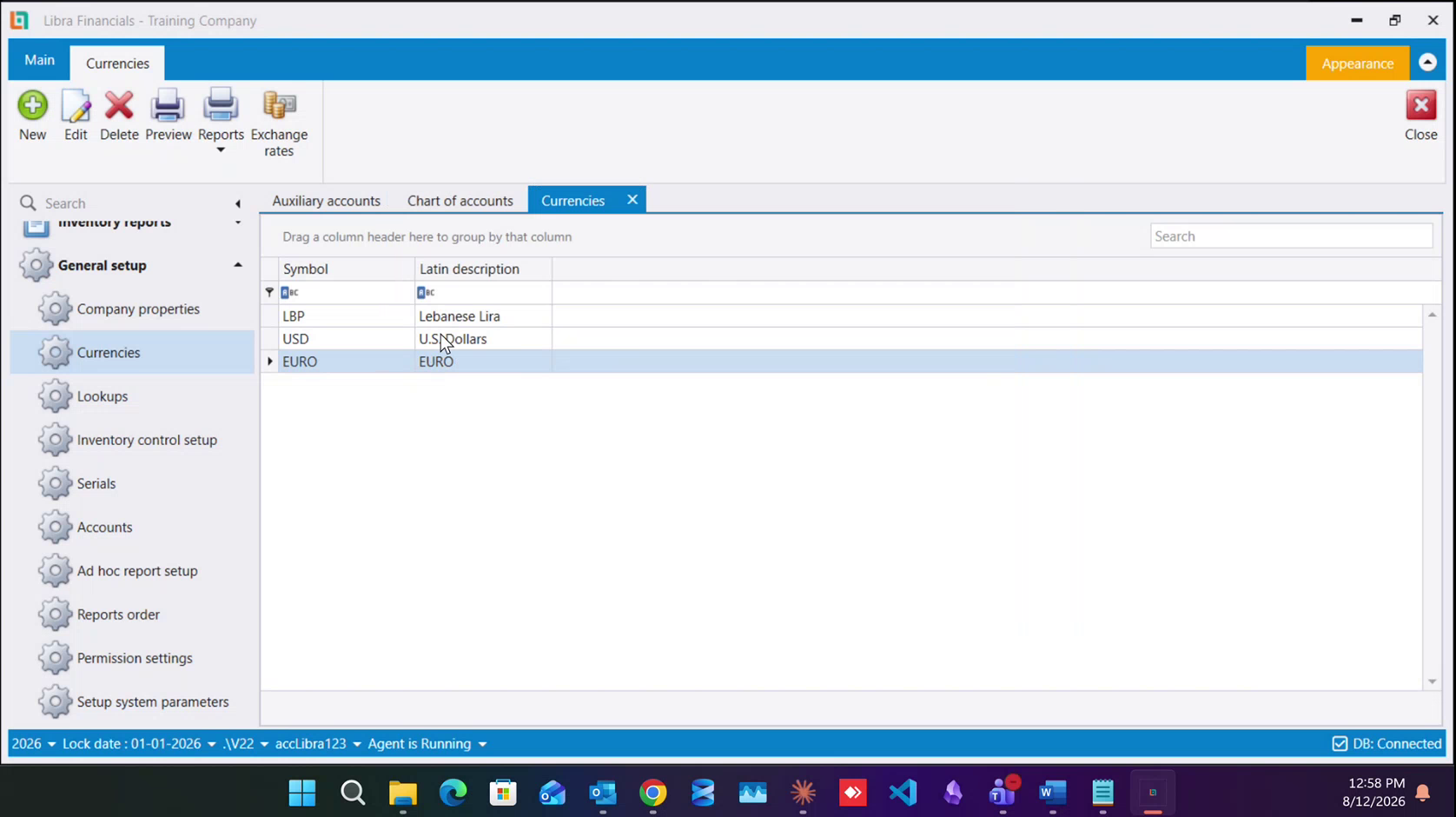
A currency with no rate cannot convert anything, so the next step is always the rate. Select the new row and press Exchange rates - see how to set an exchange rate, which covers effective dates, the rate history, the linked LBP/USD pair, and how to derive a rate you were only given against the dollar.
تبدأ الشركة المُعدّة للبنان وLBP Lebanese Lira وUSD U.S Dollars موجودتان في القائمة سلفًا. وتضيف عملة حين تبدأ التعامل بثالثة - مورد باليورو، أو حساب مصرفي بالدرهم.
- من القائمة اليسرى افتح الإعداد العام (General setup) ← العملات (Currencies).
- اضغط جديد (New). الحقل الأعلى هو رمز (symbol) العملة
EUROأوAEDوالحقل الذي تحته هو الوصف اللاتيني (Latin description) الذي تعرفها به في القوائم. والرمز هو المهم؛ أما الوصف فللتسهيل. - احفظ (Save). فتظهر العملة في القائمة بجانب
LBPوUSD.
والعملة بلا سعر لا تحوّل شيئًا، فالخطوة التالية هي السعر دائمًا. اختر السطر الجديد واضغط أسعار الصرف (Exchange rates) - انظر كيفية تحديد سعر الصرف، وفيه تواريخ السريان والسجل التاريخي وزوج الليرة والدولار المترابط، وكيف تشتق سعرًا لم يُعطَ لك إلا مقابل الدولار.
التالي: كيفية تحديد سعر الصرف · العملات والنقد.