
Prices and discounts, away from the item record itselfالأسعار والخصومات، بمعزل عن سجلّ الصنف نفسه
Prices are first set on the item itself. These three screens work across many items at once: one maintains price lists, and two set discount percentages that link customers to categories or items.
1. Units price list - changing prices in bulk
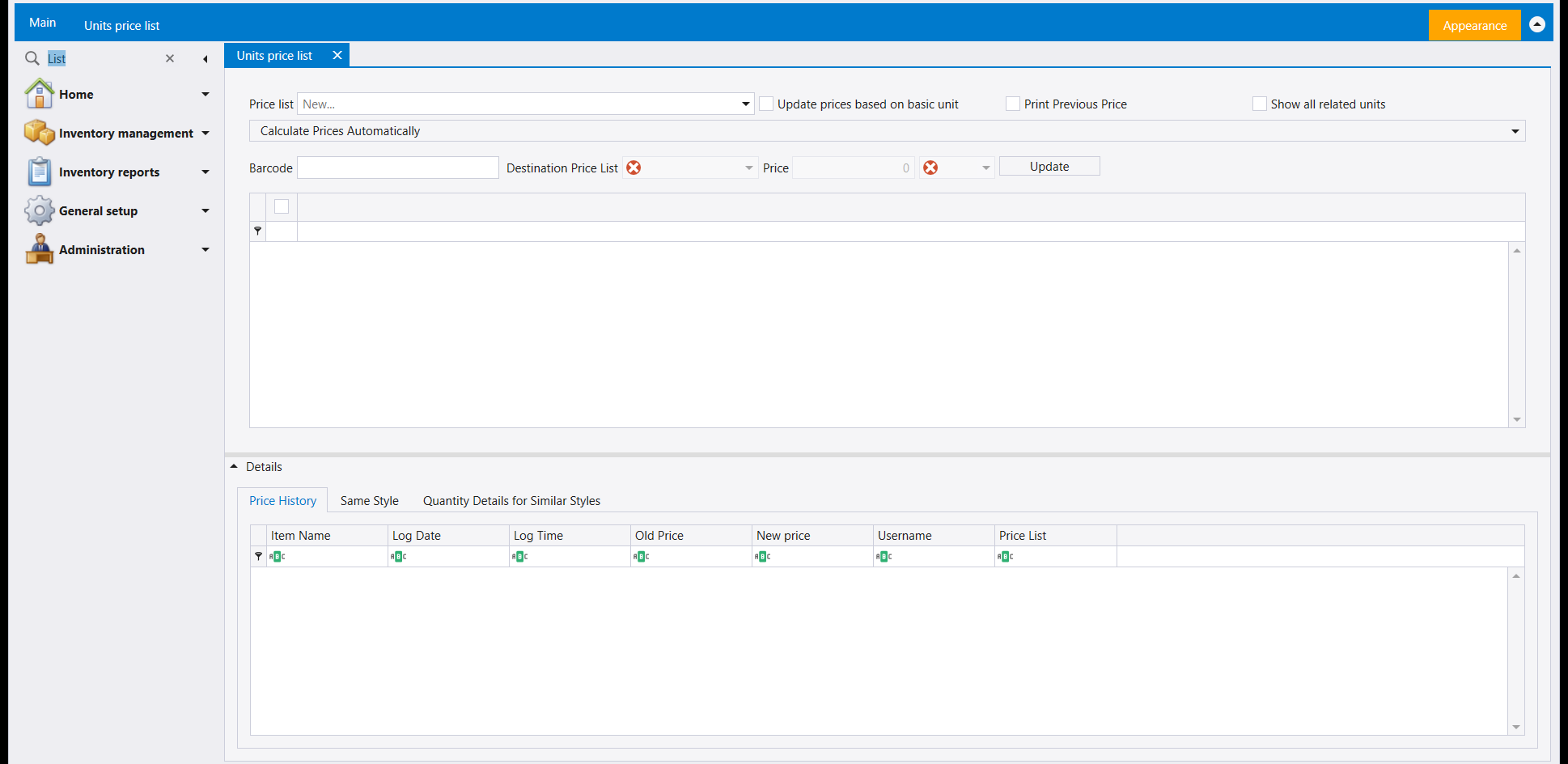
Pick a Price list, then work on it a row at a time with the Barcode / Destination Price List / Price / Update row, or open the Calculate Prices Automatically bar to have prices calculated for you. Update prices based on basic unit bases the update on each item's basic unit - see How to set up units of measure for what a basic unit is. Print Previous Price and Show all related units are further options on the same row.
The Details panel underneath is where a price change proves itself: the Price History tab lists every past change by Item Name, Log Date, Log Time, Old Price, New price, Username and Price List, so a price that looks wrong can be traced to who changed it and when. Same Style and Quantity Details for Similar Styles line the item up against others that share its Style - see The item definition screen for the item record.
2. Discount policies - one category or item, many customers
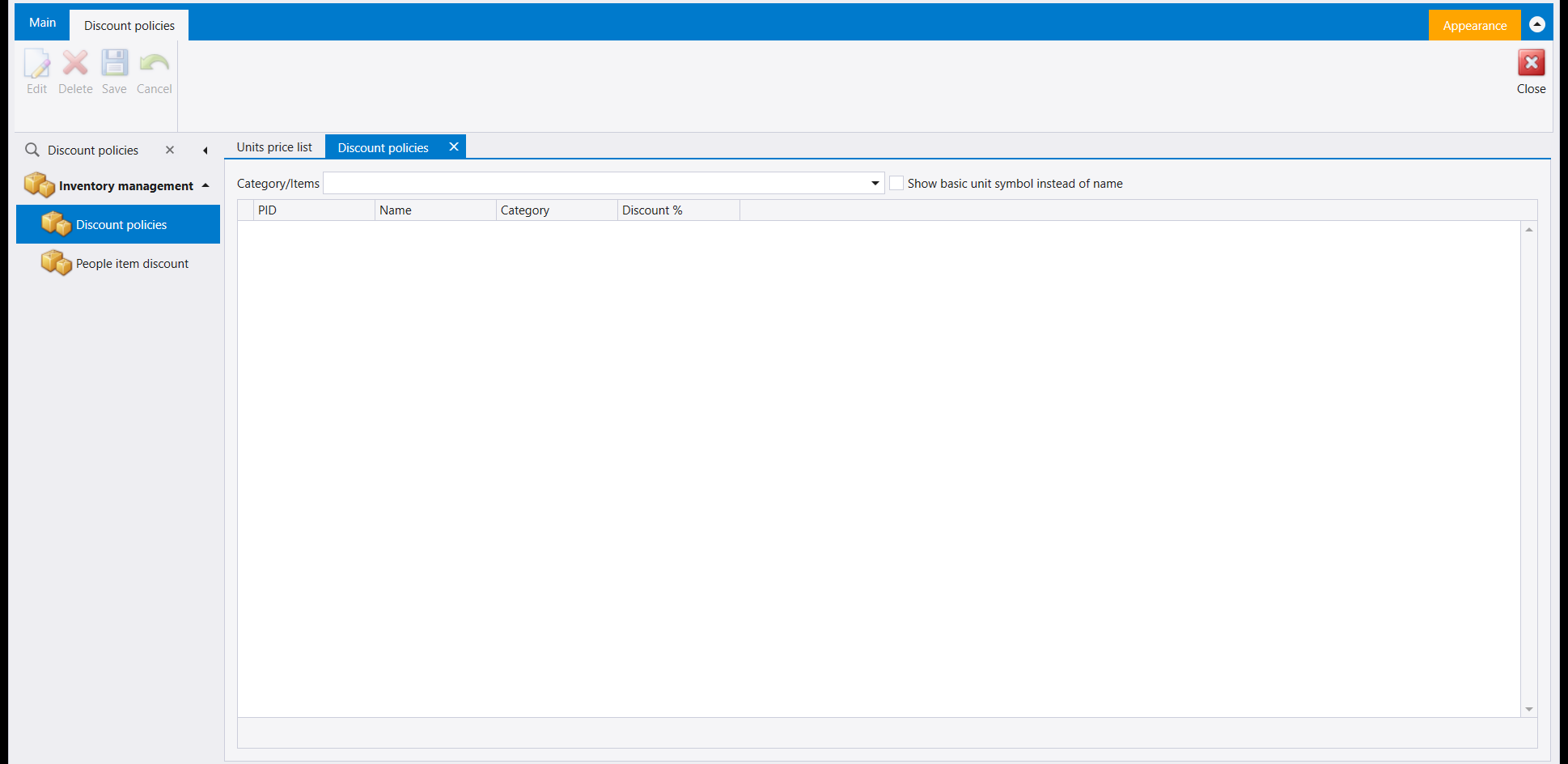
Pick a Category/Items value and the grid lists accounts by PID and Name, each with its Discount % on that category or item. Show basic unit symbol instead of name changes how items are labelled in the picker.
3. People item discount - one customer, many categories or items
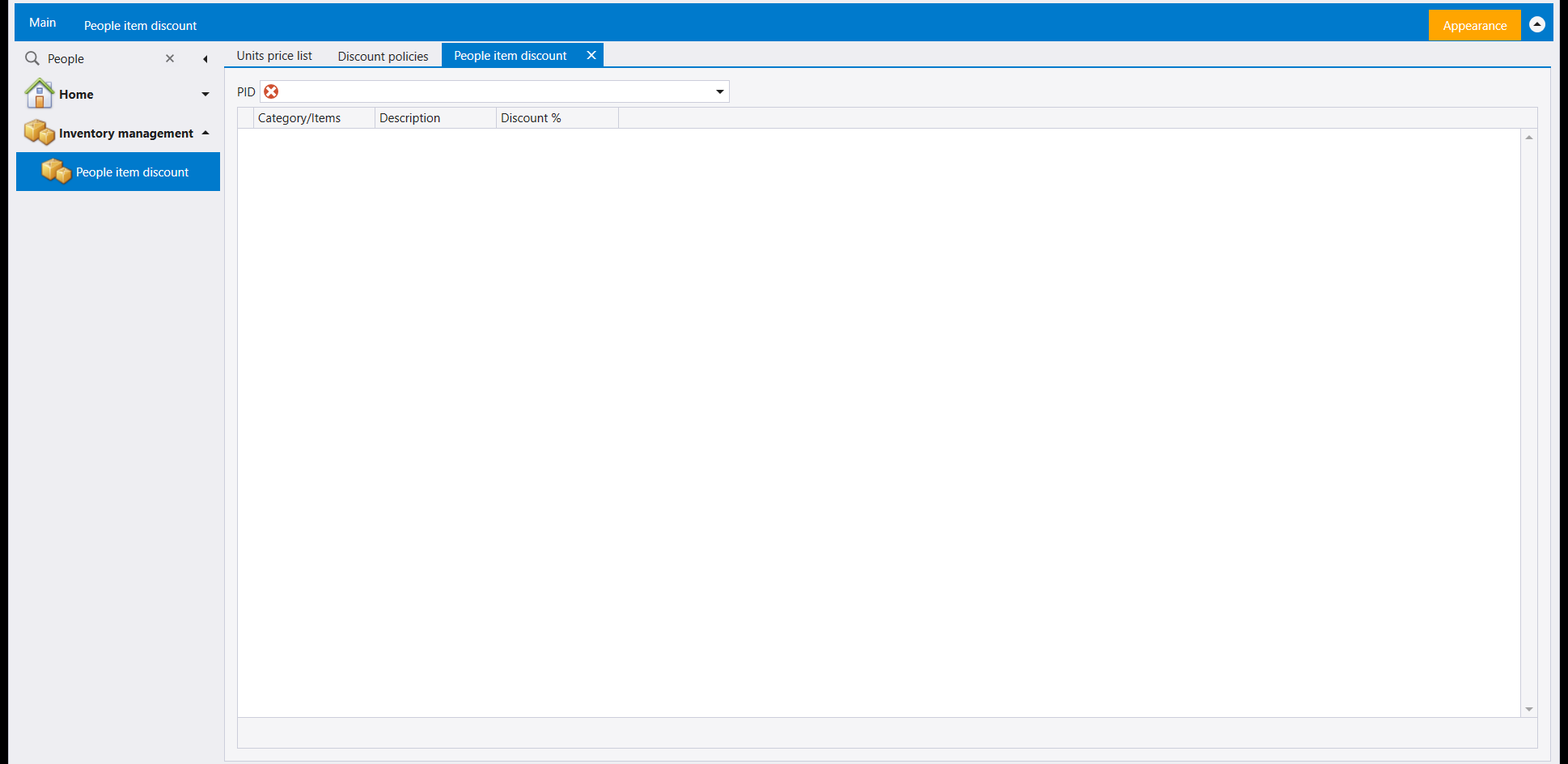
The same discounts seen from the other side: pick a PID (the account) and the grid lists each Category/Items entry with its Description and Discount %. Use Discount policies when you start from a category, and this screen when you start from a customer.
تُضبط الأسعار أولًا على الصنف نفسه. وهذه الشاشات الثلاث تعمل على أصناف كثيرة معًا: واحدة تدير لوائح الأسعار، واثنتان تضبطان نسب الخصم التي تربط الزبائن بالفئات أو الأصناف.
١. Units price list - تغيير الأسعار بالجملة
اختر Price list، ثم اعمل عليها سطرًا سطرًا بسطر Barcode / Destination Price List / Price / Update، أو افتح شريط Calculate Prices Automatically لتُحسب الأسعار لك. وUpdate prices based on basic unit يبني التحديث على الوحدة الأساسية لكل صنف - راجع كيفية إعداد وحدات القياس لمعرفة ما هي الوحدة الأساسية. وPrint Previous Price وShow all related units خياران إضافيان في السطر نفسه.
ولوحة Details أسفلها هي حيث يُثبت تغيير السعر نفسه: يسرد لسان Price History كل تغيير سابق بـItem Name وLog Date وLog Time وOld Price وNew price وUsername و Price List، فسعر يبدو خاطئًا يمكن تتبّعه إلى من غيّره ومتى. ويقارن Same Style و Quantity Details for Similar Styles الصنف بأصناف أخرى تشاركه Style - راجع شاشة تعريف الأصناف لسجلّ الصنف.
٢. Discount policies - فئة أو صنف واحد، زبائن كثيرون
اختر قيمة Category/Items فيسرد الجدول الحسابات بـPID وName، ولكلٍّ منها Discount % على تلك الفئة أو ذاك الصنف. وShow basic unit symbol instead of name يغيّر طريقة تسمية الأصناف في أداة الاختيار.
٣. People item discount - زبون واحد، فئات أو أصناف كثيرة
الخصومات نفسها من الجهة الأخرى: اختر PID (الحساب) فيسرد الجدول كل Category/Items مع Description وDiscount %. استعمل Discount policies حين تبدأ من فئة، وهذه الشاشة حين تبدأ من زبون.