
Setting up approval workflowإعداد مسار الموافقات
Workflow, the last button on the Main ribbon, and the Workflow setup group of the left menu, are where a workflow is set up and followed.
1. Watching what is in progress
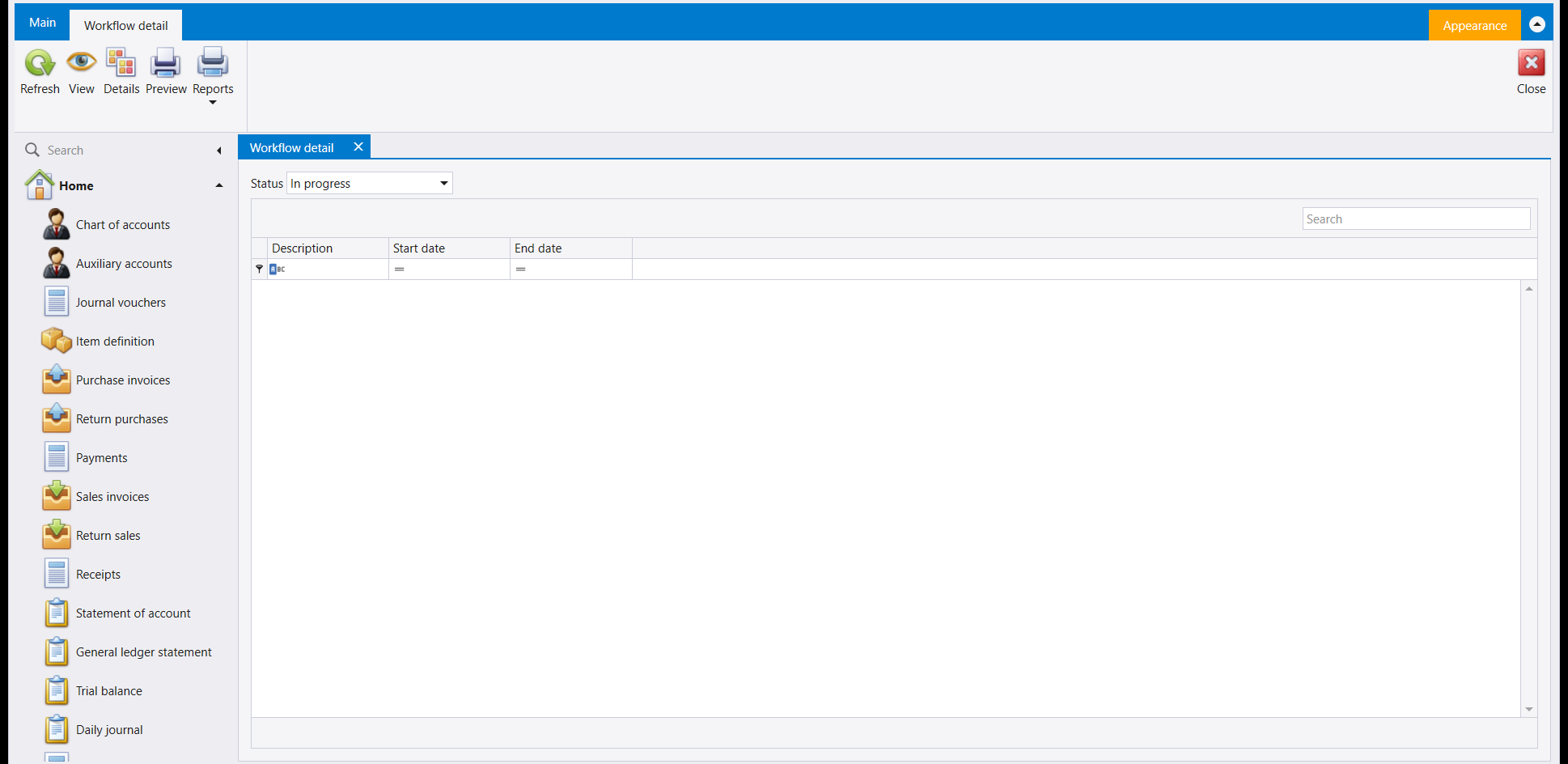
The Main ribbon's Workflow button opens Workflow detail: a Status filter (starting on In progress) over a plain list of Description, Start date and End date.
2. Stages, steps and actions - the building blocks
A flow is built from three kinds of building block, each its own screen reached from Home: Workflow stages and Workflow actions are both plain Name / Name ar lists you add to directly, and Workflow templates ties a Name to a Voucher kind, the kind of document the template is for.
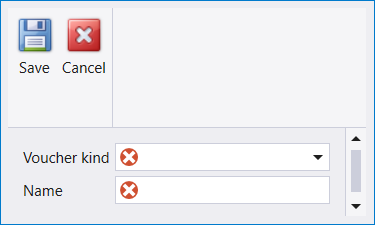
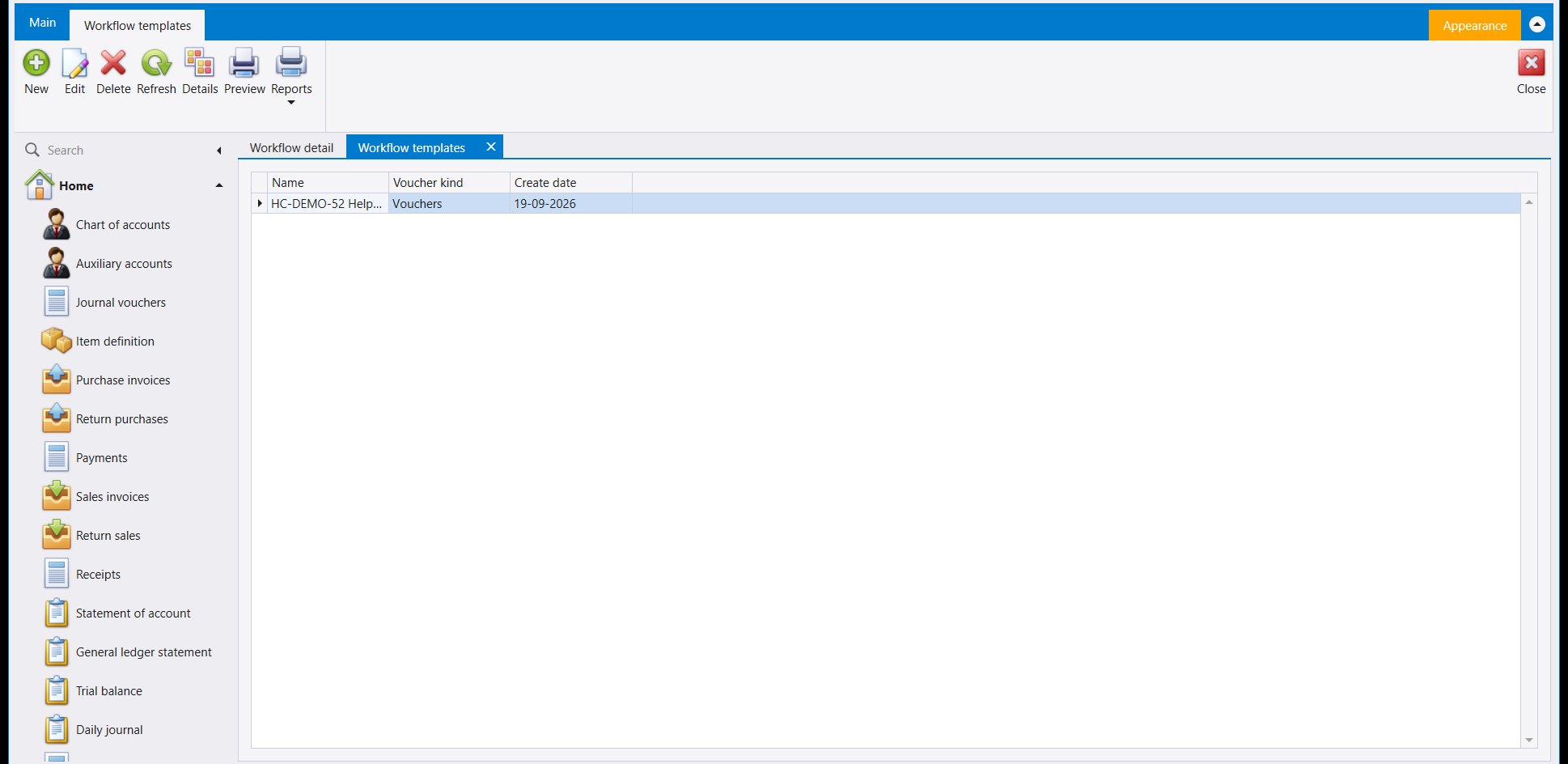
Saving one shows straight away in the template list, with the date it was created:
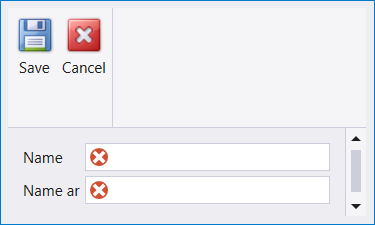
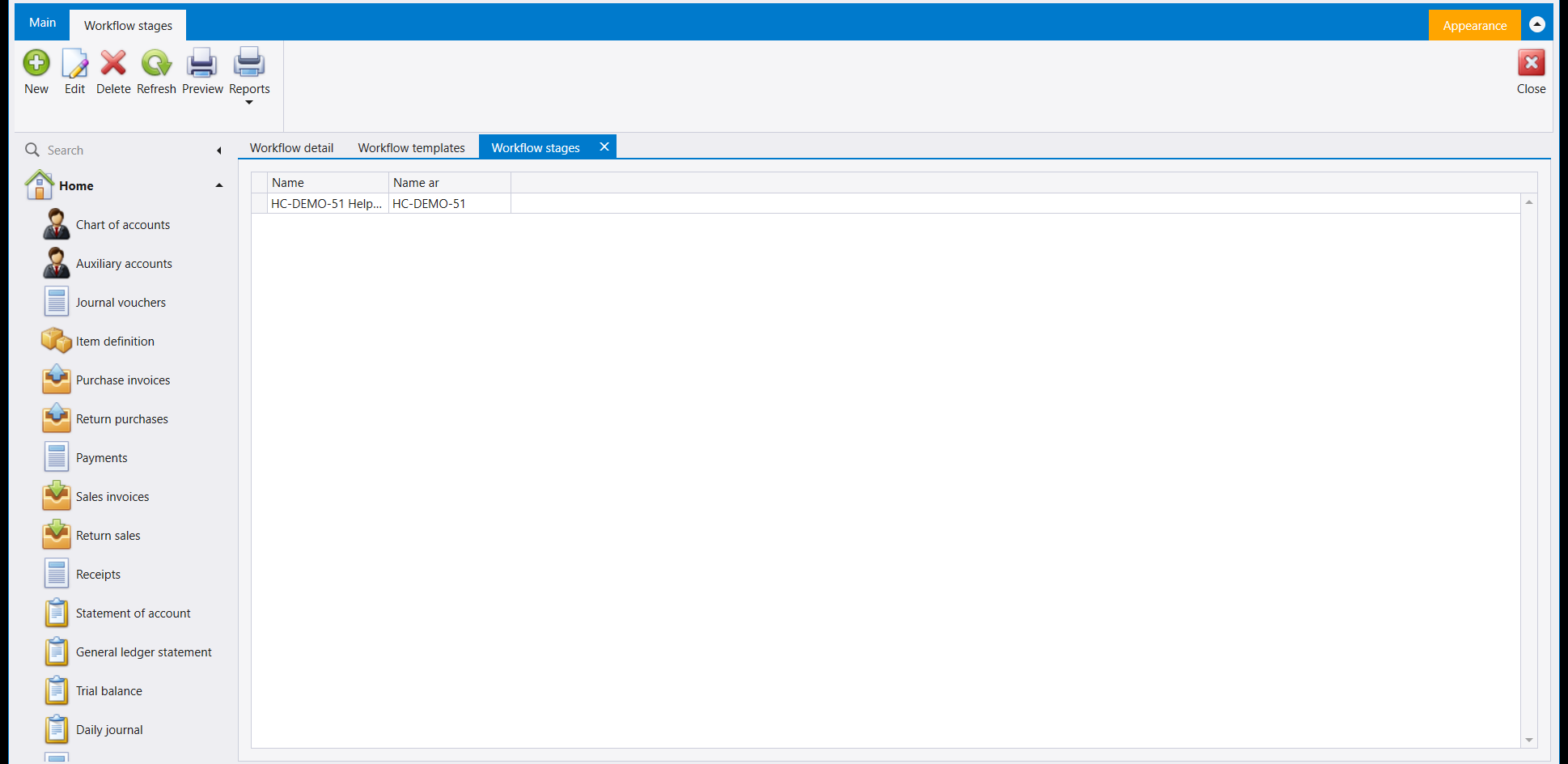
Adding a stage works the same way - a Name and its Name ar, then Save:
3. Stages roles
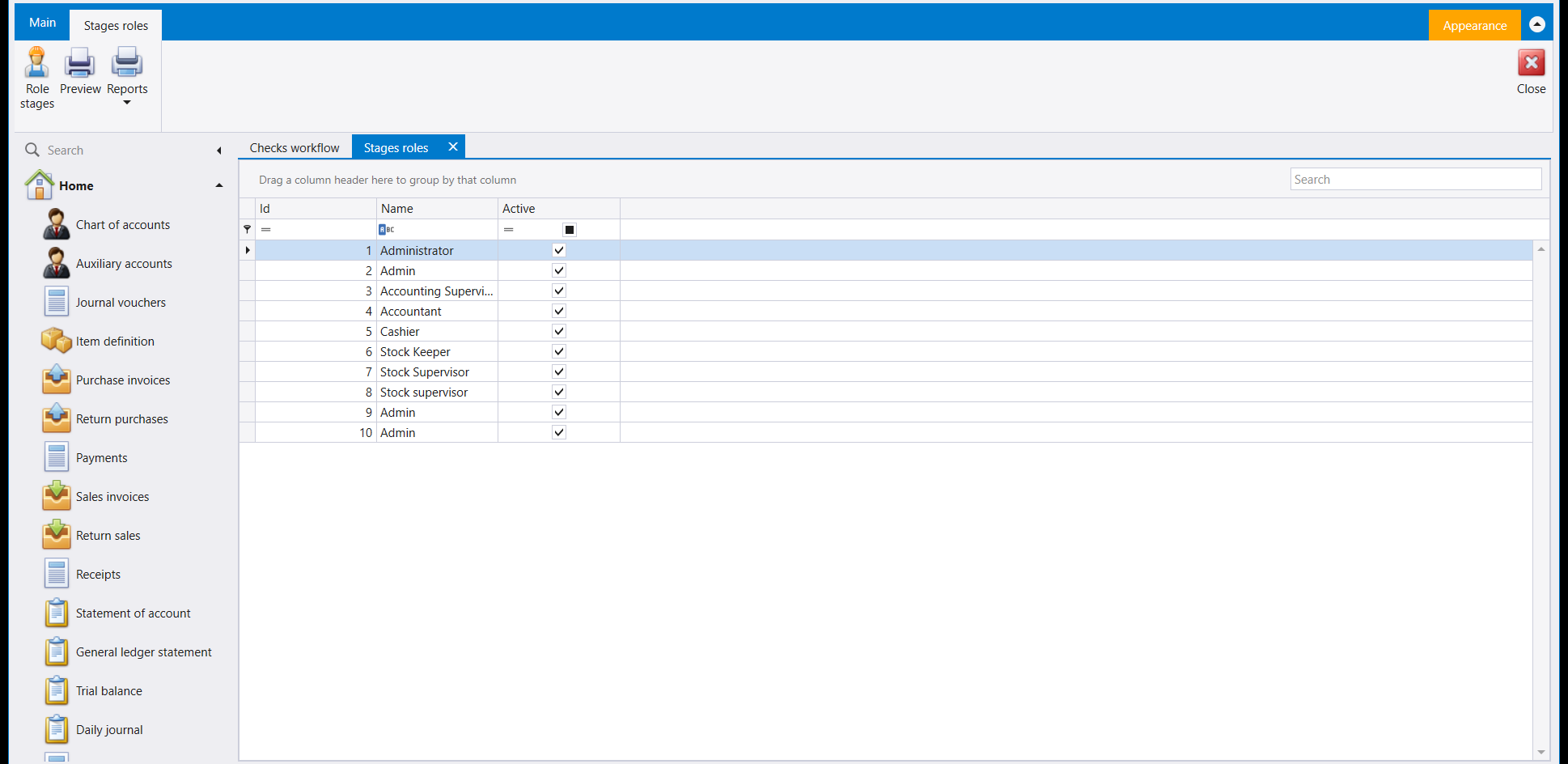
Stages roles lists the same roles as Roles & permissions (Users, roles and rights), and its ribbon carries a Role stages button alongside Preview and Reports.
4. Checks workflow
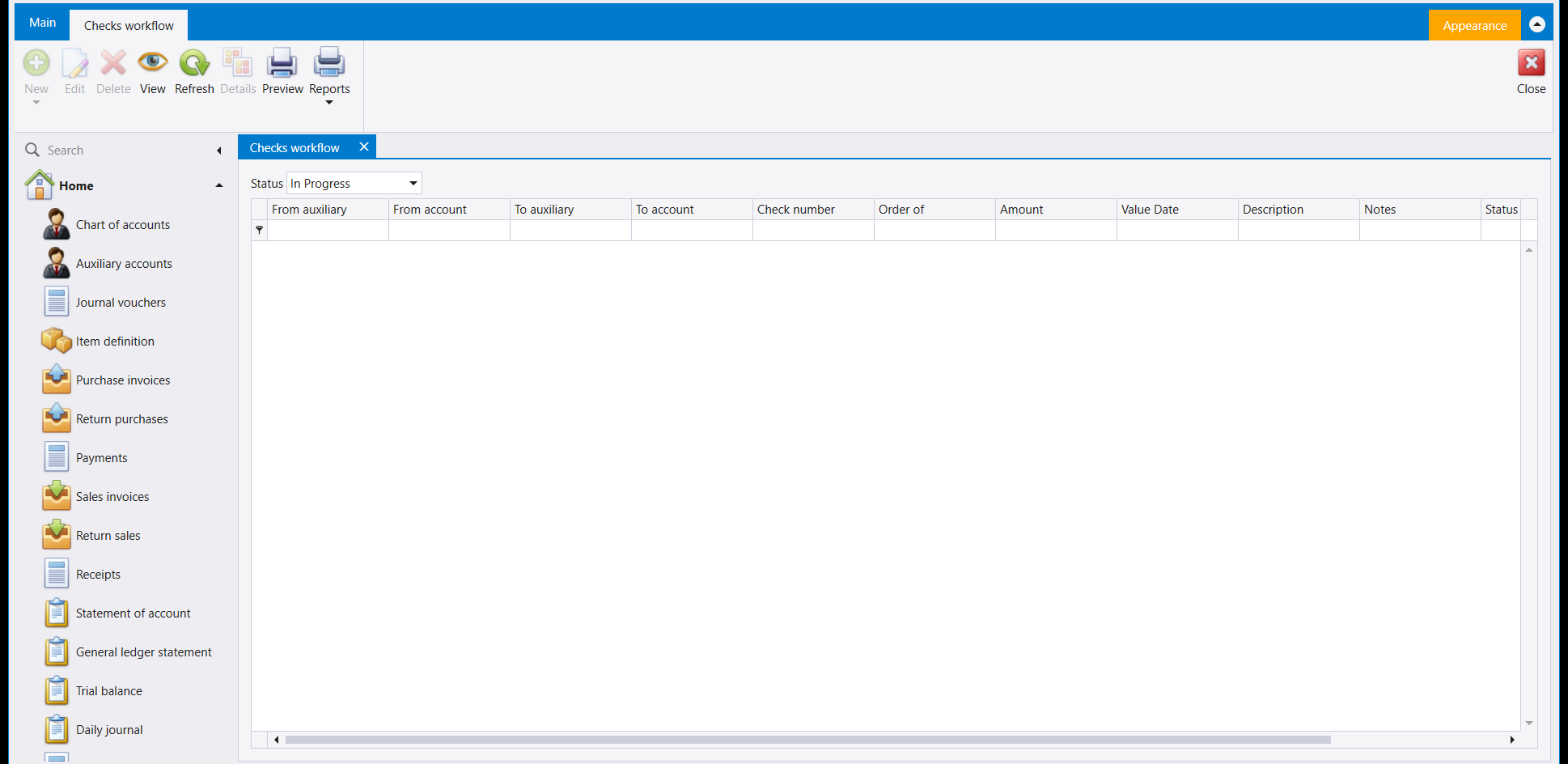
Checks workflow is the list for checks: a Status filter over From auxiliary, From account, To auxiliary, To account, Check number, Order of, Amount, Value Date, Description, Notes and Status columns.
5. The Workflow setup group
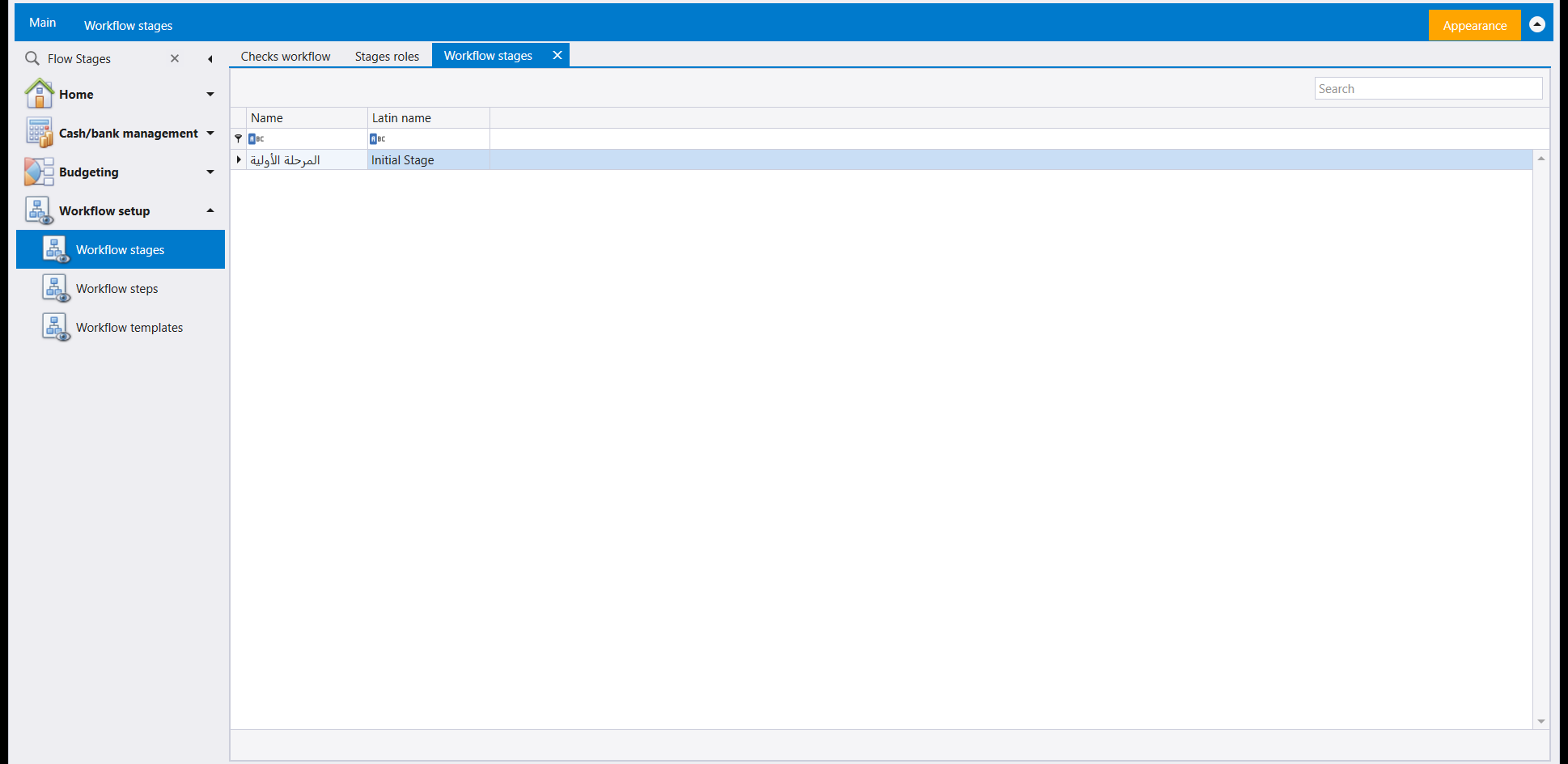
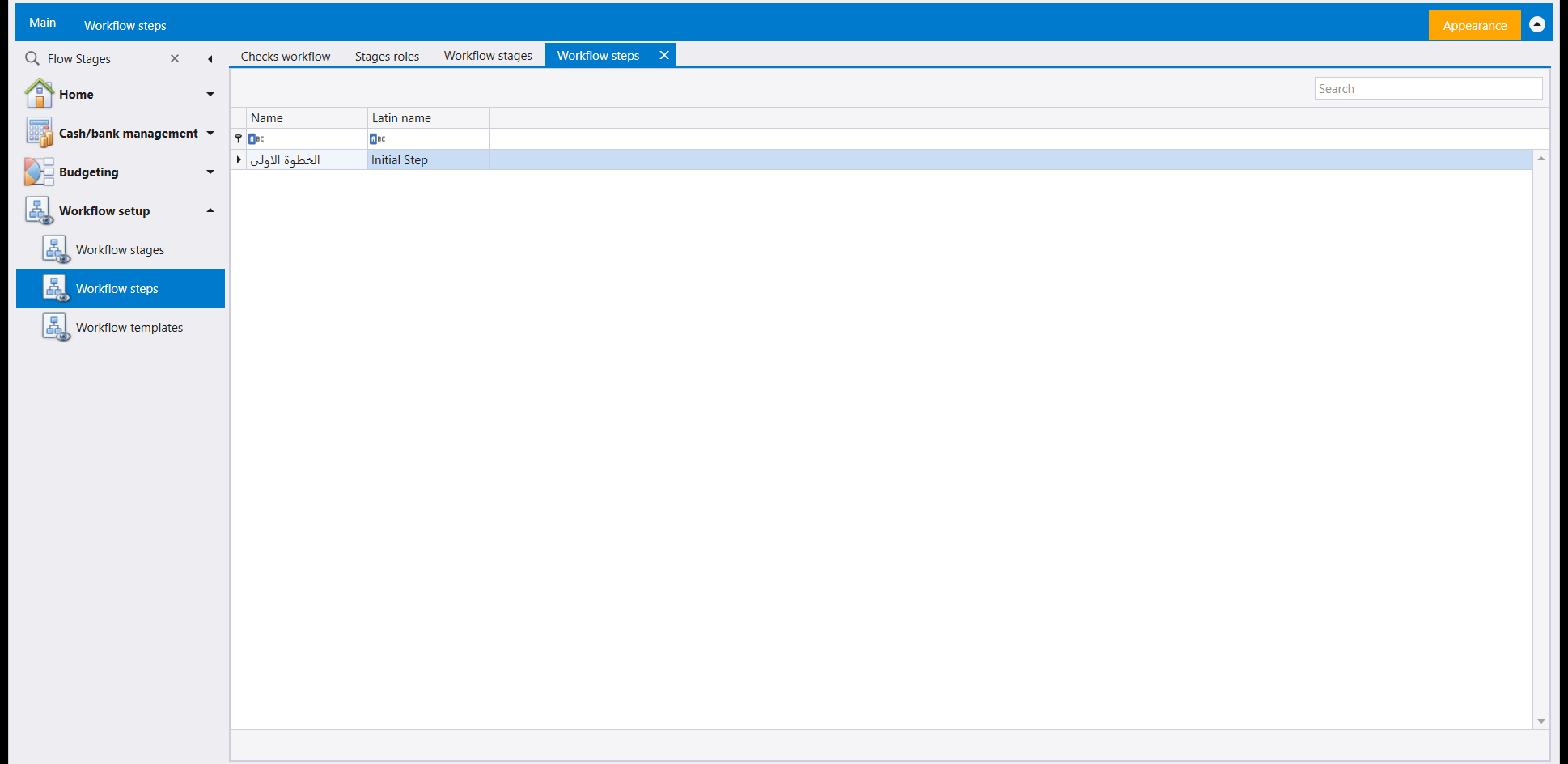
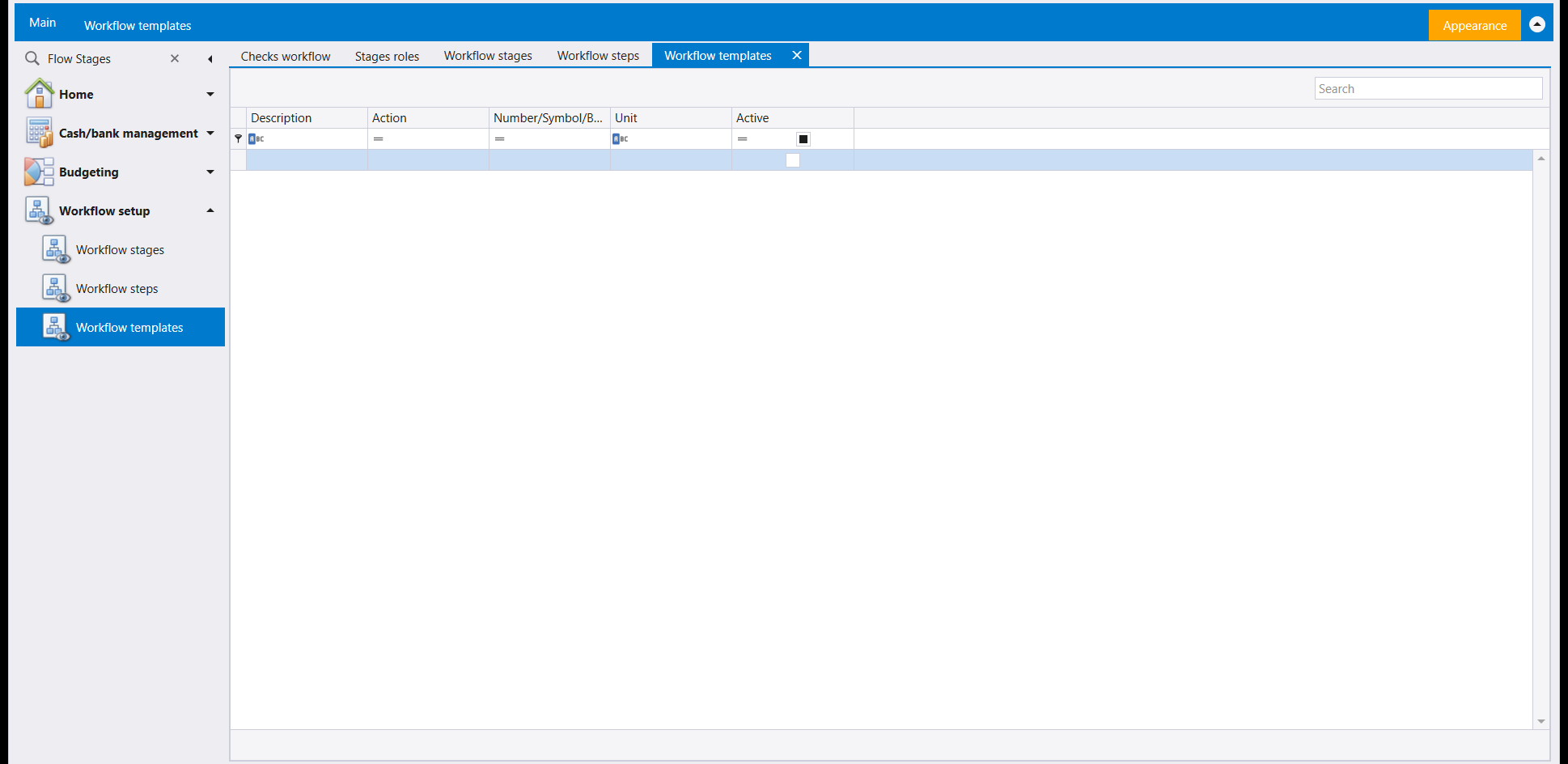
The left menu's own Workflow setup group holds a second set of three screens under names that read the same as the Home ones above - Workflow stages, Workflow steps and Workflow templates - but they are a separate area, each already carrying one ready-made example: a starter stage and a starter step, both given a plain Name and a Latin name, and an empty template list of its own with Description, Action, a numbering field, Unit and Active columns.
مسار العمل (Workflow)، آخر زر في الشريط الرئيسي، ومجموعة إعداد مسار العمل (Workflow setup) في القائمة اليسرى، هما مكان إعداد مسار العمل ومتابعته.
١. متابعة ما هو قيد التنفيذ
يفتح زر مسار العمل (Workflow) في الشريط الرئيسي شاشة تفاصيل مسار العمل (Workflow detail): مرشّح الحالة (Status) (يبدأ على قيد التنفيذ) فوق لائحة بسيطة من الوصف (Description) وتاريخ البدء (Start date) وتاريخ الانتهاء (End date).
٢. المراحل والخطوات والإجراءات - لبنات البناء
يُبنى المسار من ثلاث لبنات، لكل منها شاشتها الخاصة الوصولة من الرئيسية: مراحل سير العمل (Workflow stages) وإجراءات سير العمل (Workflow actions) كلتاهما لائحة بسيطة من الاسم (Name) والاسم بالعربية (Name ar) تضيف إليها مباشرة، ونماذج سير العمل (Workflow templates) يربط اسمًا (Name) بـنوع القسيمة (Voucher kind)، أي نوع المستند الذي وُضع له النموذج.
ويظهر حفظ نموذج مباشرة في لائحة النماذج، مع تاريخ إنشائه:
وإضافة مرحلة تسير بالطريقة نفسها - اسم (Name) واسمها بالعربية (Name ar) ثم حفظ:
٣. مراحل الأدوار
تسرد مراحل الأدوار (Stages roles) الأدوار نفسها التي تسردها Roles & permissions (المستخدمون والأدوار والصلاحيات)، ويحمل شريطها زر مراحل الدور (Role stages) إلى جانب Preview وReports.
٤. عملية سير عمل الشيكات
عملية سير عمل الشيكات (Checks workflow) هي لائحة الشيكات: مرشّح الحالة (Status) فوق أعمدة من الحساب المساعد (From auxiliary) ومن الحساب (From account) وإلى الحساب المساعد (To auxiliary) وإلى الحساب (To account) ورقم الشيك (Check number) ولأمر (Order of) والمبلغ (Amount) وتاريخ الاستحقاق (Value Date) والوصف (Description) وملاحظات (Notes) والحالة (Status).
٥. مجموعة إعداد مسار العمل
تحمل مجموعة إعداد مسار العمل (Workflow setup) الخاصة بالقائمة اليسرى مجموعة ثانية من ثلاث شاشات تحت أسماء تُقرأ كأسماء شاشات الرئيسية أعلاه - مراحل سير العمل وخطوات سير العمل ونماذج سير العمل - لكنها منطقة منفصلة، تحمل كل منها مثالًا جاهزًا واحدًا مسبقًا: مرحلة بداية وخطوة بداية، لكل منهما اسم (Name) واسم لاتيني (Latin name)، ولائحة نماذج فارغة خاصة بها بأعمدة الوصف (Description) والإجراء (Action) وحقل ترقيم والوحدة (Unit) ونشِط (Active).