
Inventory control setup: warehouses, price lists and barcodesإعداد ضبط المخزون: المستودعات ولوائح الأسعار والباركود
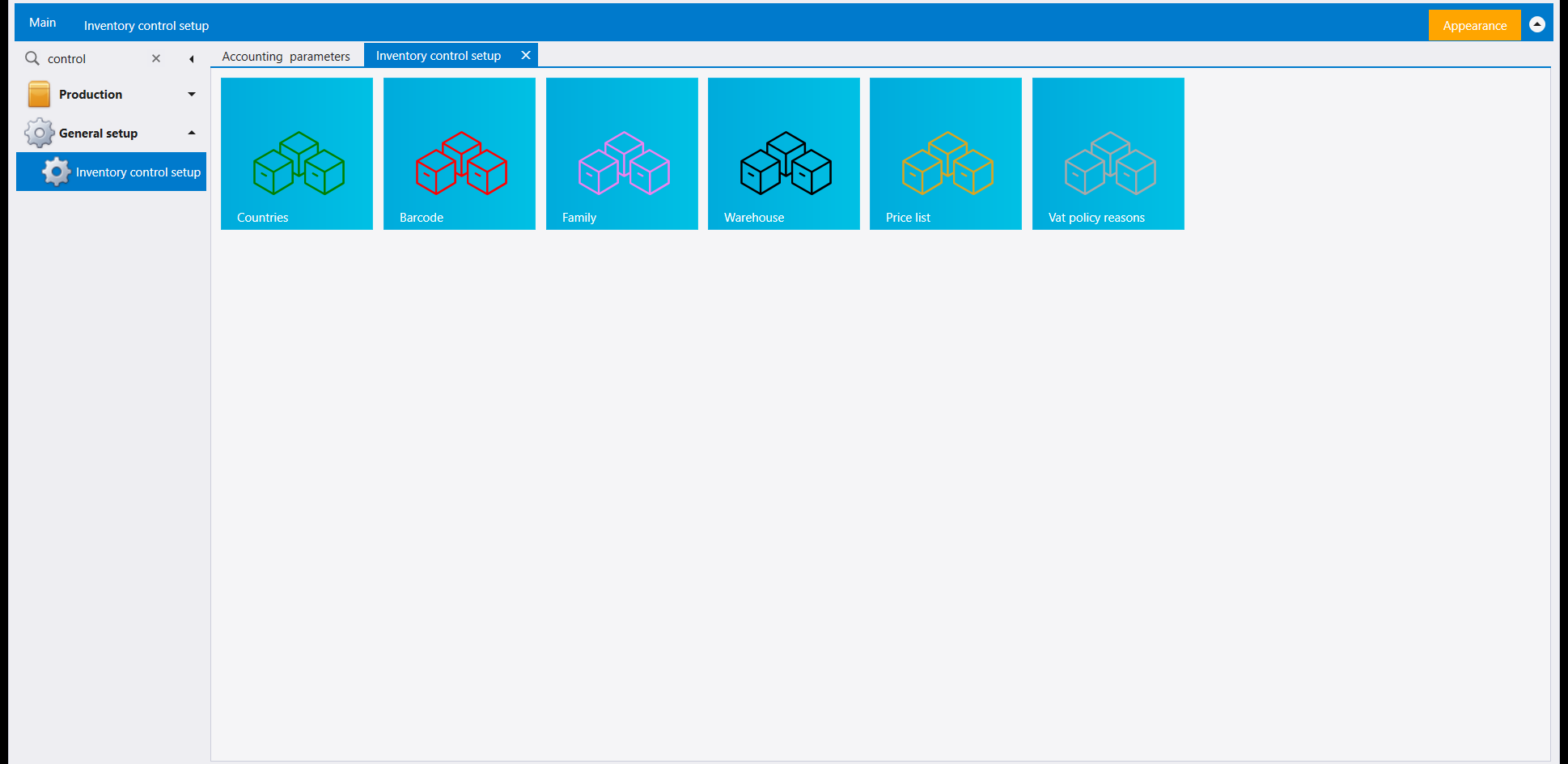
Under General setup, Inventory control setup opens a page of six tiles: Countries, Barcode, Family, Warehouse, Price list and Vat policy reasons. Family has a guide of its own (Item families), and Countries is covered with the other lookup lists in Lookups and custom fields. This guide covers the other three.
1. Warehouse
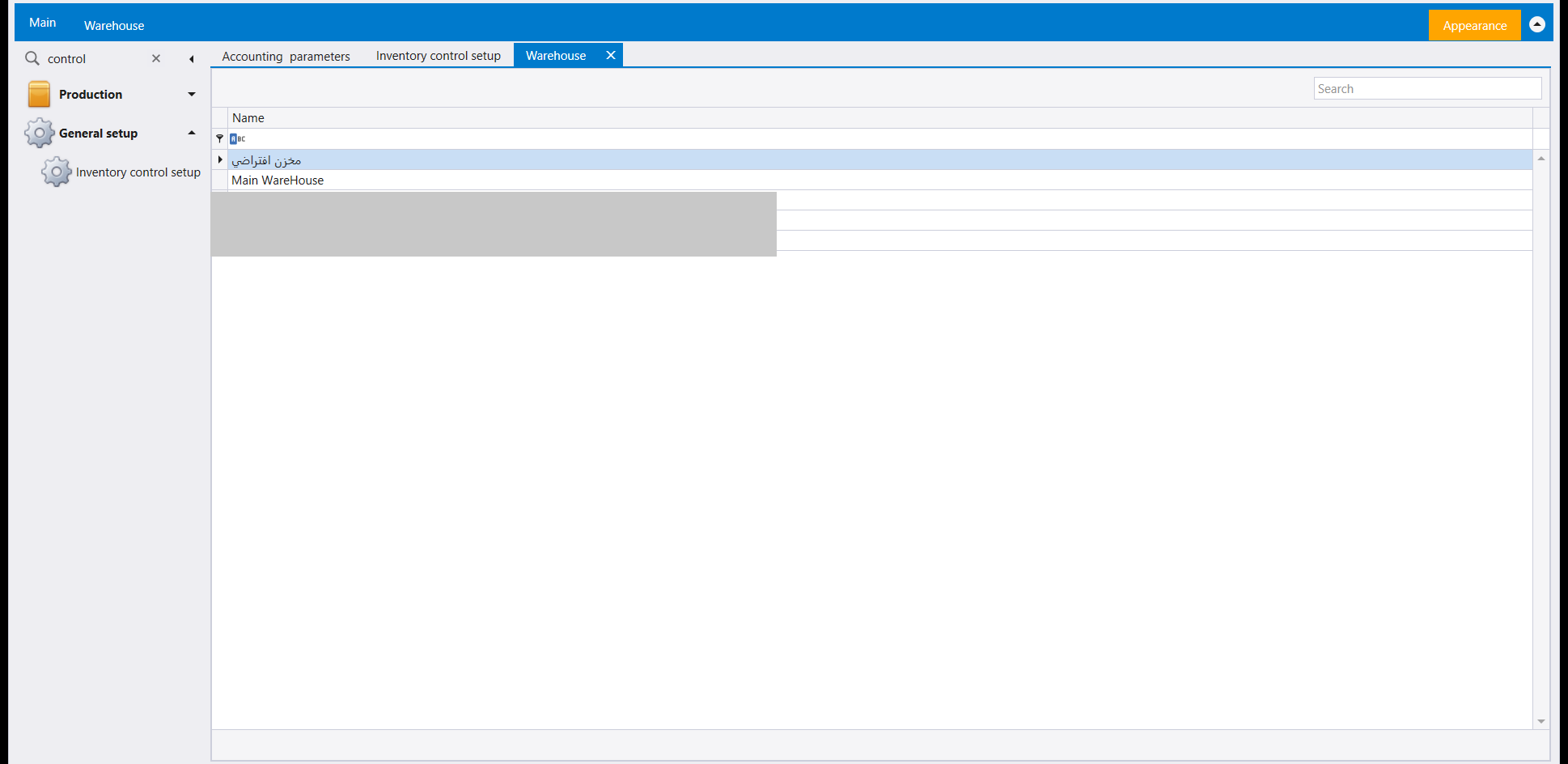
The Warehouse tile opens the list of warehouses by Name, with a Search box. These are the names the Warehouse column of a stock document offers, and the From Warehouse / To Warehouse fields of a transfer - see Stock documents and Moving stock between warehouses.
Warehouses do not have to stay a flat list. Turn on Warehouse hierarchy, among the warehouse options of the inventory parameters (System parameters), and a warehouse can be placed under another one, so the list reads as a tree of parents and children rather than a single column of names.
What the tree is really for is counting. Nest the rooms, shelves or boxes of a building under the building itself and a stock count can be taken location by location, each small warehouse counted on its own and rolling up to the one above it. Day-to-day buying and selling is unaffected by the shape of the tree: an ordinary invoice still reaches the warehouse the item itself defaults to, which is why an item carries one.
Plan the tree before the warehouses are put to work, though. Once a warehouse holds stock, it stays where it is - Libra keeps it under the parent it already has rather than letting the goods inside it change place with it.
2. Price list
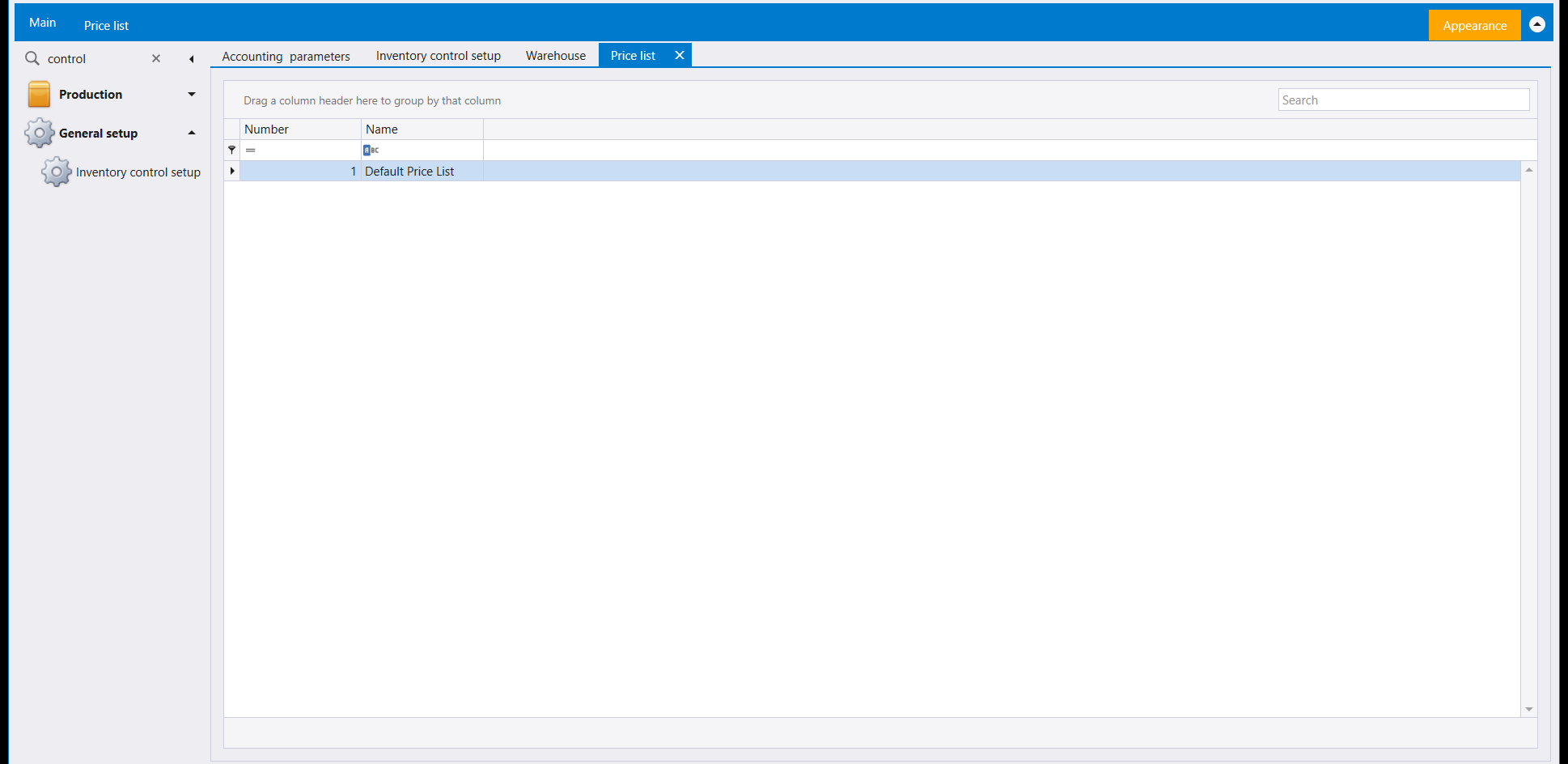
Price list lists the company's price lists by Number and Name. The company shown has one, Default Price List.
3. Barcode
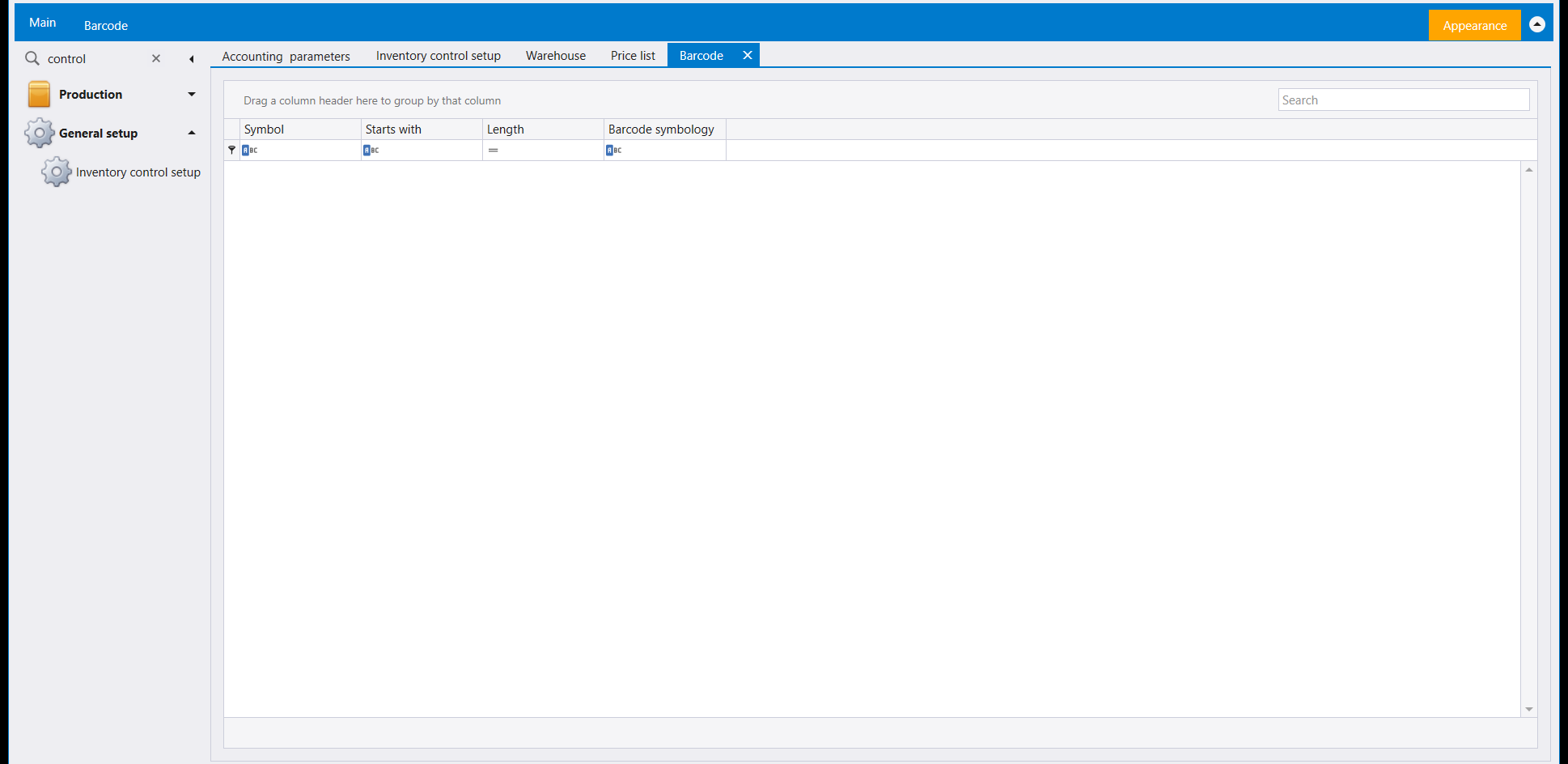
Barcode is a list with the columns Symbol, Starts with, Length and Barcode symbology, empty in the company shown.
ضمن General setup يفتح Inventory control setup صفحة من ستة مربّعات: Countries وBarcode وFamily وWarehouse وPrice list وVat policy reasons. لـFamily دليل خاص به (عائلات الأصناف)، وCountries مشروحة مع لوائح الاختيار الأخرى في اللوائح والحقول الحرة. ويغطي هذا الدليل الثلاثة الباقية.
١. Warehouse
يفتح مربّع Warehouse لائحة المستودعات باسمها (Name) مع صندوق Search. وهذه الأسماء هي التي يعرضها عمود Warehouse في مستند المخزون، وحقلا From Warehouse / To Warehouse في التحويل - راجع مستندات المخزون ونقل المخزون بين المستودعات.
وليس على المستودعات أن تبقى لائحة مسطّحة. فعّل Warehouse hierarchy ضمن خيارات المستودعات في معايير المخزون (معايير النظام)، فيصبح بالإمكان وضع مستودع تحت آخر، وتُقرأ اللائحة عندها شجرةً من آباء وأبناء بدل عمود واحد من الأسماء.
والغرض الحقيقي من الشجرة هو العدّ. ضع غرف المبنى أو رفوفه أو صناديقه تحت المبنى نفسه، فيصير عدّ المخزون ممكنًا موقعًا بعد موقع، يُعدّ كل مستودع صغير وحده ويصبّ في الذي فوقه. أما الشراء والبيع اليوميان فلا يتأثران بشكل الشجرة: فالفاتورة العادية تبقى تصل إلى المستودع الافتراضي للصنف نفسه، ولهذا يحمل كل صنف مستودعًا افتراضيًا.
لكن خطّط للشجرة قبل تشغيل المستودعات. فالمستودع الذي يحمل بضاعة يبقى في مكانه - يُبقيه ليبرا تحت الأب الذي له أصلًا بدل أن تنتقل البضاعة التي فيه معه.
٢. Price list
تسرد Price list لوائح أسعار الشركة برقمها (Number) واسمها (Name). وفي الشركة المعروضة لائحة واحدة هي Default Price List.
٣. Barcode
Barcode لائحة بأعمدة Symbol وStarts with وLength وBarcode symbology، فارغة في الشركة المعروضة.